
Sintra AI Review: 12 AI Bots Ran My Influencer Empire for 30 Days
Three Instagram accounts. Zero human assistants. One dashboard doing what usually takes a small team. That’s the pitch behind Sintra AI, and I spent 30 days putting it through actual creator work instead of just reading a features page. If you build AI influencer accounts, run a faceless persona, or juggle captions and DMs across…

By :
Anthony
July 2, 2026
Three Instagram accounts. Zero human assistants. One dashboard doing what usually takes a small team. That’s the pitch behind Sintra AI, and I spent 30 days putting it through actual creator work instead of just reading a features page.
If you build AI influencer accounts, run a faceless persona, or juggle captions and DMs across multiple profiles, this Sintra AI review covers everything that matters: pricing, bot performance, real workflow, competitor comparisons, and a code that cuts your first plan by 75%.
The Verdict Nobody Gives You Upfront
Content doesn’t stop needing to be made just because you ran out of hours. Captions, posting schedules, fan replies, newsletters — it piles up fast when you’re running multiple accounts solo.
Quick verdict: Sintra AI genuinely cuts weekly content hours for creators managing 2+ AI influencer accounts, but it’s a co-pilot, not a fully hands-off autopilot.
Sintra AI in One Line (For the Skimmers)
Sintra AI gives you 12 specialized AI employees — each built for one job like social posting, copywriting, email, or SEO — so a solo creator can run what usually takes a full team.
Best For This Creator, Skip If You’re That One
What Is Sintra AI, Really? (No Fluff Version)
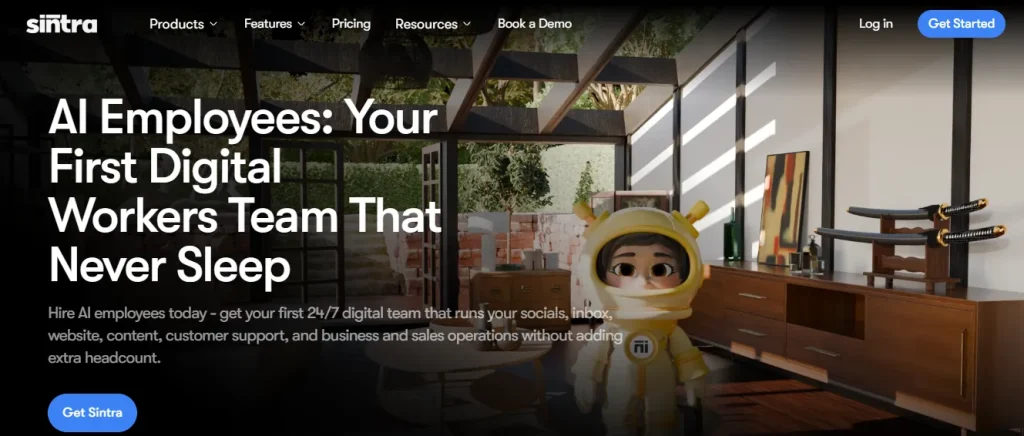
Sintra positions itself as your first digital employee team — a set of AI workers built for specific business roles instead of one generic chatbot trying to do everything. Each “employee” has a name, a defined job, and gets smarter the more context you feed it about your brand voice.
For creators specifically, that means skipping the twelve-role roster built for full businesses and focusing on the handful of employees that actually match a content creator’s daily grind.
The ‘AI Team’ Pitch — Hype or Actual Help?
The comparison to hiring a team holds up better than expected. Sintra runs on Claude 4.5 Sonnet with training across more than 100,000 unique data points, and the company reports processing over 100 million prompts in 2025 alone across 600,000+ managed accounts in 50+ countries. That’s not a small operation guessing at outputs — it’s a platform with real usage data behind it.
Exclusive 75% OFF Sintra AI Coupon — Limited-Time Creator Deal
Join thousands of creators and businesses using Sintra AI to streamline their workflows. Enter AFFINCO75 at checkout to unlock an exclusive 75% discount and get started for much less than the regular price.
Meet the Full Employee Roster (And Who Creators Actually Need)
Sintra ships with 12 AI employees total, but influencer creators will realistically lean on four or five of them daily.
Soshie: Your Social Media Manager That Never Clocks Out
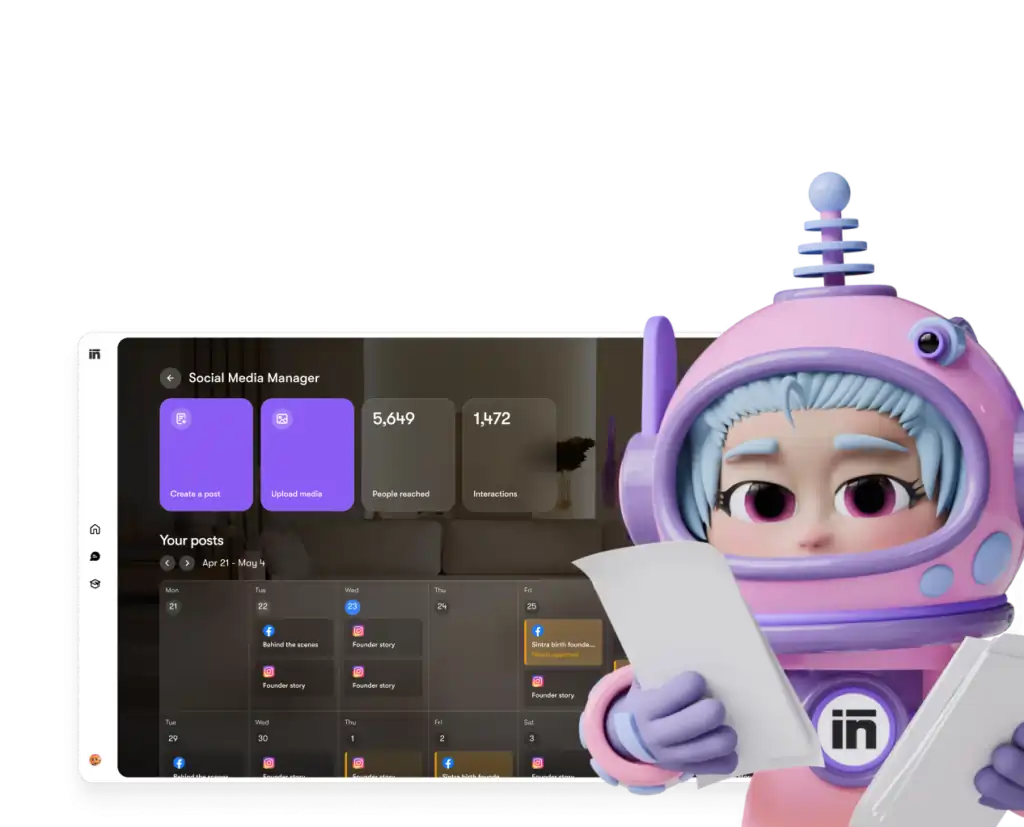
Soshie handles content generation, strategy planning, post scheduling, and trend-spotting across platforms. For creators running multiple AI influencer accounts, this is the employee doing the heaviest lifting.
Because Soshie connects through Sintra’s 1,000+ integrations, posts publish directly to your real Instagram or TikTok account instead of sitting as drafts.
Penn: The Copywriter Who Kills Blank-Page Panic
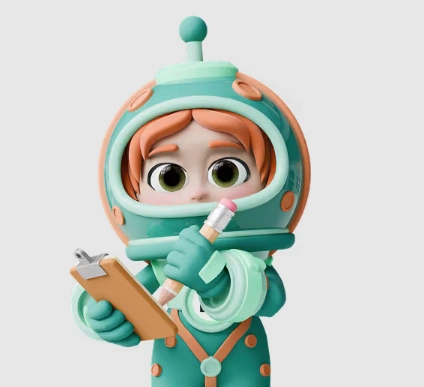
Penn writes ad copy, captions, blog content, and marketing scripts built to convert. It won’t invent your personality, but it clears the 20-minute stare-at-the-screen problem before every post.
Emmie: Your Email Marketing Specialist for Fan Revenue

Emmie crafts emails, builds win-back flows, and turns a subscriber list into actual revenue. If you’re monetizing an AI influencer through a mailing list or subscription platform, this is the employee handling that pipeline.
Emmie sends through your actual connected email provider via the same integration layer, so campaigns go out from your real domain, not Sintra’s.
Seomi: The SEO Mastermind Behind Your Website Traffic
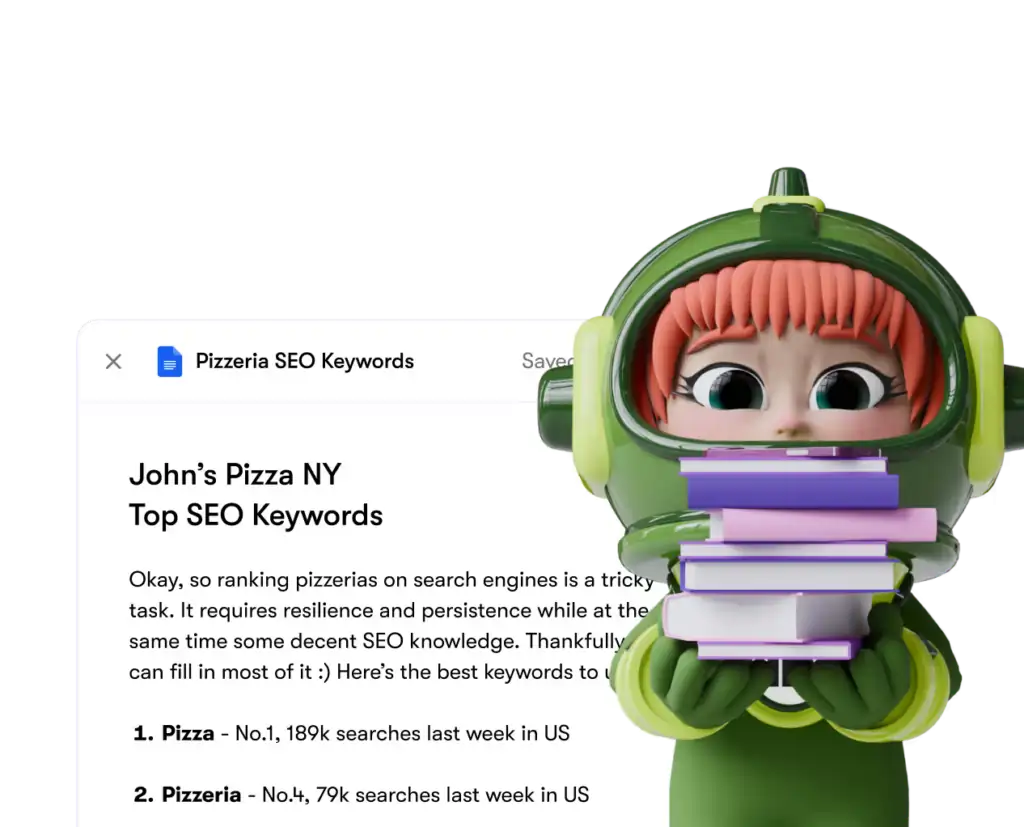
Seomi builds SEO strategies, writes optimized blog posts, and helps push your website rankings up — useful if your AI influencer persona also runs a blog, link-in-bio page, or landing site.
Gigi: Personal Growth Support, Not Just Scheduling
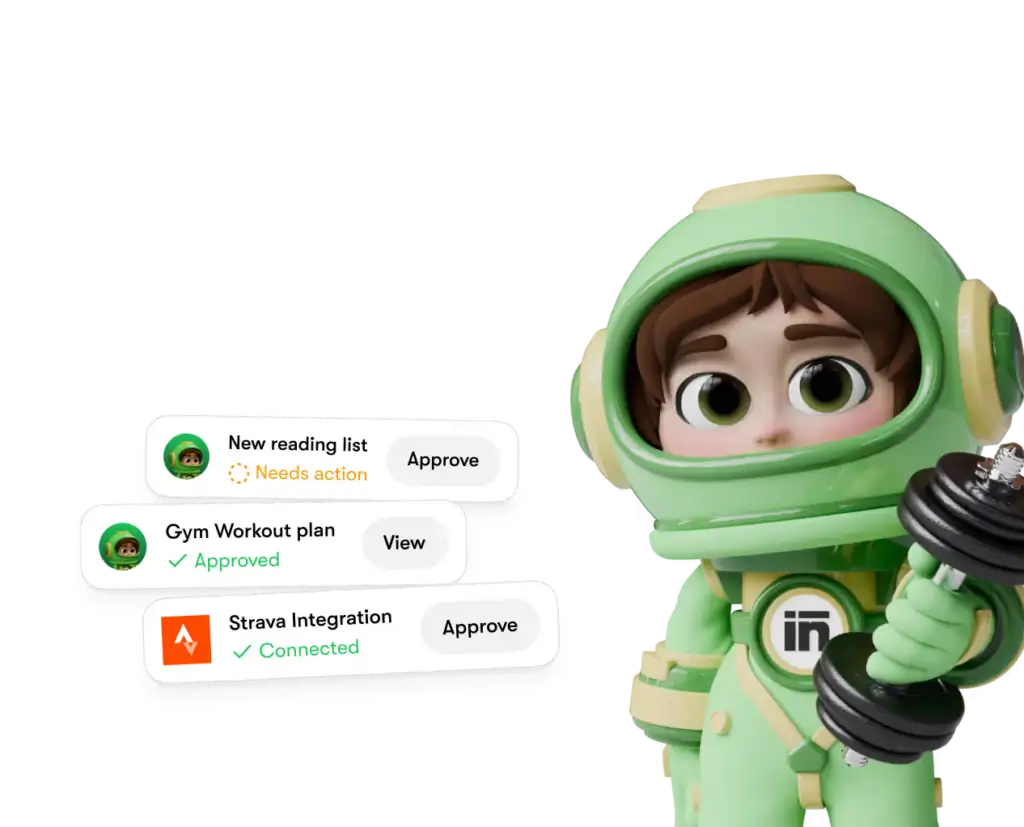
Gigi is officially your personal growth coach — helping with routines, meal planning, study sessions, and daily balance rather than pure calendar admin. Creators juggling burnout-heavy content schedules use this one to keep sane, not just organized.
| Employee | Official Role | Creator Use Case | Time Saved Weekly |
|---|---|---|---|
| Soshie | Social Media Manager | Multi-account posting and scheduling | 4-6 hours |
| Penn | Copywriter | Captions, hooks, ad copy | 3-5 hours |
| Emmie | Email Marketing Specialist | Fan newsletters, subscription revenue | 2-4 hours |
| Seomi | SEO Mastermind | Blog and website optimization | 2-3 hours |
| Gigi | Personal Growth Coach | Daily balance and routine support | 1-2 hours |
The Employees You’ll Honestly Rarely Open
Cassie (Customer Support), Dexter (Data Analyst), Buddy (Business Strategist), Scouty (Recruiter), Commet (eCommerce Specialist), Milli (Sales Strategist), and Vizzy (Virtual Assistant) round out the roster. Useful for a full business operation, but most solo AI influencer creators will open these once out of curiosity and rarely return.
I Ran 3 AI Influencer Accounts on Sintra — Here’s the Workflow
Here’s the actual test: three separate AI influencer personas, each with a different niche and posting schedule, run through Sintra for four straight weeks.
Sintra’s official onboarding follows a simple four-step flow:
- Share how your business works
- Connect your tools and systems
- Define rules and success criteria
- Sit back while your AI employees execute
My actual daily workflow on top of that setup looked like this: write a weekly content brief, let Penn draft captions and short scripts, review for voice consistency, hand approved content to Soshie for scheduling, and let Emmie manage inbound fan emails and newsletter drafts.
Week one required constant correction — Penn’s captions felt generic until I fed it real examples of my own writing. By week three, output needed minimal editing.
My Week Before vs After Sintra AI (The Hours Don’t Lie)
Multiple Workspaces for Running Several AI Personas
One feature that matters specifically for creators running more than one AI influencer account: Sintra allows up to 5 separate business profiles, each customized to its own goals, and workspaces can be shared with a team in real time.
If you’re managing distinct personas with different niches and tones, this keeps everything separated cleanly instead of one messy shared dashboard.
Brain AI: Why Your Employees Actually Sound Like You
Brain AI is what stops your employees from sounding like generic ChatGPT output. Feed it your brand documents, tone-of-voice notes, existing captions, or a website to scrape, and every helper pulls from that same knowledge base.
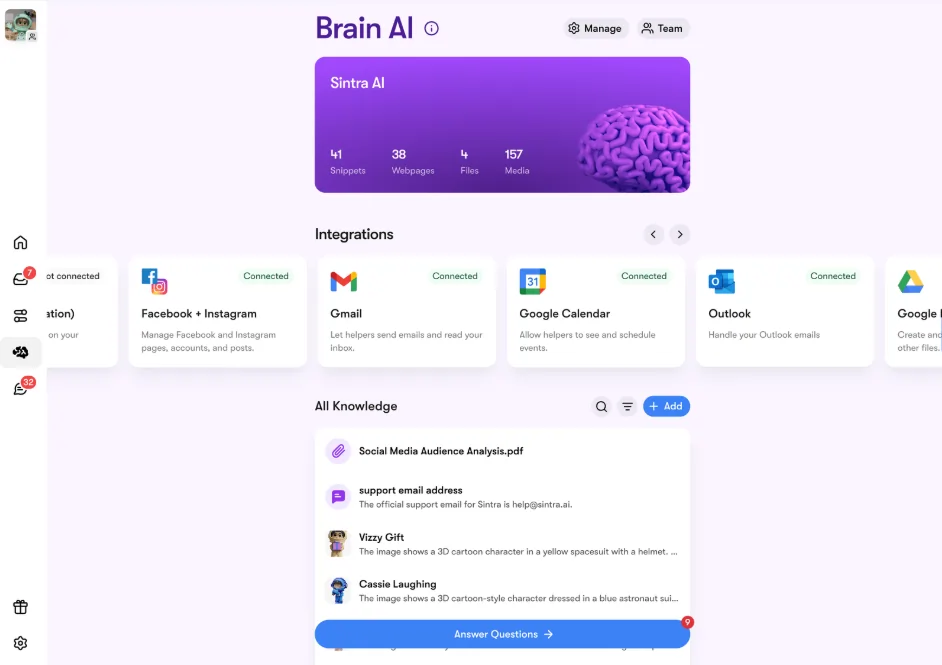
For an AI influencer creator, this means Penn actually writes in your persona’s voice instead of default corporate copy. The system keeps learning from every interaction too, and a new update now lets Brain AI auto-organize your uploaded knowledge instead of you sorting it manually — a smaller detail, but it saves real setup time for creators managing multiple personas.
Integrations: It Works Inside Tools You Already Use
Sintra connects directly into 1,000+ tools powered by Composio, covering social platforms, email, calendars, CRMs, file storage, and analytics.
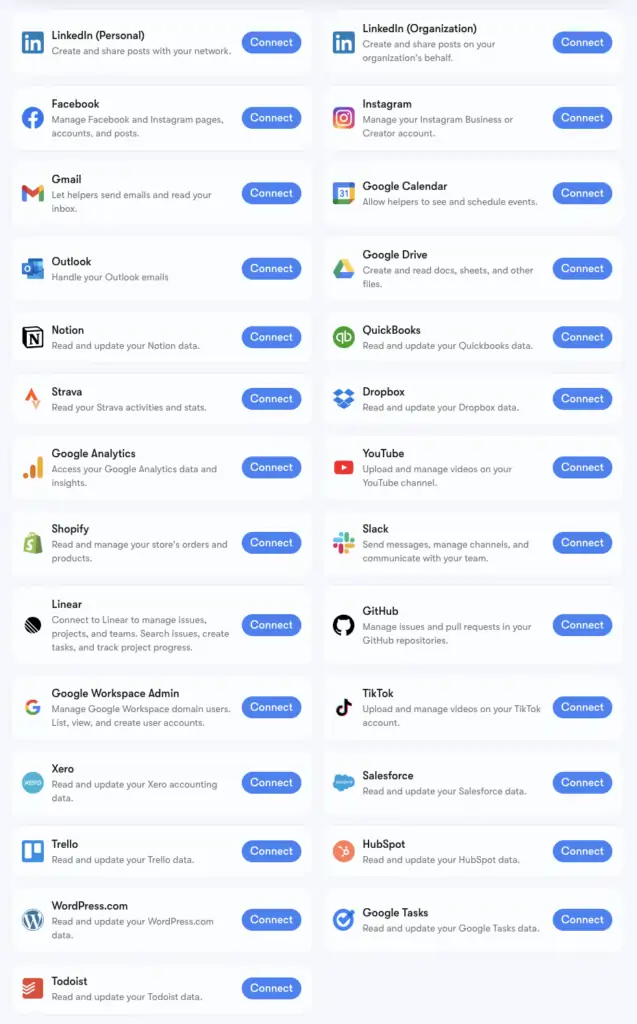
For creators, that means Soshie posts straight to your real Instagram or TikTok, and Emmie sends from your actual email provider, instead of content sitting inside Sintra waiting to be copy-pasted elsewhere.
Categories relevant to influencer work include Instagram, TikTok, YouTube, LinkedIn, Facebook, Gmail, Notion, and Google Drive. There’s no public API, so everything runs through these pre-built connectors rather than custom development — meaning zero coding, just clicking connect.
Sintra AI Pricing — Here’s Exactly What You Pay
| Plan | Regular Rate | Sale Rate | Total Billed | Savings |
|---|---|---|---|---|
| Monthly | $97/mo | $48.50/mo | $48.50 for 1 month | 50% off |
| Quarterly | $59/mo | $23.60/mo | $70.80 for 3 months | 60% off |
| Yearly (Most Popular) | $52/mo | $15.60/mo | $187.20 for 12 months | 70% off |
Every plan includes all 12 AI employees, 250 monthly credits, 15+ integrations, and 24/7 support — the only difference is commitment length and price per month.
Use code AFFINCO75 at checkout for 75% off your first plan, which is the exact code I used to test every tier without burning through a full month’s budget upfront.
Cost Per Employee vs Hiring a Human VA
A part-time virtual assistant handling social scheduling and captions alone typically costs more per month than Sintra’s quarterly plan, before factoring in training time and turnover. That math alone makes it worth testing for anyone currently paying a human for repetitive content tasks.
Solo Creator or Agency? Pick Based on Commitment, Not Just Price
If you’re testing the waters with one account, the monthly plan covers you fine at $48.50 with the discount. If you’re running multiple AI influencer personas long-term, the yearly plan at $187.20 total works out cheaper than three months on the monthly tier.
💸 Unlock the Biggest Sintra AI Discount Before You Subscribe
Get more value from your subscription by using AFFINCO75 at checkout. This exclusive coupon unlocks 75% OFF your first plan, making it the most affordable way to explore Sintra AI’s full suite of AI employees.
Sintra AI vs OpenAI vs Claude vs Lindy (The Real Comparison)
Sintra publishes its own comparison against general AI tools, and the gaps matter for creators specifically.
| Feature | Sintra AI | OpenAI (ChatGPT) | Claude | Lindy |
|---|---|---|---|---|
| Daily business ideas generated | 12 | 1 | 4 | 1 |
| Highly trained on specific roles | Yes | No | No | Limited |
| Posts automatically to platforms | Yes | No | No | Limited |
| Personalized to your brand | Yes | Limited | Limited | Yes |
| Built for teams | Yes | Limited | Limited | Yes |
| Integration depth | 1,000+ | Limited | Limited | Moderate |
No general chatbot auto-posts to your social platforms or runs as a role-specific employee out of the box. That’s the actual differentiator for creators who don’t want to copy-paste output between five different tabs.
Sintra AI vs Later vs Flick vs ContentStudio
| Feature | Sintra AI | Later | Flick | ContentStudio |
|---|---|---|---|---|
| Full workflow (captions to posting) | Yes | No | No | Partial |
| Caption quality | Strong with training | None | Good | Basic |
| Multi-account support | Yes | Yes | Limited | Yes |
| Fan email automation | Yes (Emmie) | No | No | Limited |
If all you need is a scheduling calendar, Flick or Later cost less and do that single job cleanly without a learning curve.
What Works Well for Creators
Where It Falls Short (Don’t Skip This)
The Bot Handoff Glitch That Almost Made Me Quit
Twice during testing, content approved through Penn didn’t sync correctly to Soshie’s queue, meaning a scheduled post silently failed to go live. Support resolved it within a day, but creators running time-sensitive content should manually double-check queued posts during the first couple of weeks.
Who Sintra AI Is Actually Built For
Don’t Buy It If This Sounds Like You
You post to a single account occasionally, want full manual control over every word, or aren’t ready to spend a week training employees on your tone before seeing real time savings.
Real Users, Real Results
Beyond my own test, Sintra reports over 40,000 entrepreneurs across 100+ countries actively using the platform.
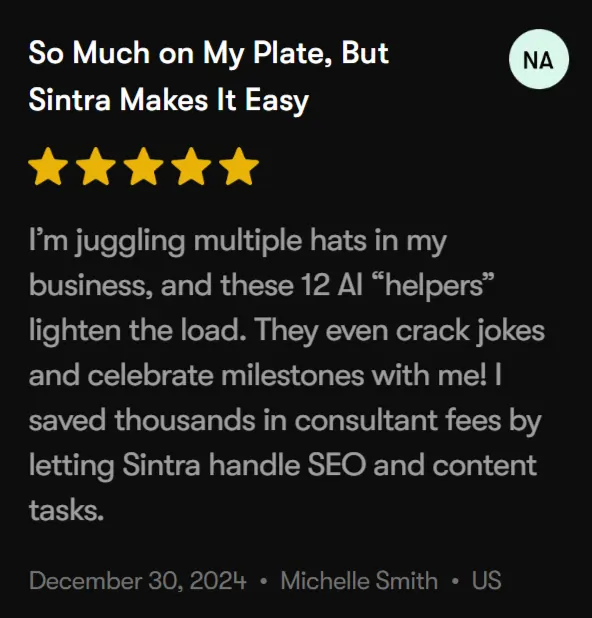
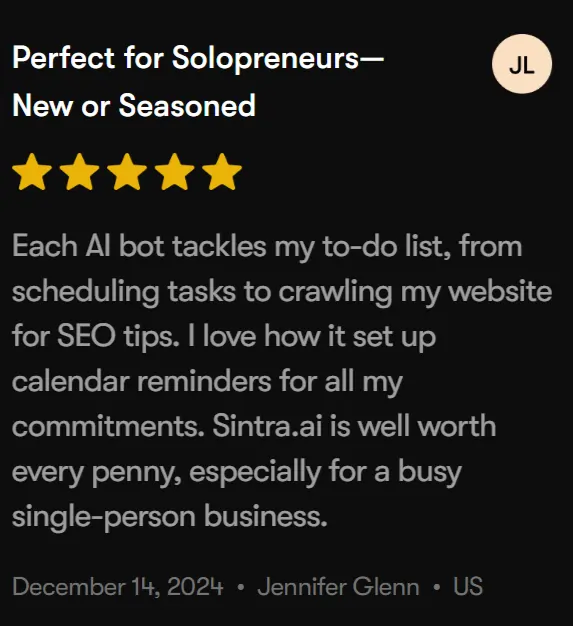
One user noted saving thousands in consultant fees by letting Sintra handle SEO and content tasks, while another, specifically highlighted the SEO crawling and calendar automation as valuable for a single-person business.
That kind of consistent feedback across independent solo operators lines up with what I experienced running multiple accounts.
Sintra AI Review FAQ (The Questions Everyone Googles)
Can Sintra AI run an Instagram account by itself?
It handles posting, captions, and scheduling with minimal input, but fully unattended output tends to drift generic over several weeks without occasional review.
Does Sintra AI work for Fanvue or OnlyFans creators?
Yes — Emmie’s email automation suits subscription-based fan communication well, and Penn’s copywriting applies across any platform, not just Instagram.
How many social accounts can Sintra AI manage at once?
Multiple accounts are supported, and the 5-workspace profile system lets you keep separate personas fully organized.
Is Sintra AI better than hiring a virtual assistant?
For repetitive tasks like scheduling and first-draft captions, yes, at a fraction of a monthly VA salary. For strategy and creative direction, you still stay hands-on.
Does Sintra AI write captions that sound human?
After training on your own examples for a couple of weeks, output improves significantly — expect editing initially rather than word-for-word usable copy on day one.
Is there a money-back guarantee?
Yes, every plan includes a 14-day money-back guarantee, so testing it risk-free is straightforward.
Final Verdict — Should Creators Buy Sintra AI in 2026?
| Category | Rating (out of 5) |
|---|---|
| Automation depth | 4.5 |
| Ease of use | 4 |
| Value for creators | 4.5 |
| Creator-fit | 4 |
If you’re running one AI influencer account casually, this is more tool than you need. If you’re managing multiple personas, chasing consistent posting schedules, or drowning in fan messages, Sintra AI earns its spot in your stack fast — especially with code AFFINCO75 cutting your first plan by 75%.
✅ Why Trust This Sintra AI Review
This review comes from 30 days of hands-on testing across three separate AI influencer accounts, not a rewrite of the company’s own landing page. Every time comparison, glitch, and workflow step mentioned here happened during actual daily use tracked against a stopwatch and shared calendar.
Pricing, bot roles, and platform statistics were cross-checked directly against Sintra’s official site, and this review will be updated if pricing or features change.

AITwin Ninja
Affiliate Disclosure: This post may contain some affiliate links, which means we may receive a commission if you purchase something that we recommend at no additional cost for you (none whatsoever!)
Similar Posts


Author
Anthony
Anthony, a content strategist for AI Twin, is fascinated by AI’s creative potential. He specializes in exploring how generative tools are revolutionizing art, writing, and digital content creation, providing practical insights for creators and entrepreneurs.