✦ The playful side of serious AI creation
Make AI influencers that look real, move right ✦ and stop the scroll.
No fluffy theory. Get tested workflows for consistent characters, cinematic AI video, smarter automations and fewer wasted credits.
Built around real tutorials
1.34K subscribers · 125 practical videos

01 Pick a face
02 Lock identity
03 Make it move
We test the tools you keep hearing about

Fresh from YouTube
Watch it. Try it. Make it yours.
Real screens, honest tests and workflows you can copy today.


What can you create?
One AI creator. So many ways to make it work.
Pick the format first, then build the smallest tool stack that can produce it well.
AI influencers
Build a virtual creator people recognise.
Shape the niche, visual identity and repeatable content style before you start publishing.
Explore this creator path
AI UGC adverts
Turn product briefs into creator-style clips.
Plan hooks, talking shots and product moments for social adverts without a full studio day.
Explore this creator path
Virtual fashion models
Create campaign looks without losing the face.
Keep one recognisable model across outfits, poses, body types and brand-safe locations.
Explore this creator path
Faceless YouTube creators
Build a channel persona that never needs a camera.
Combine a repeatable avatar, voice and content format for explainers, ASMR or niche channels.
Explore this creator path
Pick your creator path
From blank canvas to booked-out content calendar.
Start where you are stuck. Each path connects the right video, guide and tool stack, so you do not have to piece it together alone.
01
Create your AI creator
Build a face worth following.
Choose the niche, shape the identity and train a character that stays recognisable across every post.
OpenArt
APOB AI
LoRA
01
Create
02
Keep consistent your AI creator
Same creator. Every angle.
Lock the face, body cues and visual language before you burn credits on an entire content calendar.
Prompt system
Reference sets
Soul ID
02
Keep consistent
03
Animate your AI creator
Turn one still into a tiny movie.
Use cinematic camera moves, natural body motion and lip sync that does not break the illusion.
Higgsfield
Kling AI
TopView
03
Animate
04
Automate your AI creator
Connect the boring bits.
Plan, prompt and move assets between your favourite tools with Claude, ChatGPT and MCP workflows.
Claude
ChatGPT
MCPs
04
Automate
05
Monetise your AI creator
Build the funnel after the face.
Turn consistent posts into audience trust, email subscribers and offers without faking overnight results.
Content plan
Fan funnel
Offers
05
Monetise
AI creator tool finder
Pick the tool for the shot, not the hype.
Start with the outcome you need. Each route points to a practical tutorial, review or tested workflow.
01
Character + image
Create the face
Build reference images, train a reusable identity and generate the stills worth animating.
OpenArt
ImagineArt
APOB AI
02
Video + motion
Make it move
Choose a video model by shot type, camera control, realism and cost per usable result.
Higgsfield
Kling AI
TopView
03
Voice + lip sync
Make it speak
Add a voice, match mouth movement and keep the performance natural enough to publish.
ElevenLabs
HeyGen
OpenArt
04
Planning + automation
Connect the workflow
Use Claude, ChatGPT and MCP connections to plan prompts, organise assets and reduce hand-offs.
Claude
ChatGPT
MCP
Verified creator deals
Keep the quality. Lose the full price.
Codes and bonuses we found on the live AITwin Ninja content.
EXCLUSIVE CODE
✦
OpenArt
15% off any plan
Consistent characters, custom models, images and video in one creator workspace.
ALL15
CREATOR BONUS
✦
SugarLab AI
50% off + 420 tokens
A larger starting balance for testing character images and creator workflows.
AUTO APPLIED
START FREE
✦
Pykaso AI
5 free starter gems
Test character training and face-swap workflows before buying a larger gem pack.
NO CODE
Offers can change. We recheck every code against its linked tool page before recommending it.
AI credit saver lab
Spend credits on the final shot, not the failed ones.
Better prompts help, but the biggest savings come from the order in which you test. Lock the cheap decisions before you generate the expensive layer.
NINJA CREDIT RECIPE
Test small. Keep winners. Scale last.
01
Approve the still first
Do not animate a face, pose or outfit you already dislike. Fix the cheapest layer before moving on.
02
Test the shortest useful clip
Use a short motion test to check identity, hands and camera direction before the final generation.
03
Change one variable at a time
Keep the reference and shot brief fixed while you compare models, motion settings or prompt changes.
04
Reuse every winning asset
Save approved references, prompts, voices and shot settings so the next post starts halfway finished.
Step-by-step guides
Read it when you need the details.
Videos for momentum. Guides for every button, setting and tiny fix.
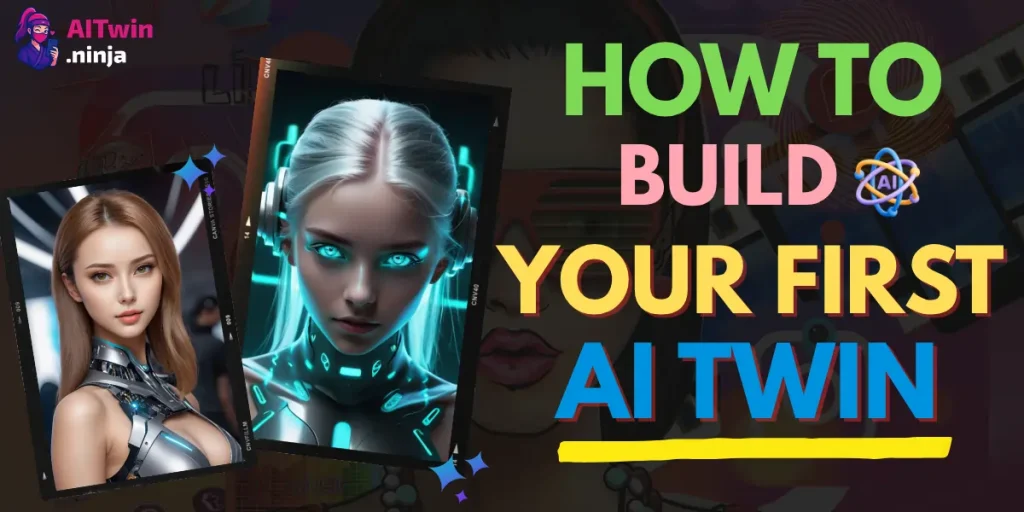
How to Build Your First AI Twin in Under 2 Hours (2026)
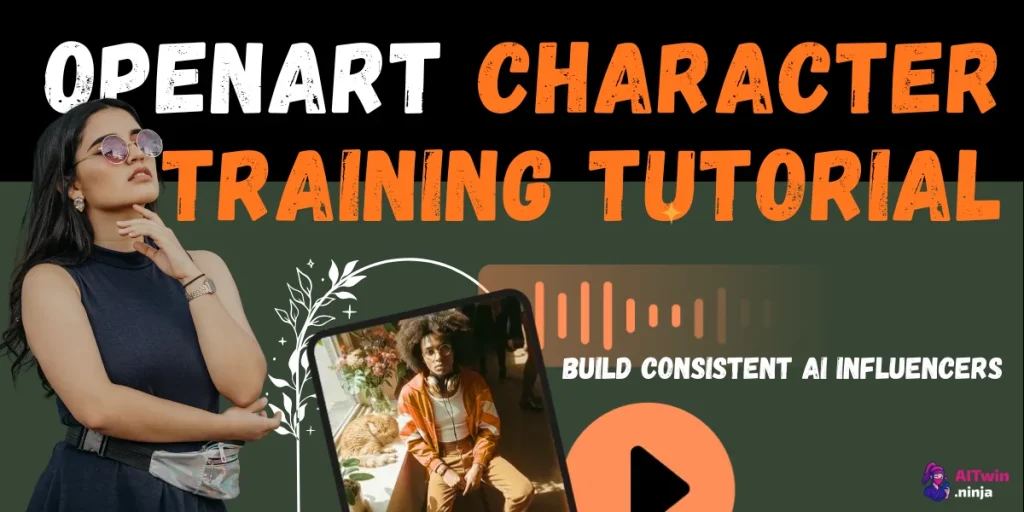
OpenArt Character Training Tutorial: Build Consistent AI Influencers
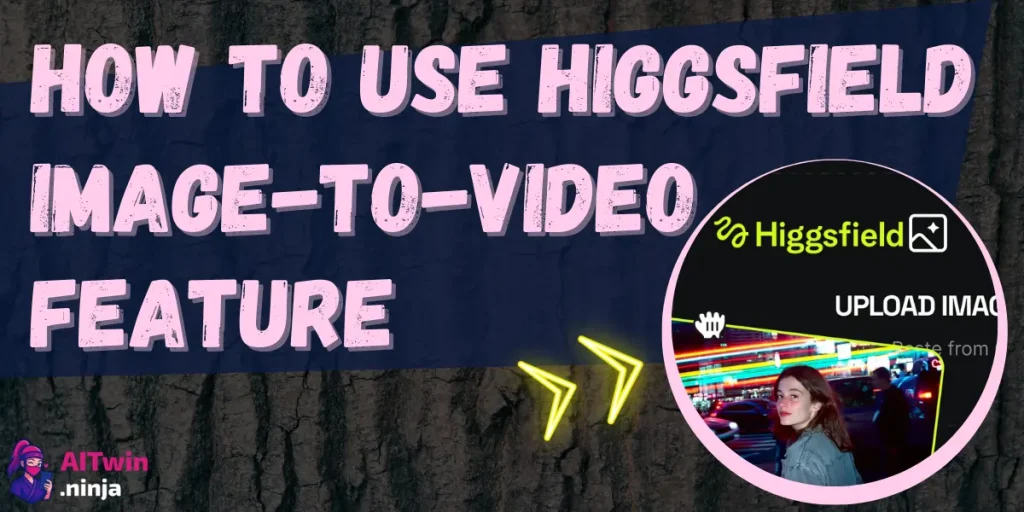
How to Use Higgsfield Image-to-Video Feature (Complete 2026 Guide)
Inside the AITwin test lab
We test the awkward first take too.
A glossy result is only useful when you can repeat it. This is the scorecard behind practical tool reviews and creator workflows.

01
Same creator brief
A fixed identity and shot request make tool comparisons more useful than random showcase generations.
02
Usable result check
We look at face stability, body movement, hands, camera control, lip sync and obvious artefacts.
03
Friction + credit notes
Set-up time, failed attempts and credits spent matter just as much as one perfect final frame.
04
Workflow, not hype
The useful settings, limitations and next steps belong in the tutorial so you can repeat the result.
Face stability
Motion
Hands
Lip sync
Set-up time
Credits

Free PDF, usually $97
Your first AI creator does not need to start from zero.
The current AITwin Ninja blueprint packages the five-step creation process, content templates, tool comparisons, privacy basics and monetisation ideas into one download.
No spam. Just the PDF and useful creator drops.
Creator proof
Let the community do the flirting.
The live site does not yet publish verified testimonials. These polished proof slots are ready for real YouTube comments and School wins.
“
Add a short, specific comment from a creator who completed a workflow.
YT
Verified commenter
Link to the source comment
“
Show a real before-and-after result, including the tool and credits used.
AI
Verified creator
Result shared with permission
“
Reserve this card for an early member’s first published creator project.
01
Founding member
Coming after launch
AI influencer FAQs
Questions you were absolutely going to Google.
Clear answers about AI influencers, video tools, character consistency, credits, automation and the upcoming School.
✦
Still stuck? Start with the free beginner guide or ask under the latest YouTube tutorial.