9 Pykaso AI Alternatives I Switched To (No Regrets)
Pykaso AI does a lot right — consistent characters, LoRa training, quick turnarounds. But the credit system burns through fast, support responses can be slow, and pricing doesn’t always match what you actually get. If you’ve hit that wall, you’re not alone. Rather than sticking with a tool that frustrates you, it makes sense to…

By :
Anthony
April 11, 2026
Pykaso AI does a lot right — consistent characters, LoRa training, quick turnarounds. But the credit system burns through fast, support responses can be slow, and pricing doesn’t always match what you actually get. If you’ve hit that wall, you’re not alone.
Rather than sticking with a tool that frustrates you, it makes sense to look at what else is out there. This article breaks down the top 9 Pykaso AI alternatives worth considering — each picked based on character consistency, pricing flexibility, and what real users are saying right now.
Why Creators Are Switching: The Pykaso AI Alternatives Demand
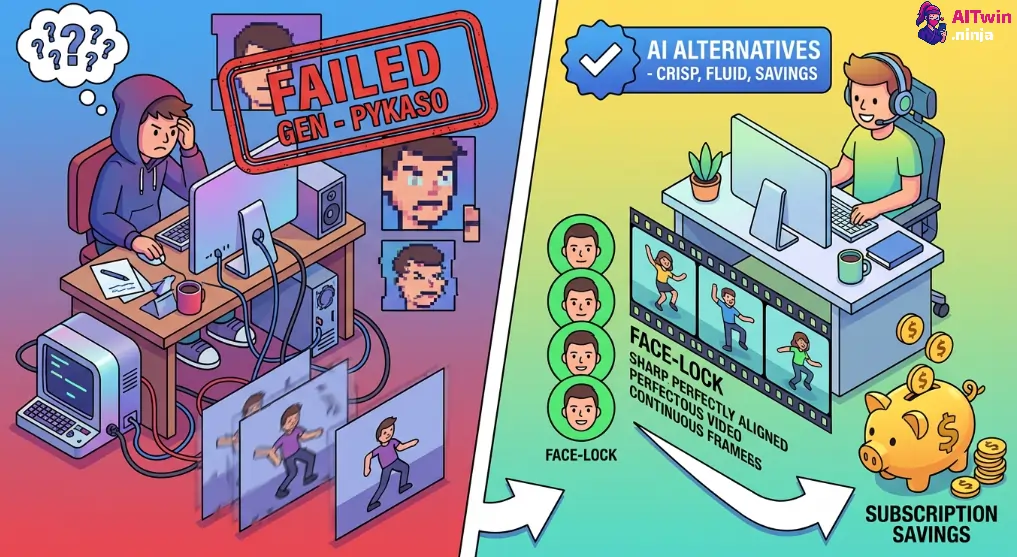
For many digital creators, the initial appeal of Pykaso AI was its promise of easy, consistent character generation. However, as users scale their content production, significant limitations often emerge that hinder professional workflows. The demand for robust Pykaso AI alternatives is largely driven by a need for better cost efficiency and higher fidelity in video outputs.
Creators frequently report frustration with the credit-based system, where failed generations still consume valuable resources. Furthermore, maintaining strict facial consistency across different angles and lighting conditions remains a challenge for many standard models. Users are increasingly seeking platforms that offer:
This shift reflects a maturing market where creators require dependable tools to build sustainable virtual influencer brands.
High-Performance Platforms You Can Use Instead of Pykaso AI
| Top Pykaso AI Alternatives | Key Feature | Ideal User |
|---|---|---|
| OpenArt AI | Consistent Characters | Digital Artists |
| Higgsfield AI | Mobile Video | Social Creators |
| TopView AI | Viral Ad Videos | E-commerce Brands |
| Akool | Pro Face Swap | Ad Agencies |
| Apob AI | Consistent Identity | AI Influencers |
| InVideo.io | Text-to-Video | YouTubers |
| Veed.io | AI Video Edits | Content Marketers |
| Kling AI | Realistic Motion | Filmmakers |
| RunwayML | Cinematic Control | Pro Editors |
1. OpenArt
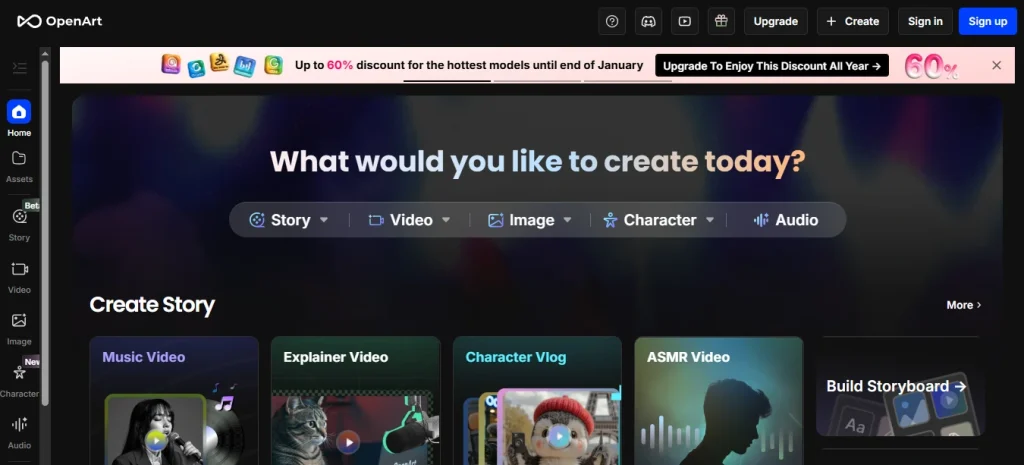
Coming in at the #1 spot in our list of Pykaso AI alternatives is OpenArt, a powerful AI image generator designed for creators who demand precision and creative control. Unlike basic AI art tools that rely heavily on random generations, OpenArt gives users granular control over Stable Diffusion models, making it the perfect choice for maintaining exact character consistency across multiple images.
For those moving away from Pykaso AI, OpenArt serves as a robust workstation. It aggregates millions of community-generated prompts and models, significantly reducing the learning curve for new styles. If you are designing consistent game assets or virtual influencer portraits, the platform balances deep technical capability with an accessible interface, bridging the gap between casual generation and professional design.
OpenArt Pros and Cons
Pros
Cons
Why Choose OpenArt?
Best for designers needing granular control and consistent character identities without setting up local software.
Exclusive 15% Off OpenArt Now
ALL15 – Get any OpenArt plan instantly at 15% off and master precise AI image generation with character consistency rivaling Pykaso AI.
2. Higgsfield
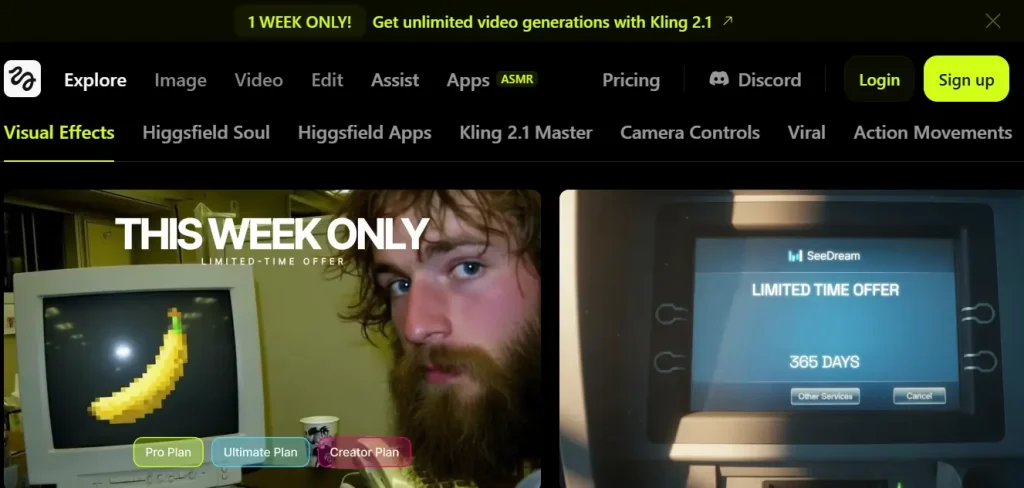
Higgsfield enters the market as a direct competitor to Pykaso’s video features, specifically targeting social media creators who prioritize speed and motion quality. Its flagship app, Diffuse, allows users to generate highly personalized videos from a single selfie, maintaining subject identity better than many desktop-bound alternatives.
While Pykaso struggles with complex motion consistency, Higgsfield excels at understanding physics and realistic movement. The platform is built to democratize high-end animation, enabling users to place their characters into dynamic scenes without the “warping” effects common in older AI models.
Higgsfield Pros and Cons
Pros
Cons
Why Choose Higgsfield?
Ideal for social media creators needing fast, high-quality AI video generation directly from a smartphone.
3. TopView
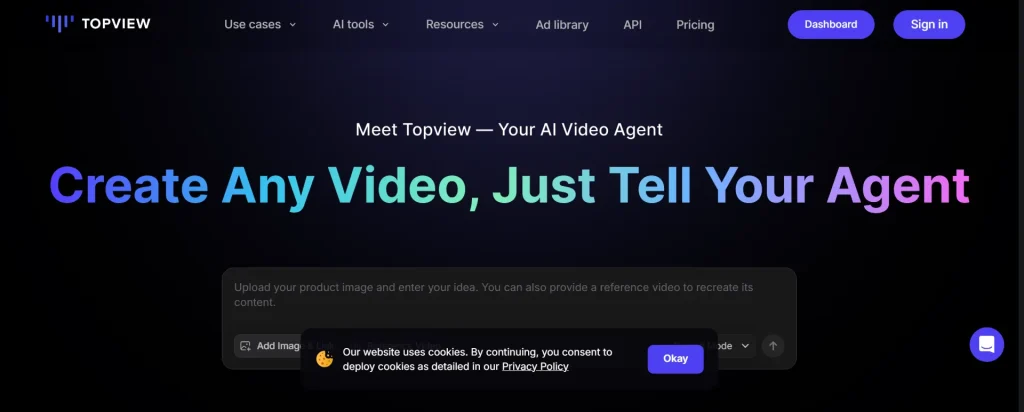
TopView takes a different approach than Pykaso by focusing strictly on marketing outcomes rather than just raw image generation. It is engineered to convert product links and raw media into fully edited video ads, complete with scripts, voiceovers, and avatars. For e-commerce brands and dropshippers leaving Pykaso, this tool automates the entire “concept-to-ad” workflow, saving hours of manual editing time.
The platform’s strength lies in its understanding of advertising psychology. Instead of generating a random clip, TopView structures videos with hooks, benefits, and calls to action. It effectively replaces the need for a separate scriptwriter and video editor, offering a streamlined path for businesses that need to scale their video creative output without hiring a full production team.
TopView Pros and Cons
Pros
Cons
Why Choose TopView?
The go-to choice for e-commerce marketers needing to automate high-converting video ad production at scale.
4. Akool
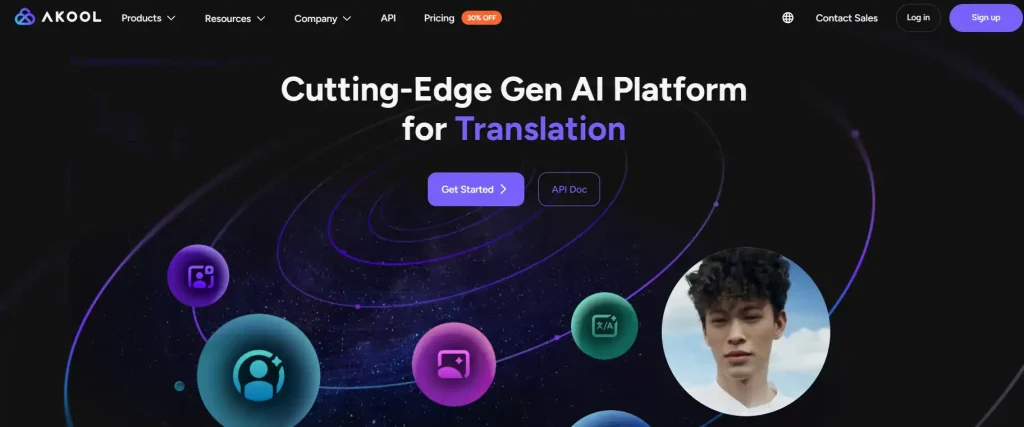
Akool has established itself as a premium alternative for users who specifically used Pykaso for face-swapping and character insertion. It offers cinema-grade face replacement technology that handles lighting and angles with superior accuracy, making it a favorite for commercial advertising and personalized video campaigns.
Beyond just images, Akool provides a suite of tools for creating talking avatars and translating video content into multiple languages with lip-syncing. This makes it an invaluable asset for global marketing teams.
Akool Pros and Cons
Pros
Cons
Why Choose Akool?
Perfect for brands requiring flawless face-swapping and realistic avatars for professional advertising campaigns.
5. Apob
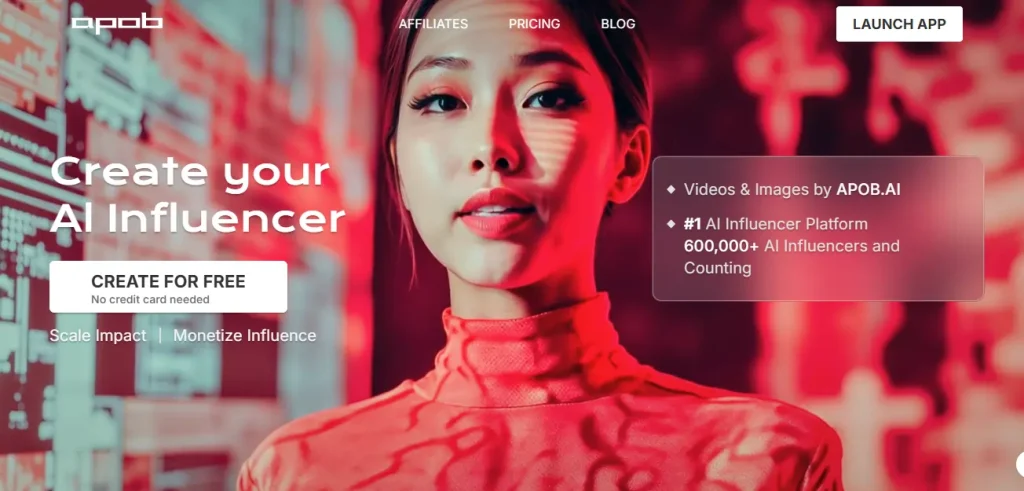
Apob is laser-focused on solving the “identity drift” problem that plagues many Pykaso users. It specializes in creating and maintaining consistent AI characters across thousands of different scenarios, poses, and outfits.
For users building an AI influencer career, this tool ensures your digital persona looks identical in every post, which is the key factor in building audience trust and engagement over time.
The platform simplifies the training process, allowing you to define a character’s core features once and apply them indefinitely. It removes the need for complex prompt engineering to retain facial structure.
Apob Pros and Cons
Pros
Cons
Why Choose Apob?
The specialist choice for virtual influencer creators who prioritize perfect facial consistency across all posts.
6. InVideo
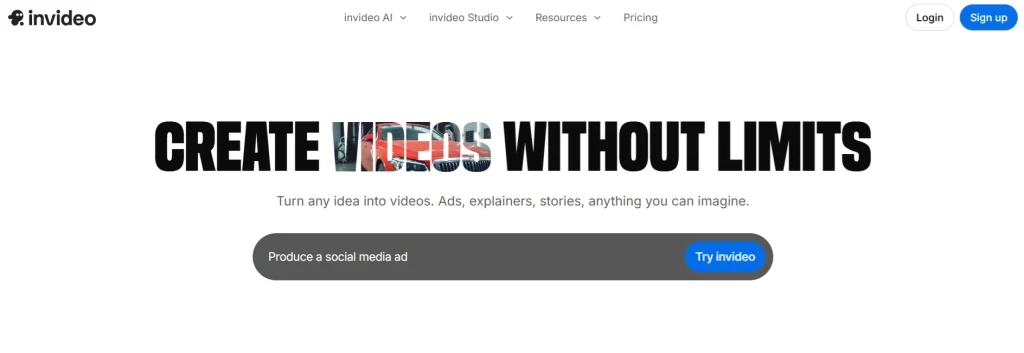
InVideo offers a robust departure from Pykaso’s image-first approach, focusing entirely on end-to-end video production. It utilizes AI to generate full scripts, source relevant stock footage, and apply human-sounding voiceovers in a single click. This makes it the ultimate tool for “faceless” YouTube channels and educational content creators who need to produce high volumes of video without filming a single frame.
What sets InVideo apart is its deep library of stock media combined with generative AI capabilities. It doesn’t just hallucinate scenes; it pulls from millions of licensed clips to ensure high visual quality. For users frustrated by the abstract or morphing nature of pure AI video, InVideo provides a grounded, professional alternative that is ready for publishing immediately.
InVideo Pros and Cons
Pros
Cons
Why Choose InVideo?
Essential for YouTube automation creators who need to turn scripts into finished videos instantly.
7. Veed
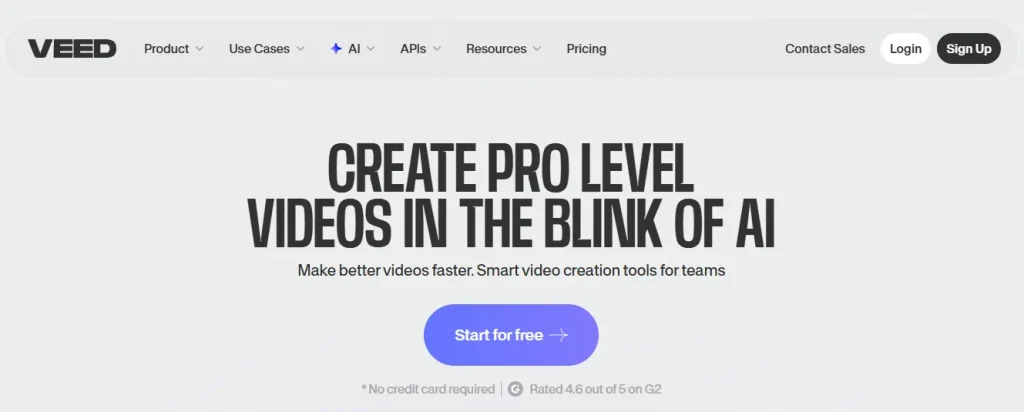
Veed is the practical alternative for creators who need to polish AI-generated content rather than just create it. While Pykaso focuses on generation, Veed excels at the editing, captioning, and repackaging phase. It is widely used to add viral-style subtitles, remove background noise, and resize clips for different social platforms, acting as the final quality control step in a creator’s workflow.
The platform has recently integrated its own generative features, including AI avatars and text-to-video tools. However, its core value remains its user-friendly interface that brings professional editing tools to the browser. For creators tired of clunky desktop software, Veed offers a fast, collaborative environment to finalize content that stands out in the feed.
Veed Pros and Cons
Pros
Cons
Why Choose Veed?
Best for creators who need a fast, all-in-one online editor to polish and caption videos.
8. Kling AI
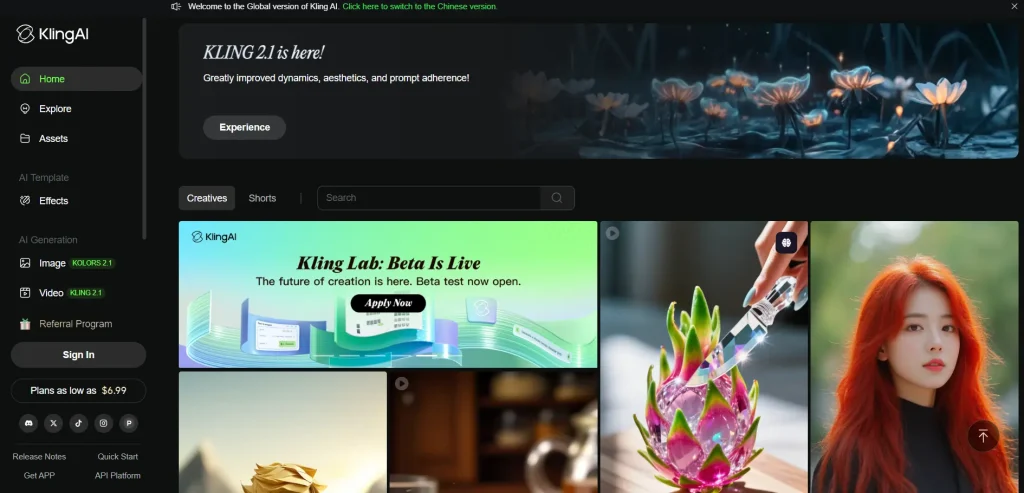
Kling AI has rapidly emerged as a top-tier competitor for high-motion video generation, offering quality that rivals invite-only models like Sora. For users disappointed by Pykaso’s video duration and coherence, Kling delivers extended clips (up to 10 seconds) with complex character interactions and physics that actually make sense.
The platform excels at “text-to-video” and “image-to-video” tasks where maintaining the subject’s structure is critical. If you are creating cinematic trailers or realistic B-roll, Kling provides a level of fidelity that feels less like a hallucination and more like a camera recording.
Kling AI Pros and Cons
Pros
Cons
Why Choose Kling AI?
The premium choice for videographers demanding the most realistic AI motion and physics currently available.
9. RunwayML

RunwayML remains the gold standard for experimental and high-end AI video production, offering tools that go far beyond simple prompting. With its Gen-2 and Gen-3 Alpha models, it provides granular control over camera motion, brush motion, and style transfer. It is designed for artists and filmmakers who need to direct the AI, rather than just hope for a lucky result.
Unlike Pykaso’s more consumer-focused interface, Runway offers a timeline-based editor that integrates generation with compositing. This allows for complex storytelling where multiple AI clips are woven together seamlessly. If you are looking to create music videos, short films, or high-concept art pieces, Runway offers the professional toolset required to execute a specific creative vision.
RunwayML Pros and Cons
Pros
Cons
Why Choose RunwayML?
Designed for filmmakers and artists who need granular direction over camera movement and video style.
Migrating Your Workflow: How to Recreate Pykaso Styles on Other Platforms
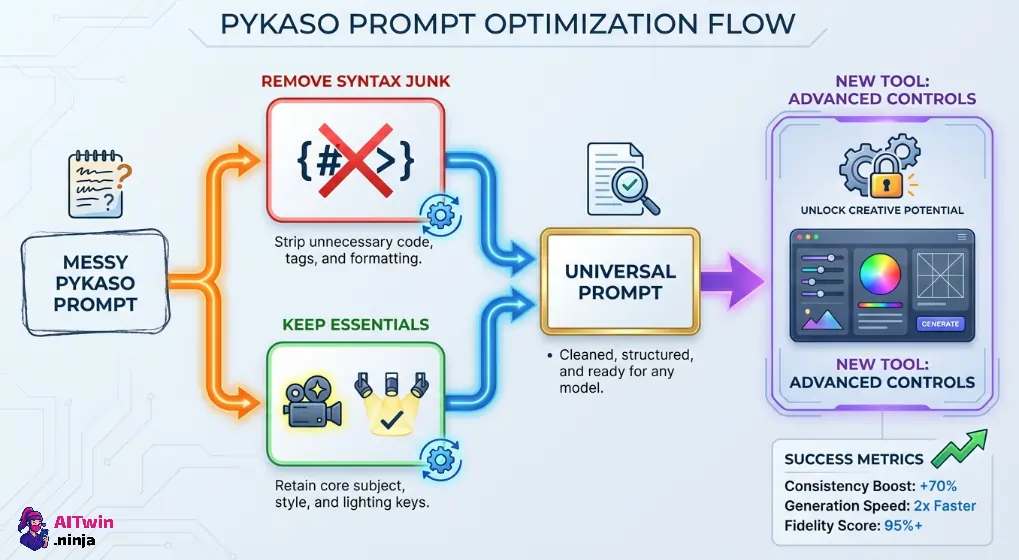
Switching to one of the top Pykaso AI alternatives doesn’t mean losing the visual identity you’ve built. The key to a smooth migration is understanding that most generators share similar underlying architectures. You aren’t starting from scratch; you are simply translating your data to a new engine.
Focus on transferring your core assets rather than just copying text prompts. Start by using your high-resolution outputs as “seed” images or reference inputs in the new tool to establish a baseline.
To successfully replicate your style:
By adapting your workflow this way, you maintain brand consistency while unlocking the advanced controls your new platform offers.
Making the Right Move Beyond Pykaso AI
Every tool on this list solves a different creative problem. Some excel at locking a face across hundreds of images, others turn a product link into a ready-to-publish ad. The right Pykaso AI alternative really depends on where your workflow breaks down most often—whether that’s consistency, motion quality, or editing speed.
Start with one platform, test it against your actual content needs, and give yourself a week before judging the results. Most offer free tiers, so there’s no real risk in experimenting. The tools have matured enough that switching no longer means starting over.

AITwin Ninja
Affiliate Disclosure: This post may contain some affiliate links, which means we may receive a commission if you purchase something that we recommend at no additional cost for you (none whatsoever!)
Similar Posts
Author
Anthony
Anthony, a content strategist for AI Twin, is fascinated by AI’s creative potential. He specializes in exploring how generative tools are revolutionizing art, writing, and digital content creation, providing practical insights for creators and entrepreneurs.