MagicLight AI Review 2026: Worth It for Faceless Videos?
MagicLight AI says it can turn a script into a full 50-minute video, characters, voiceovers, transitions, the lot, without you touching a single editing timeline. Bold claim, innit? I’ve been building faceless YouTube channels and managing AI content workflows long enough to know that most AI video generators talk a big game and deliver glorified…

By :
Anthony
April 12, 2026
MagicLight AI says it can turn a script into a full 50-minute video, characters, voiceovers, transitions, the lot, without you touching a single editing timeline.
Bold claim, innit?
I’ve been building faceless YouTube channels and managing AI content workflows long enough to know that most AI video generators talk a big game and deliver glorified slideshows.
So I threw MagicLight through the wringer: cloned my voice, stress-tested the character consistency, and pushed the One-Click Story feature till it begged for mercy.
The results were… not what I expected. At all.
📝 MagicLight AI Review: Quick Overview
| Aspect | Details |
|---|---|
| Tool Name | MagicLight AI |
| Website | magiclight.ai |
| Category | AI Video Generator / Text to Video AI |
| Best For | Faceless YouTube channels, kids’ stories, explainers, animated content |
| Max Video Length | Up to 50 minutes |
| AI Models Available | Gemini 3, Sora 2, Kling 2.1, VEO 3, Nano Banana 2, Hailuo, Seedance |
| Free Plan | Yes — limited credits, no card needed |
| Starting Price | $5.70/month |
| Commercial Licence | Yes — included on all paid plans |
| Platform | Web + Android app |
🔊 What Is MagicLight AI?
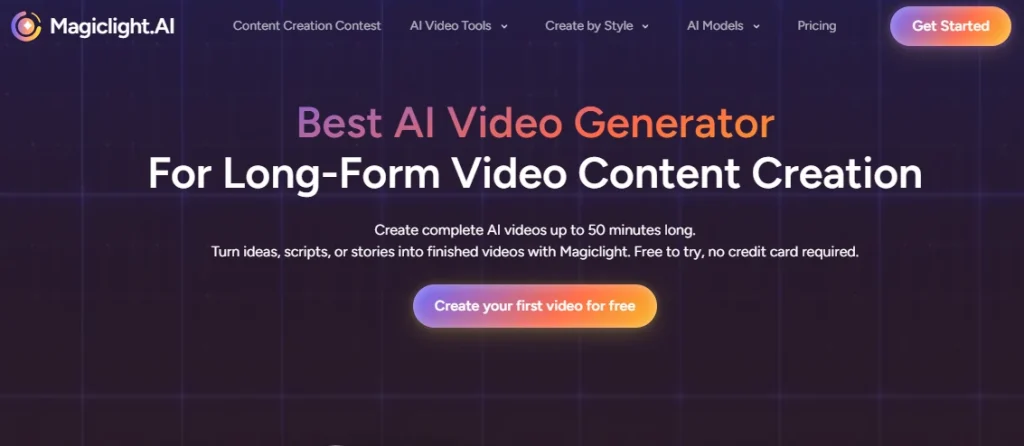
MagicLight AI is a web-based AI video creation platform designed to convert written scripts into full, scene-by-scene videos with consistent characters, AI voiceovers, and cinematic transitions. It runs on multiple generative video models, including Gemini 3, Sora 2, and Kling 2.1, giving creators access to different visual styles from a single dashboard.
The core tech focuses on character continuity across long narratives, which is MagicLight’s biggest selling point versus clip-based generators. Target users are faceless YouTube channel owners, kids’ content creators, educators, and marketing teams who need video output without traditional production skills.
So I Gave MagicLight AI My Worst Scripts…
Look, I don’t do surface-level “clicked three buttons and wrote a review” nonsense. That’s lazy. And you deserve better.
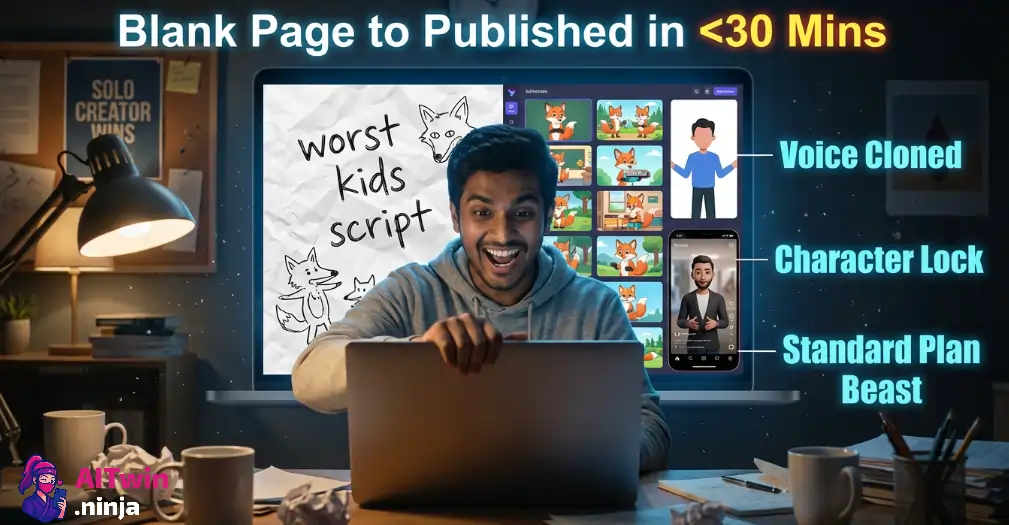
I grabbed the Standard plan. Cloned my own voice with their AI Voice Cloning tool. Wrote a kids’ story script from scratch and fed it straight in—12 minutes of animated content, start to finish. Character consistency? Tested it across 15+ scenes with the same protagonist. Same face, same outfit, same vibe. That’s the bit most AI video tools fumble hard on.
Then I got greedy. Built a faceless explainer using the One-Click Video feature. Threw together an Instagram Reel with the Image to Video tool—one single illustration, let MagicLight handle the motion. Layered my cloned voiceover onto an AI avatar and watched the lip-sync do its thing.
My one question the whole time: can a solo creator go from blank page to published video in under 30 minutes? That’s the only benchmark that matters when you’re running faceless channels.
🔥 Pro Tip: Reddit creators swear by this—keep your scripts short, structured, and broken into clear scenes before pasting them into MagicLight’s story templates. Messy paragraphs = messy output. Every. Single. Time.
🎯 Key Features
AI Long Video Generator
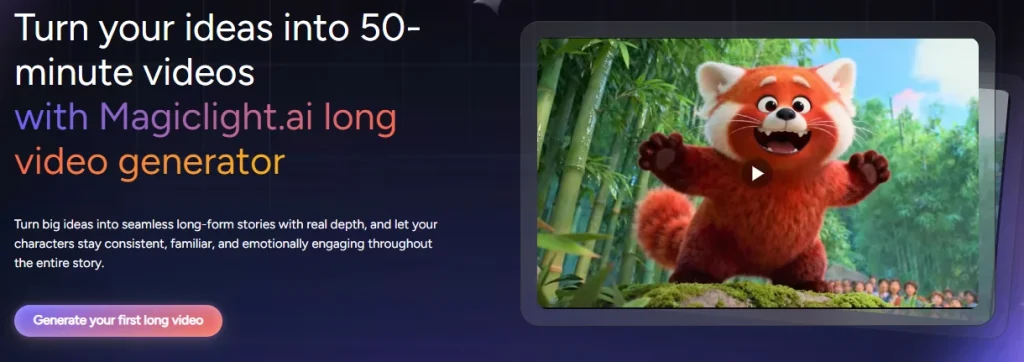
Create videos up to 50 minutes long from a single script. This is rare—most AI video tools cap out at a few minutes. Ideal for full YouTube uploads and serialised content.
Character Consistency Across Scenes
MagicLight maintains the same character appearance throughout your entire video. Upload a reference photo, and it locks the look across every scene.
Voice Cloning for YouTube
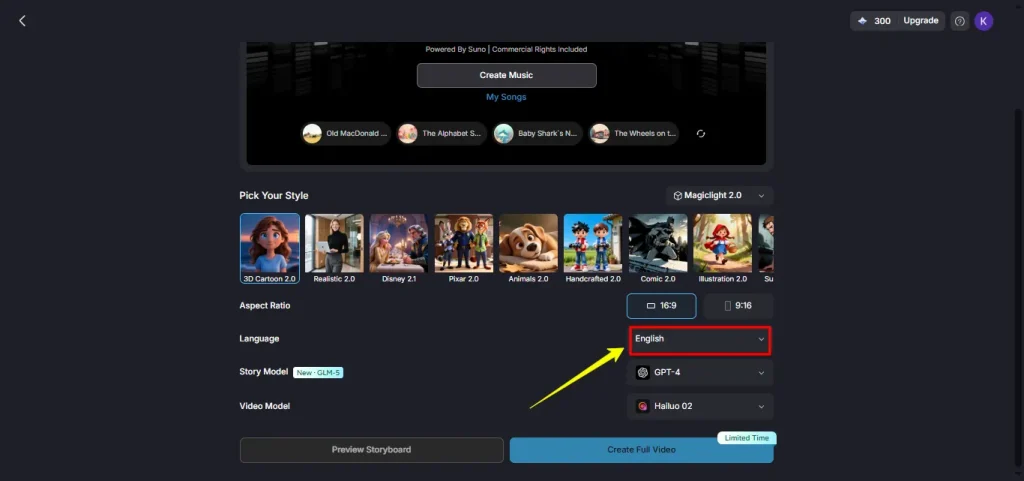
Clone your voice (or create a new one) for natural-sounding voiceovers. Multiple tones and accents available. Great for faceless channels that still want a signature voice.
Lip-Sync Accuracy
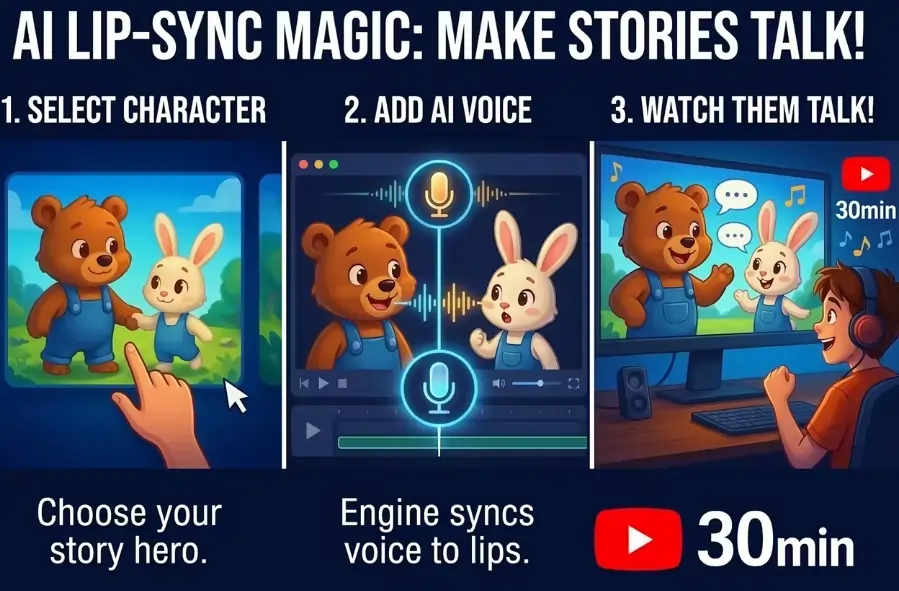
Sync AI avatar mouth movements to spoken audio. It works well most of the time, though complex dialogue can cause minor drift.
One-Click Story Videos
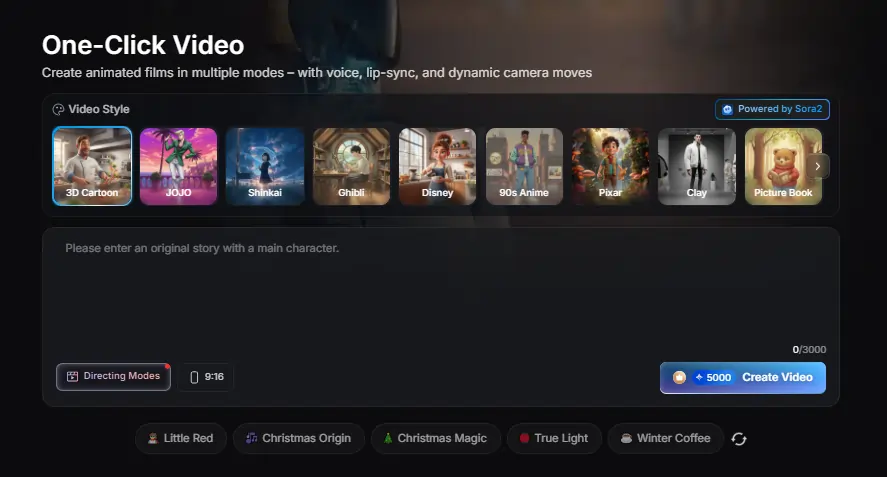
Type a topic and MagicLight auto-generates a full video with scenes, characters, and voiceover. This “Go Viral in One Click” feature is built for speed.
Multi-Model Support
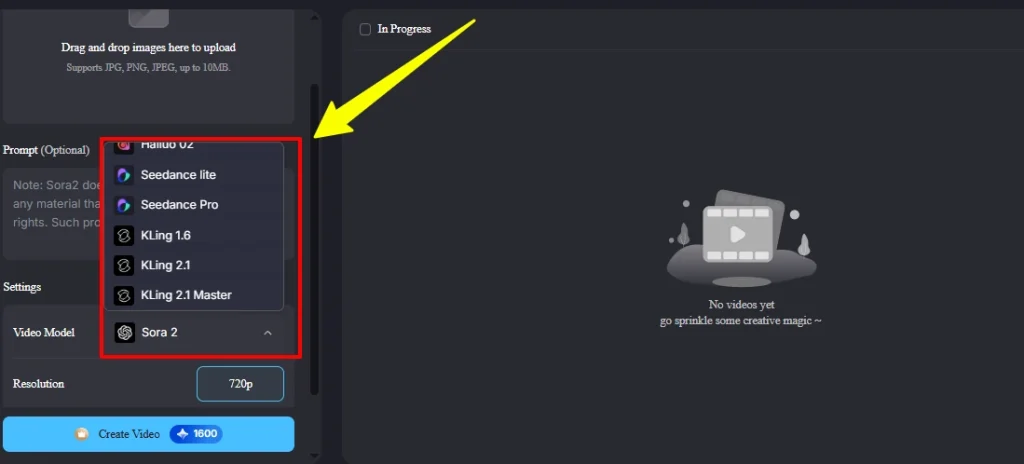
Switch between Gemini 3, Sora 2, Kling 2.1, VEO 3, Nano Banana 2, and more, each with its own visual style, colour palette, and motion quality.
Story Templates Library
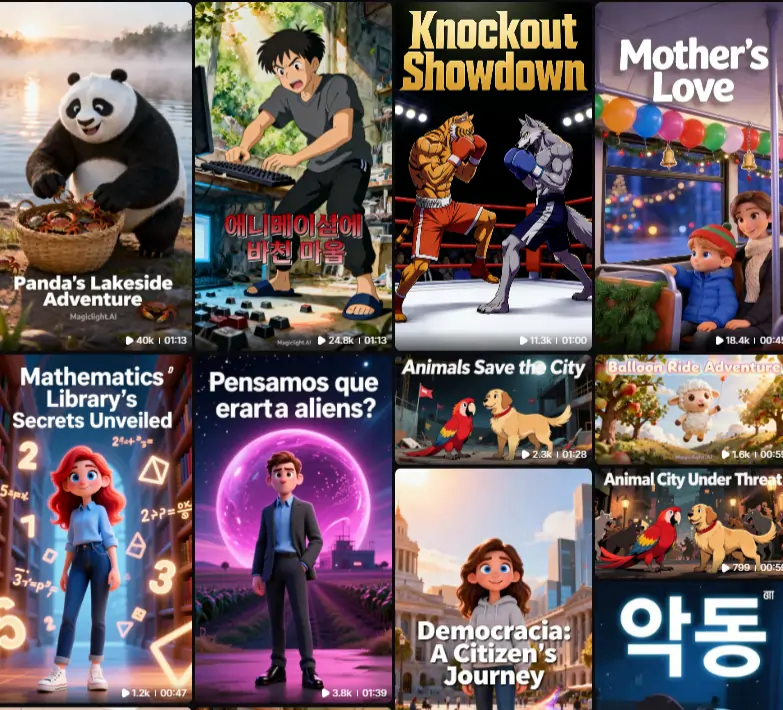
Pre-built templates for kids’ stories, religious content, explainers, comedy, and more. You plug in your ideas and skip the blank-page anxiety.
The Bits That Genuinely Made Me Go “Oh, That’s Proper Good”
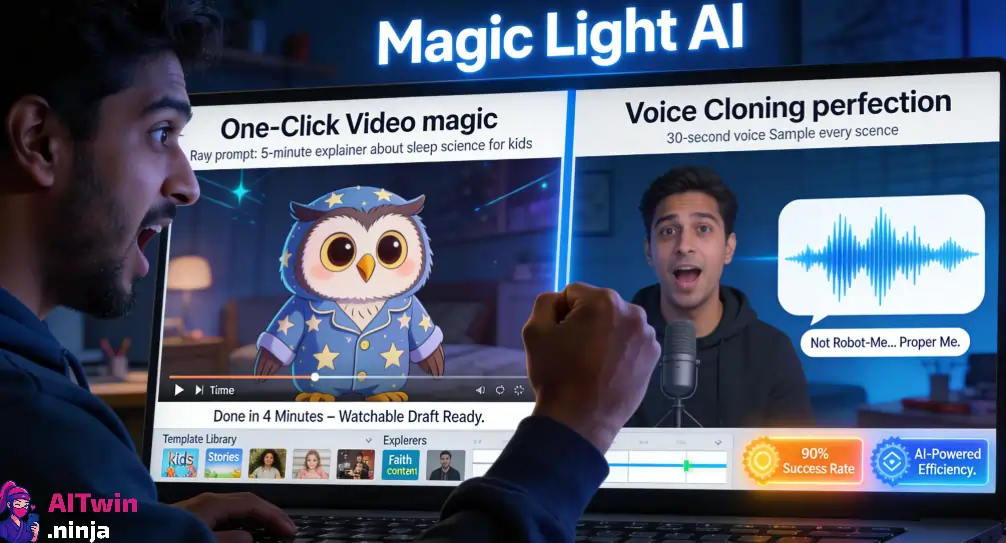
Right. The One-Click Video feature? Didn’t expect much. Typed in “5-minute explainer about sleep science for kids” just to see what would happen. Four minutes later, I had a watchable draft sitting in my dashboard. Same character face in every single scene. No weird morph. No random costume change. Just… consistency. And that’s the exact bit where 90% of AI video tools absolutely bottle it.
Voice cloning hit different too. Recorded a 30-second sample of my voice, and MagicLight spat back a full voiceover that actually sounded like me. Not robot-me. Not text-to-speech-from-2019-me. Proper close to the real thing. If you’re building a faceless channel and want a signature voice without hiring talent or showing your mug on camera, this is the shortcut you’ve been hunting for.
And then there’s the template library. Nobody talks about this enough. Staring at a blank timeline is painful. These templates hand you a working structure, kids’ stories, explainers, faith content, the lot, so you stop faffing about with formatting and actually tell your story.
How Faceless Creators Are Actually Using It
MagicLight has quietly become a go-to for faceless YouTube channels. Creators are using it to pump out kids’ story videos, animated explainers, and religious content at scale. The combination of long-form generation and character consistency makes it possible to build a recognisable channel without ever showing your face or touching a video editor. Several YouTube tutorials show creators monetising channels built entirely on MagicLight content.
🔥 Pro Tip: Pair MagicLight with a tool like OpenArt for character design. Train a consistent AI influencer face in OpenArt, export the reference image, then import it into MagicLight as your character base. Same person across both platforms, your brand stays locked.
💰 MagicLight AI Pricing: What You’re Actually Paying For
| Plan | Monthly Price (Annual) | Credits/Month | Cost per 100 Credits |
|---|---|---|---|
| Standard | $5.70/month | 7,000 | $0.081 |
| Plus | $12.35/month | 25,000 | $0.049 |
| Pro | $16.63/month | 45,000 | $0.037 |
| Ultra (Most Popular) | $42.75/month | 150,000 | $0.029 |
| Ultimate | $71.25/month | 280,000 | $0.025 |
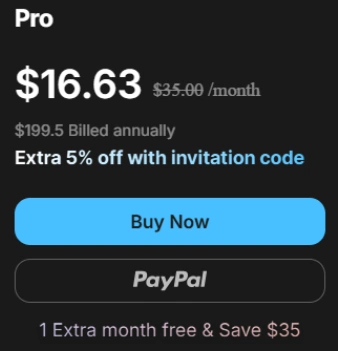
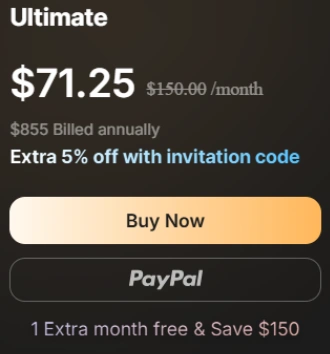
All plans billed annually. Extra 5% off with an invitation code. Every paid plan includes 1080P HD output, no watermark, and a general commercial licence.
Standard Plan — $5.70/month
Your foot-in-the-door plan. 7,000 credits gets you enough to test the waters without burning cash. You get access to Kling 2.1, Sora 2, Hailuo, and Seedance right out the gate—which is mad for this price point.

Who should buy it: Solo creators just getting started with faceless content. You post once or twice a week and want to see if AI video is actually worth your time.
Plus Plan — $12.35/month
This is where it starts getting interesting. 25,000 credits opens up proper batch production. Same model access as Standard, but you can now pump out 40 one-click stories and over 400 minutes of generated video per month.

Who should buy it: Faceless channel owners posting 3–4 times a week across YouTube and TikTok. This plan pays for itself if even one video picks up traction.
Pro Plan — $16.63/month
The sweet spot. 45,000 credits, 20% off voice cloning, and access to Seedance 2.0 plus all available models. If you’re serious about building a faceless brand, this is the plan most creators land on.
Who should buy it: Creators running one or two channels properly—daily uploads, consistent characters, and actual revenue targets.
Ultra Plan — $42.75/month (Most Popular)
Built for operators, not hobbyists. 150,000 credits, unlimited access to Hailuo, Kling 1.6, Seedance Lite, and Nano Banana Pro. You also get VIP channel acceleration, which means your renders jump the queue.

Who should buy it: Content agencies managing multiple faceless channels or AI influencer projects. If you’re scaling past one brand, this is your tier.
Ultimate Plan — $71.25/month
The “I run a production operation” tier. 280,000 credits, unlimited access to every major model (Hailuo, Kling 2.1, Seedance Pro, Sora 2, Nano Banana Pro—all unlimited), and up to 4 concurrent video renders.
Who should buy it: Full-time AI video businesses and production teams shipping content daily. If you’re not generating revenue from your videos yet, you don’t need this plan. Simple as that.
🙄 Who Is MagicLight AI For?
👍Pros and 👎 Cons
MagicLight AI Pros
MagicLight AI Cons
✨ The One Thing Most People Miss About MagicLight
MagicLight isn’t just another text-to-video tool wearing a fancy coat. It’s basically a model aggregator disguised as a video editor. You’ve got Sora 2, Kling 2.1, Gemini 3, VEO 3, Seedance, Hailuo, Nano Banana, all sitting inside one dashboard. Most creators are paying separate subscriptions to access even two of these models. MagicLight bundles them under a single credit system.
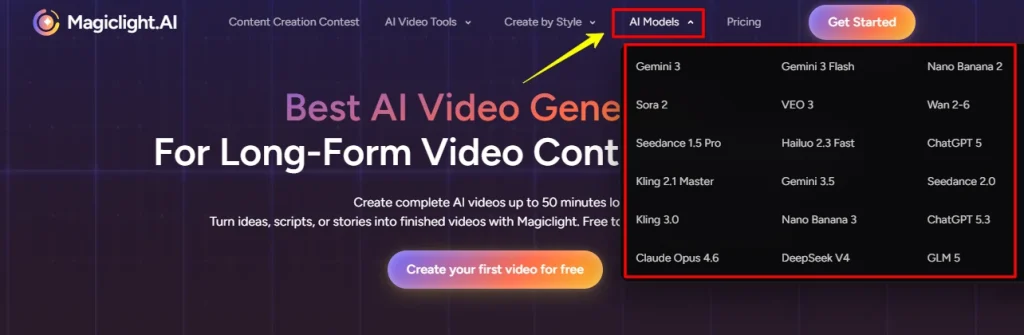
That changes the workflow entirely. You can render Scene 1 in a Pixar-style Sora 2 look, switch to Kling for a realistic Scene 2, and use Hailuo for a quick transition, all without leaving the platform. For faceless channel operators juggling multiple content styles, that’s not a feature. That’s the whole point.
😈 How MagicLight AI Stacks Up Against the Competition
| Tool | Best For | Standout Feature |
|---|---|---|
| OpenArt AI | Multi-model video + image creation | Lip-sync, motion-sync, character replace, all in one dashboard |
| APOB AI | Budget AI influencer content | 80 free daily credits, no watermarks on free plan |
| Akool | Face-swap and personalised video ads | Real-time face-swap with brand-level customisation |
| Higgsfield | Mobile-first social media video | Cinema Studio with keyframing and director-level motion control |
FAQs
Can MagicLight AI maintain the same character across a full video?
Yes. You can upload a reference image or create a character profile. The AI locks that appearance across all scenes, though minor inconsistencies can appear in complex multi-character setups.
What AI models does MagicLight support?
MagicLight integrates Gemini 3, Sora 2, Kling 2.1, VEO 3, Nano Banana 2, Hailuo, and Seedance. Each model produces different visual styles and motion qualities.
Does MagicLight AI include a commercial licence?
Yes. All paid plans include a general commercial licence, meaning you can monetise the videos you create on YouTube, TikTok, or any platform.
How long can a MagicLight AI video be?
Up to 50 minutes on supported plans. This makes it one of the few AI video generators that supports full-length YouTube uploads.
Can I clone my own voice in MagicLight?
Yes. The AI Voice Cloning tool lets you record a short sample and generate voiceovers in your own voice. It’s available on Standard plans and above.
Is MagicLight good for faceless YouTube channels?
It’s one of the best options for faceless creators right now. The combination of long-form video, character consistency, and one-click story generation makes it ideal for channels that never show a real face.
Does MagicLight AI have a free plan?
Yes. There’s a free tier with limited credits. No credit card required to start.
What content types work best on MagicLight?
Kids’ stories, animated explainers, religious content, and educational videos perform best. The story templates are optimised for these niches.
🚀 Final Verdict
MagicLight AI is a genuine contender for creators building faceless video brands in 2026. The long-form generation and character consistency set it apart from clip-based competitors. It’s not flawless, support and rendering quirks need work, but for solo creators who want to go from script to published video without a production team, it’s one of the smartest tools in the game right now.

AITwin Ninja
Affiliate Disclosure: This post may contain some affiliate links, which means we may receive a commission if you purchase something that we recommend at no additional cost for you (none whatsoever!)
Similar Posts
Author
Anthony
Anthony, a content strategist for AI Twin, is fascinated by AI’s creative potential. He specializes in exploring how generative tools are revolutionizing art, writing, and digital content creation, providing practical insights for creators and entrepreneurs.