8 Best AI Image Generators: Stop Overpaying for Art NOW!
Staring at a blank screen is tough, but wasting hours tweaking prompts only to get distorted faces or burning through your monthly credits is far worse. We know the frustration of relying on tools that promise photorealism but deliver glitchy, unusable results. You do not need more software; you need a workflow that protects your…

By :
Ralph
February 2, 2026
Staring at a blank screen is tough, but wasting hours tweaking prompts only to get distorted faces or burning through your monthly credits is far worse.
We know the frustration of relying on tools that promise photorealism but deliver glitchy, unusable results. You do not need more software; you need a workflow that protects your budget and your time.
To help you stop guessing, we tested the top contenders to curate this list of the 8 best AI image generators for 2026.
If you need consistent marketing assets or stylized concept art, this guide breaks down the prompt accuracy, licensing rights, and pricing models of the tools that actually deliver professional quality.
What Makes an AI Image Generator Worth Using in 2026?
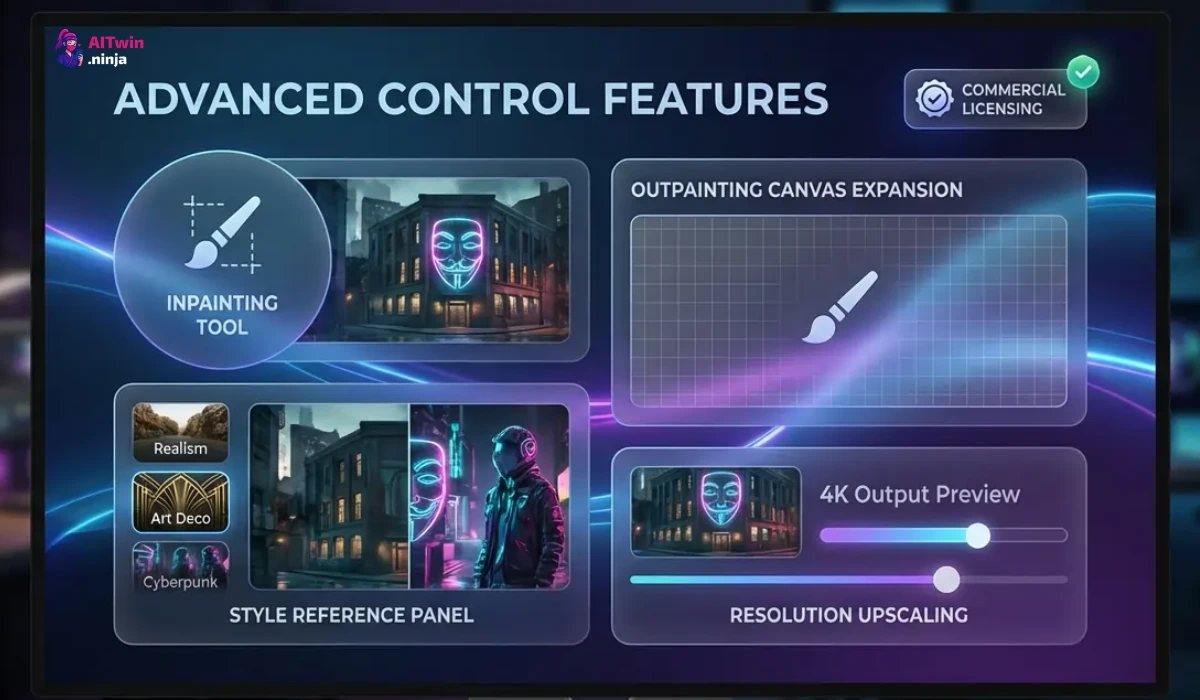
Not all AI image generators are created equal, and in 2026, the gap between basic tools and professional platforms is widening. A truly valuable generator offers more than just novelty; it integrates seamlessly into your workflow with high fidelity and precision.
The best tools now leverage advanced diffusion models to understand nuanced prompts, ensuring that complex requests—like specific lighting or texture—are rendered accurately without endless re-rolls.
Key factors that define a top-tier tool include:
Ultimately, the right software empowers you to create production-ready assets instantly, moving beyond simple experimentation to tangible professional results.
🖼 Top AI Image Generation Tools for Creators 🖼
| Best AI Image Generators | Key Features | Best For |
|---|---|---|
| OpenArt.ai | Custom training, inpainting | Custom models |
| Higgsfield.ai | 4K images, skin enhancer | Cinematic visuals |
| Topview.ai | Product cloning, avatars | Viral videos |
| Invideo.io | VFX effects, avatars | Ad creation |
| Pykaso.ai | Character training, 4K video | Viral content |
| Klingai.com | Cinematic generation, audio | Story visuals |
| APOB AI | Precise editing, styles | Targeted assets |
| AKOOL | 4K images, background editing, variations | Brands, marketers, creative teams |
1. OpenArt
Securing the #1 position on our list of AI image generators, OpenArt stands out as a robust platform for creators who demand extensive control over their visual output.It uses advanced models like Stable Diffusion and introduces powerful features such as ControlNet, enabling users to precisely define image composition, structure, and poses with exceptional accuracy.
The platform also hosts a vast community library, enabling users to explore millions of AI-generated artworks for inspiration. Its interface is designed to bridge the gap between complex model tuning and user-friendly creation, offering tools like Sketch-to-Image and creative upscaling.
OpenArt Pros
OpenArt Cons
Why Choose OpenArt?
Ideal for designers needing precise control over composition and style through advanced tools like ControlNet.
🔥 Get 15% OFF OpenArt Pro!
EXCLUSIVE
Take your AI art to new heights. Apply code ALL15 for an instant 15% discount on your OpenArt subscription.
15% Off
ALL15
2. Higgsfield
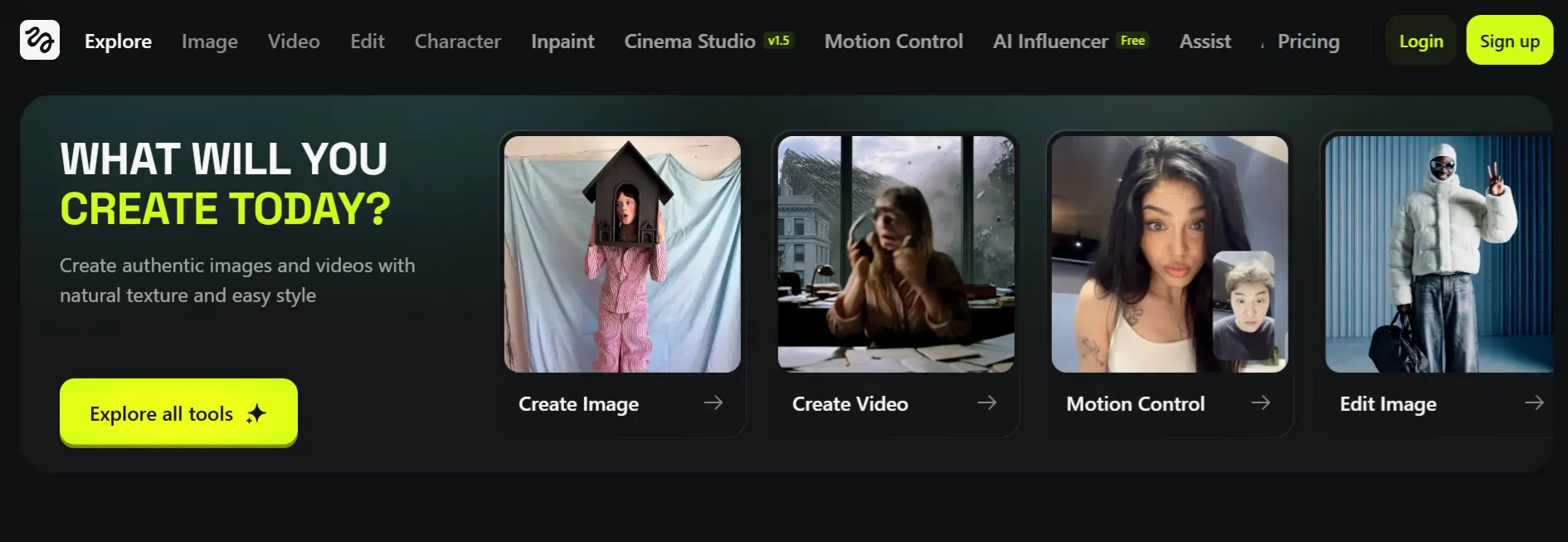
Higgsfield is primarily recognised for its cinematic AI video capabilities, but its underlying image engine is equally impressive for high-fidelity visual creation. It operates on a unique “Cinema Studio” model where users first generate a static “Hero Frame” or image before animating it.
For affiliate marketers in the entertainment or storytelling niches, Higgsfield offers a distinct advantage by maintaining character and scene consistency. Its “Reference Anchor” workflow allows you to lock in specific facial geometries and lighting, ensuring that your generated images maintain a cohesive look across a campaign.
Higgsfield Pros
Higgsfield Cons
Why Choose Higgsfield?
Perfect for storytellers requiring high-fidelity, cinematic images that maintain character consistency across varied scenes.
3. TopView
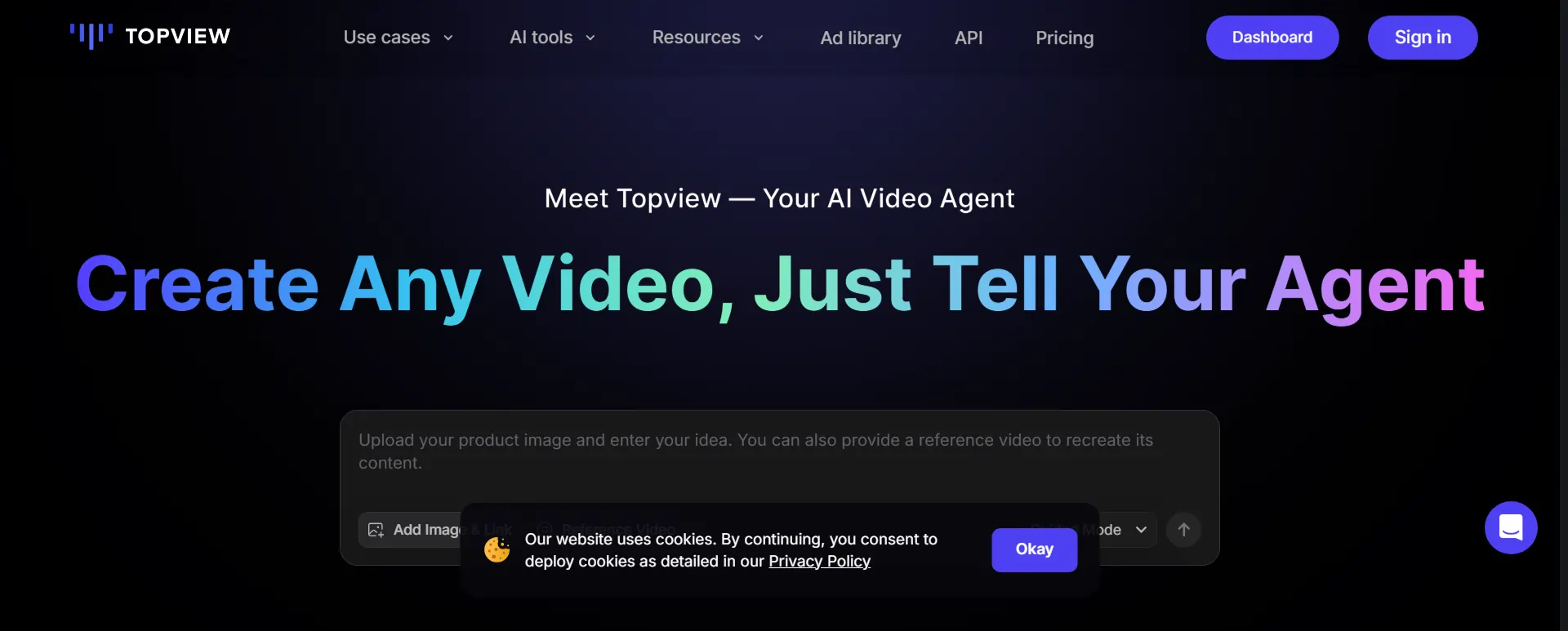
TopView positions itself as a specialised toolkit for marketers, offering dedicated generators for specific viral styles rather than a generic text-to-image interface. It features distinct tools like the “Ghibli AI Generator” for whimsical art and an “AI Mockup Generator” for e-commerce, allowing users to transform product photos into professional marketing assets instantly.
The platform is built for speed and engagement, making it a go-to for creators who need to capitalize on trends quickly. Its AI Scene Generator helps filmmakers and concept artists visualise ideas in minutes, while the mockup tool is essential for dropshippers and brand affiliates.
TopView Pros
TopView Cons
Why Choose TopView?
Best for e-commerce and social marketers needing instant product mockups and trending visual styles.
4. InVideo
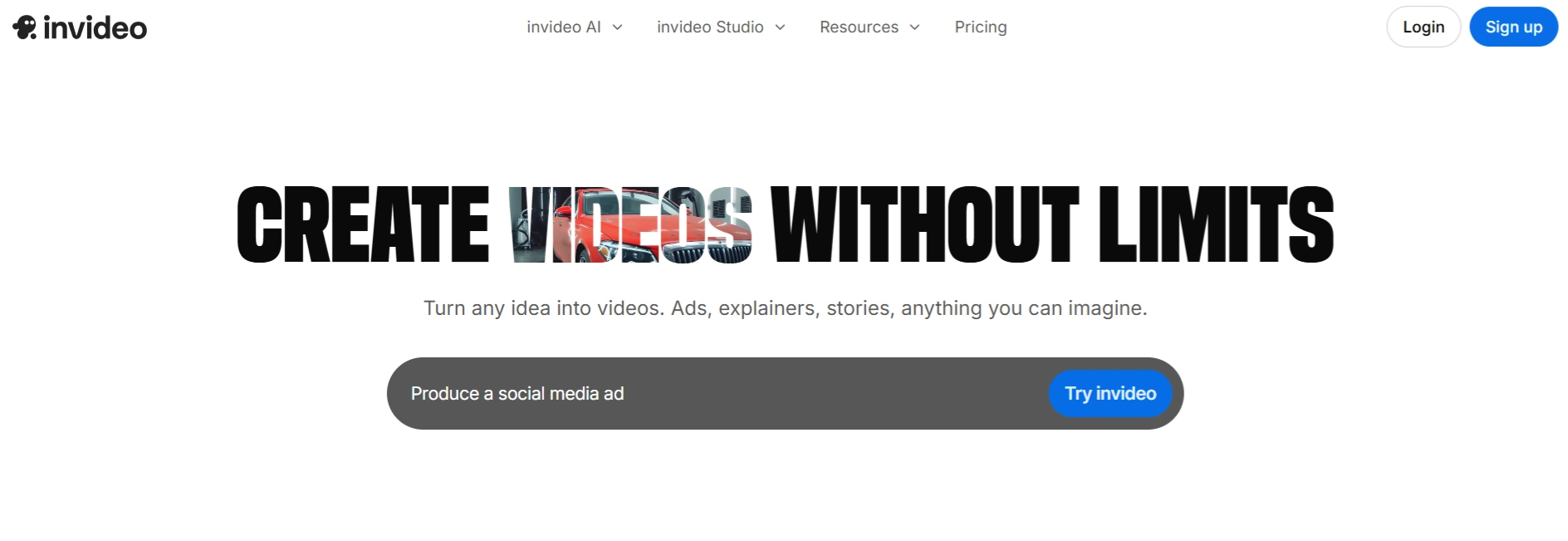
While widely known as a premier video creation platform, InVideo includes a powerful, dedicated AI image generator that integrates top-tier models like Imagen 4 and Midjourney. This allows users to generate high-quality visuals directly within their content workflow, eliminating the need to switch between multiple apps.
The “unified flow” ensures that the images you generate match the tone and style of your broader video projects. InVideo supports text-to-image and image-to-image editing, giving marketers the flexibility to refine visuals for advertisements or social posts.
InVideo Pros
InVideo Cons
Why Choose InVideo?
The ultimate choice for creators wanting a unified platform for both high-quality video and image generation.
5. Pykaso
Pykaso creates a unique niche by focusing heavily on AI face swapping and personalised content generation. It allows users to upload a selfie and generate professional-grade images in various artistic styles, making it a powerful tool for influencers and personal brands.
Beyond face swaps, Pykaso offers a competent AI video and image generator that supports upscaling and specific style transfers. For affiliate marketers, this tool is excellent for creating personalised avatars or adapting stock imagery to feature a specific face, enhancing relatability and brand connection.
Pykaso Pros
Pykaso Cons
Why Choose Pykaso?
Excellent for influencers and brands needing high-quality face swaps and personalised character consistency in images.
6. Kling AI
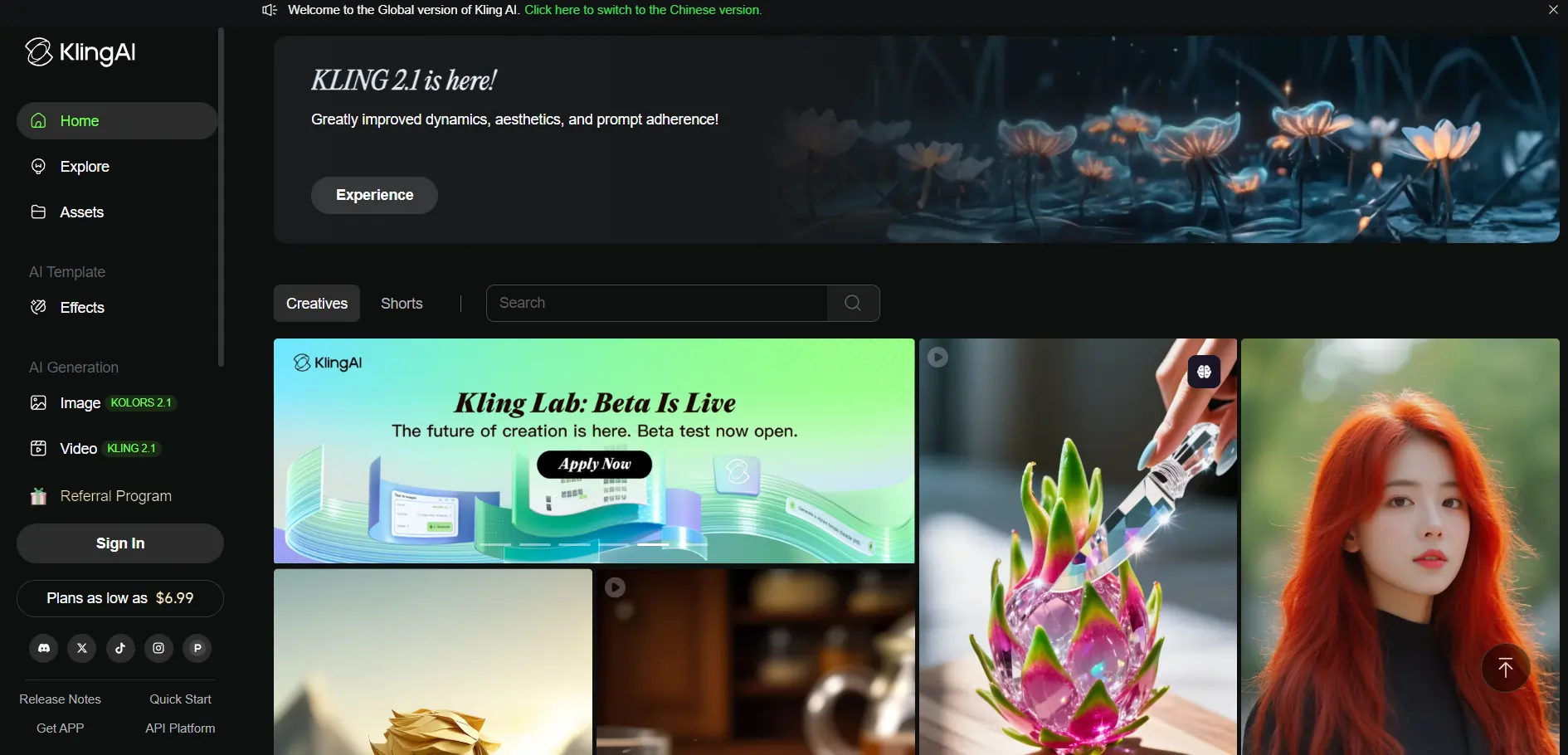
Kling AI represents the next generation of visual synthesis, boasting a highly advanced 3D video and image generation engine. It excels in producing ultra-realistic visuals with a “Disney-Pixar” or “Cyberpunk” aesthetic, capable of rendering complex textures like skin and fabric with stunning 4K clarity.
The platform provides a comprehensive suite of tools, including text-to-image and image-to-image conversion, supported by a deep understanding of complex prompts. Kling AI’s ability to handle intricate lighting and depth makes it suitable for high-stakes advertising visuals where detail is paramount.
Kling AI Pros
Kling AI Cons
Why Choose Kling AI?
Top choice for producing studio-quality, ultra-realistic 3D visuals and cinematic images for premium campaigns.
7. APOB AI
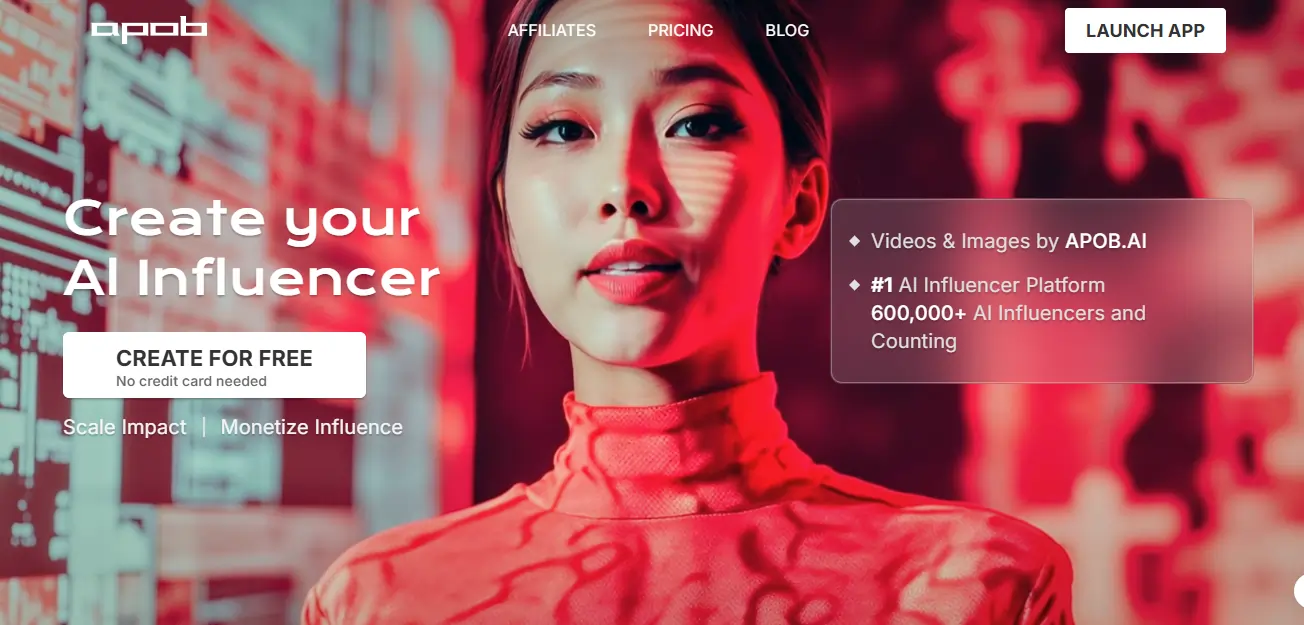
Apob is a specialised AI tool designed for generating consistent AI influencers and professional portraits. It addresses a major pain point for social media marketers: maintaining a consistent character face across multiple images and settings.
The platform is highly accessible, offering a generous free daily allowance that lets users generate high-quality headshots and selfies without immediate cost. Apob’s focus on “Face-Lock” technology ensures that your AI model looks the same in a business suit as they do in casual wear, which is critical for building a trustworthy brand identity. It simplifies the process of creating a virtual influencer empire.
APOB AI Pros
APOB AI Cons
Why Choose APOB AI?
Essential for marketers building consistent AI influencers or needing professional, uniform character portraits across campaigns.
8. Akool
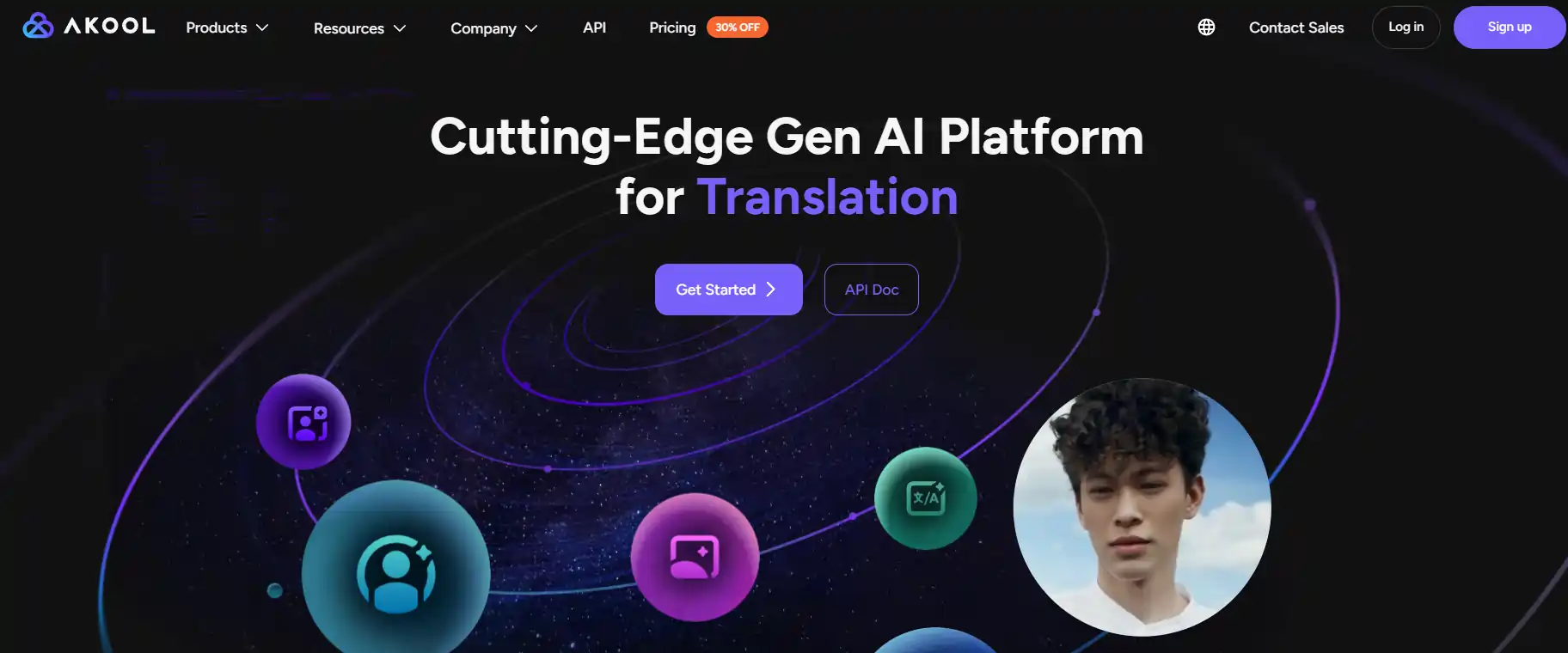
Rounding out our list of AI image generators, Akool stands out as a versatile creative powerhouse built for professionals and brands. Using advanced generative AI and photorealistic rendering, it enables fast image creation, easy customization, and powerful editing — all within a single, intuitive platform.
The platform’s strength lies in its enterprise-grade AI infrastructure and seamless workflow integration. With tools like Image to Video, Background Change, and Personalized Image Generation, users can transform static ideas into high-definition, market-ready visuals in seconds.
Akool Pros
Akool Cons
Why Choose AKOOL?
Ideal for creators and brands seeking an all-in-one AI solution. AKOOL’s Image Generator combines precision, scalability, and ease—turning ideas into vivid, photorealistic visuals in seconds.
How We Evaluated These AI Image Generators (Testing Methodology)
To ensure this guide provides actionable advice, we didn’t just read feature lists; we stress-tested every tool in real-world scenarios.
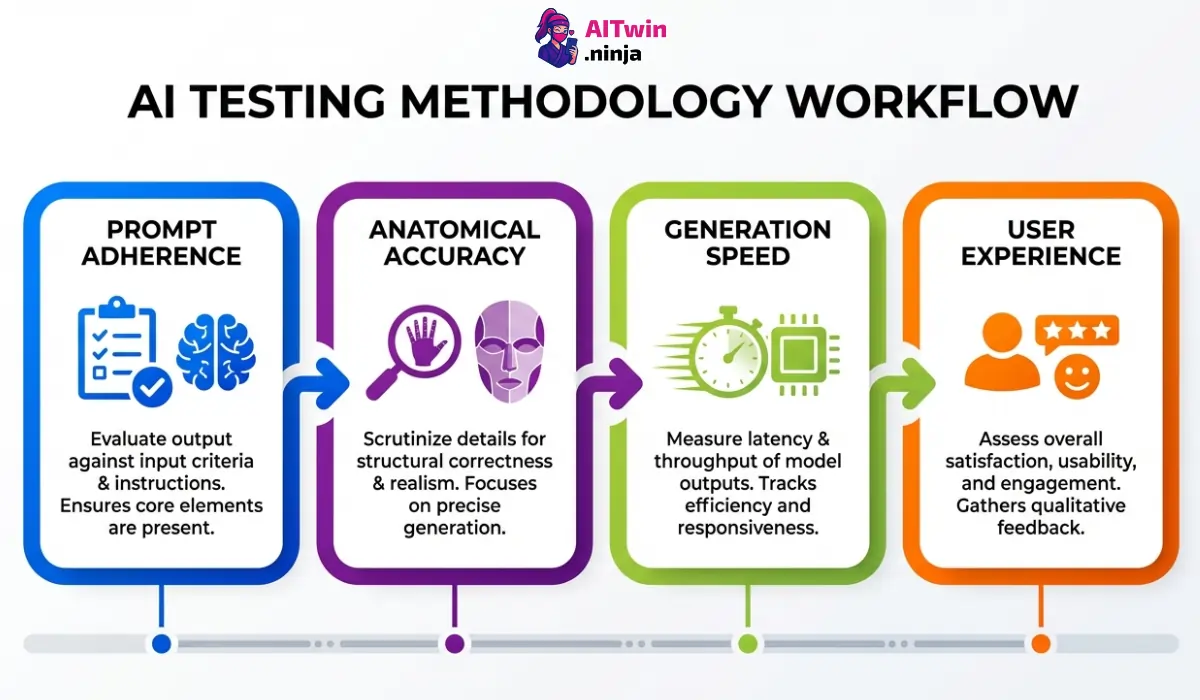
Our goal was to replicate the actual demands of content creators and marketers, filtering out platforms that look good on paper but fail in practice. We focused on consistency, evaluating how well each AI image generator followed complex prompts across different artistic styles.
Our rigorous testing criteria included:
This hands-on approach guarantees that our recommendations are based on verified performance rather than marketing claims.
Making the Right Choice for AI Image Creation
Don’t gamble on tools that burn credits and deliver garbage outputs. Your 2026 workflow demands precision—whether it’s advanced composition control for surgical accuracy or enterprise-grade 4K exports for professional campaigns.
The platforms that survived our testing share one thing: they eliminate the prompt lottery and deliver consistent, production-ready results. Pick based on your actual use case—product mockups need instant templates, while cinematic campaigns demand photorealistic rendering with perfect lighting.
Stop wasting time. Choose your AI image generator and start shipping professional assets today.

AITwin Ninja
Affiliate Disclosure: This post may contain some affiliate links, which means we may receive a commission if you purchase something that we recommend at no additional cost for you (none whatsoever!)
Similar Posts
Ralph
Ralph is a digital architect at AI Twin, exploring the intersection of AI and identity. He deconstructs how neural networks are reshaping our digital selves, one algorithm at a time. His writing simplifies complex tech into actionable insights for the future-focused individual.