Make Your AI Influencer Go Viral With These 4 OpenArt Tools
You’ve nailed your basic AI influencer creation, but now it’s time to cai rank your content to pro levels. Whether you’re cooking up sizzling OnlyFans stars, spicy TikTok sensations, or head-turning Instagram AI babes, these funky, advanced OpenArt tools are game-changers. Let’s get down to the nitty-gritty of four killer OpenArt features that’ll boost your…

By :
sandra
March 11, 2026
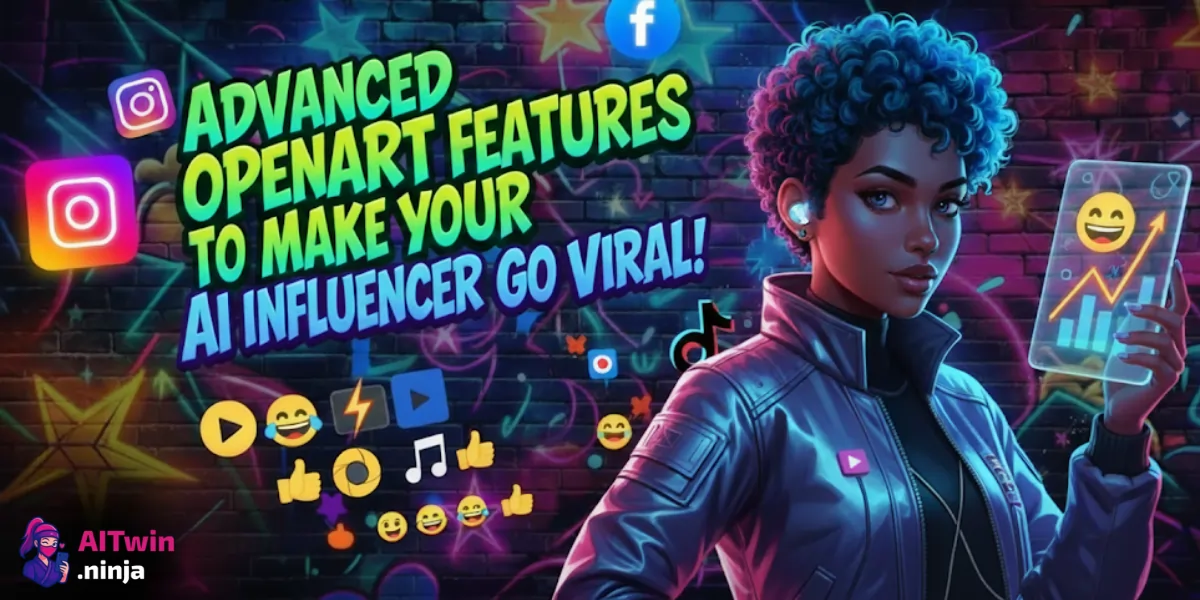
You’ve nailed your basic AI influencer creation, but now it’s time to cai rank your content to pro levels. Whether you’re cooking up sizzling OnlyFans stars, spicy TikTok sensations, or head-turning Instagram AI babes, these funky, advanced OpenArt tools are game-changers.
Let’s get down to the nitty-gritty of four killer OpenArt features that’ll boost your posts with hyper-realistic moves, seamless placements, viral-ready animations, and talking heads that actually talk. Strap in, because your AI influencer’s viral glow-up starts here.
Why Level Up Your AI Influencer?
Creating a bare-bones AI influencer is child’s play these days. But to cash in serious coins and attract real rabid fans, you’ve got to make your digital diva pop with personality, movement, and context.
Advanced AI influencer creation is all about pushing past static, boring images into the realms of dynamic, interactive content. Think of it this way: your AI babe needs to move, groove, and chat to leave users thirsty for more.
Here’s how OpenArt’s powerhouse features help you dominate this game with style.
1. The 3D Pose Editor | Own Your AI Character’s Swagger
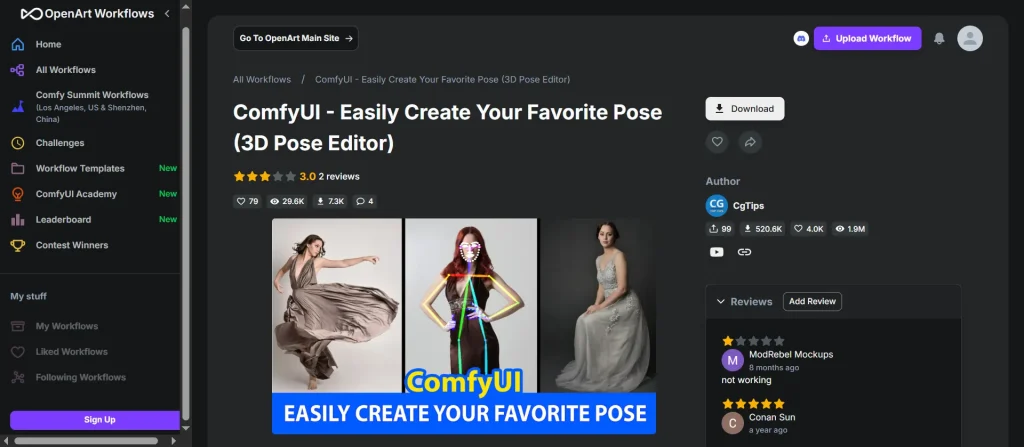
Forget painful prompt engineering that leaves you guessing where her limbs actually land. OpenArt’s 3D Pose Editor is your backstage pass to precision posing without fuss. With this feature, you don’t just describe a pose; you actively mould every joint and gesture using a fully interactive 3D model.
How it works:
This feature is an absolute must-know for creators wanting to slap down more authentic poses, especially when showing off erotic outfits or teasing in provocative angles.
| Feature | Benefit for AI Influencers |
|---|---|
| Precise Pose Control | Nail seductive and natural body language effortlessly |
| 3D Model Library | Switch between presets or custom tweaks on the fly |
| Perspective Adjustments | Adjust character size and position for perfect framing |
2. Place Character in Image | Make Your AI Babe a Star in Any Scene
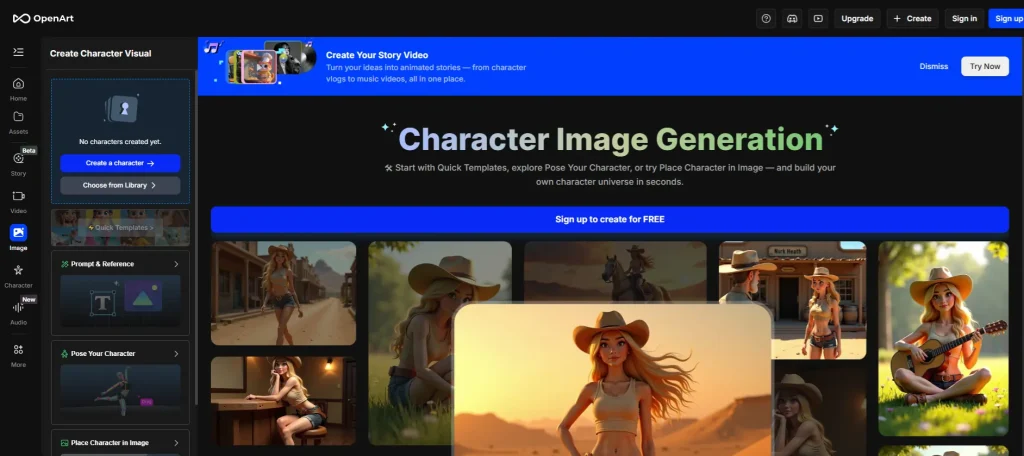
Want your digital muse selling Louis Vuitton on Fifth Avenue or catching sunset vibes at the Eiffel Tower? OpenArt’s “Place Character in Image” feature lets you seamlessly embed your AI influencer into real backgrounds. This ain’t your average cut-and-paste nonsense—it’s photorealistic integration that nails shadows, scale, and lighting.
Why it matters:
For spicing up OnlyFans promo shots or creating viral travel influencer vibes, this tool is pure gold.
| Parameter | Details |
|---|---|
| Background Quality | Use your own images or royalty-free pics for placement |
| Lighting Matching | AI adapts character shadows and light to match scenes |
| Multiple Characters | Insert 2+ AI models consistently in one image |
3. Image to Video Animation | Bring Your AI Influencer to Life
Static images are so 2023. OpenArt’s Image to Video animation ramps everything up by turning your still shots into mini-movies.
Add lifelike motion, dynamic camera angles, or subtle movements powered by the Kling 1.6 tech under the hood.
How to use it:
Quick little clips with your AI lover stirring, walking, or teasing make for insanely engaging content. The bonus?
You don’t have to master video software or hire expensive editors.
| Key Features | Use Cases for NSFW AI Influencers |
|---|---|
| Dynamic Movement | Animated teasing, dancing, or mood shifts |
| Short Clip Ready | Perfect for viral TikTok or Instagram Stories |
| No Extra Software | All done inside OpenArt with Kling AI |
4. Lip-Syncing with Text-to-Speech | Make Your AI Influencer Talk
Still haven’t made your AI creation speak? OpenArt’s lip-syncing, powered by Eleven Labs, gives voice to your virtual stars with surprisingly natural mouth motions. Type the script or upload your own audio, and boom—your AI babe talks, flirts, or shouts for the camera.
What it offers:
This feature lets you make interactive chat content or story-driven videos that up follower engagement.
| Benefit | Practical Use |
|---|---|
| Custom Voices | Use your voice or create fantasy characters with distinct personalities |
| Natural Syncing | No dead lip moments spoiling the vibe |
| Easy Workflow | Fully integrated in OpenArt—no external apps needed |
Bonus | In-Painting and Editing – Change Your AI Influencer’s World on the Fly
Don’t like the background or want to add a kinky Xmas tree? OpenArt’s in-painting lets you paint new elements or alter existing parts of your images. Using “ImpainT,” you select parts of your image to add, remove, or transform.
Why creators love it:
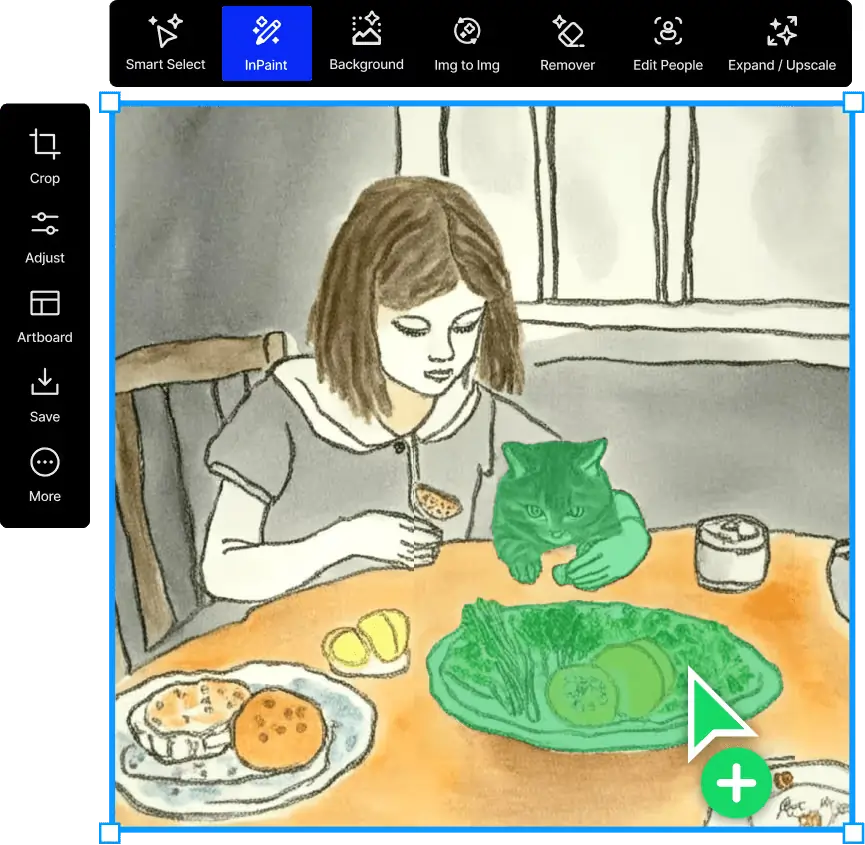
This built-in editor is a godsend for AI influencer creators tweaking content for that perfect NSFW vibe.
Taking Your AI Influencer to the Next Level with Sugarlab
While OpenArt gives you killer tools to finesse your AI characters, Sugarlab is the ultimate playground for creating uncensored, erotic AI influencers that rake in the dough on platforms like OnlyFans. With Sugarlab’s AI-powered creator, you can:
Sweet Sugarlab’s deal for our AiTwin.ninja readers:
Grab 420 free tokens to dive into Sugarlab’s AI influencer generator and blow up your content game.
Just use this link to claim your bonus and start crafting your next NSFW superstar: Sugarlab AI Free Tokens Offer
Sugarlab is where advanced AI influencer dreams meet filthy reality, supporting creators who want to crush it with viral, uncensored content.
😉 Final Thoughts
Ready to snap the internet’s neck with your hyper-real AI influencer?
Mastering OpenArt tools like the 3D Pose Editor, Place Character in Image, Image to Video animation, and lip-syncing will take your content from meh to magnetic.
Plus, hooking up with Sugarlab AI’s token deal lets you unleash uncensored content goldmine that fans will gobble up like candy.
Level up your AI game and watch those subs, likes, and cash flow swell like never before. Remember, in the savage world of AI influencer creation, content is king—but advanced tools are the queen who runs the show.
Claim your 420 free tokens on Sugarlab now and start creating NSFW influencer content that slays every platform.

AITwin Ninja
Affiliate Disclosure: This post may contain some affiliate links, which means we may receive a commission if you purchase something that we recommend at no additional cost for you (none whatsoever!)
Similar Posts
Author
sandra
Sandra is a tech ethicist and lead writer for AI Twin. She investigates the societal impact of AI replication technology, focusing on the ethical implications, privacy concerns, and future of human connection in an increasingly digital world.