How to Use TopView AI Video Agent: Step-by-Step Guide
So you want to crank out scroll-stopping product videos without burning through your budget or learning complex editing software? The TopView AI Video Agent might just be your new best mate. This AI-powered platform clones viral video styles, turns product links into ads, and churns out content 10× faster than traditional methods. No agencies, no…

By :
sandra
April 3, 2026
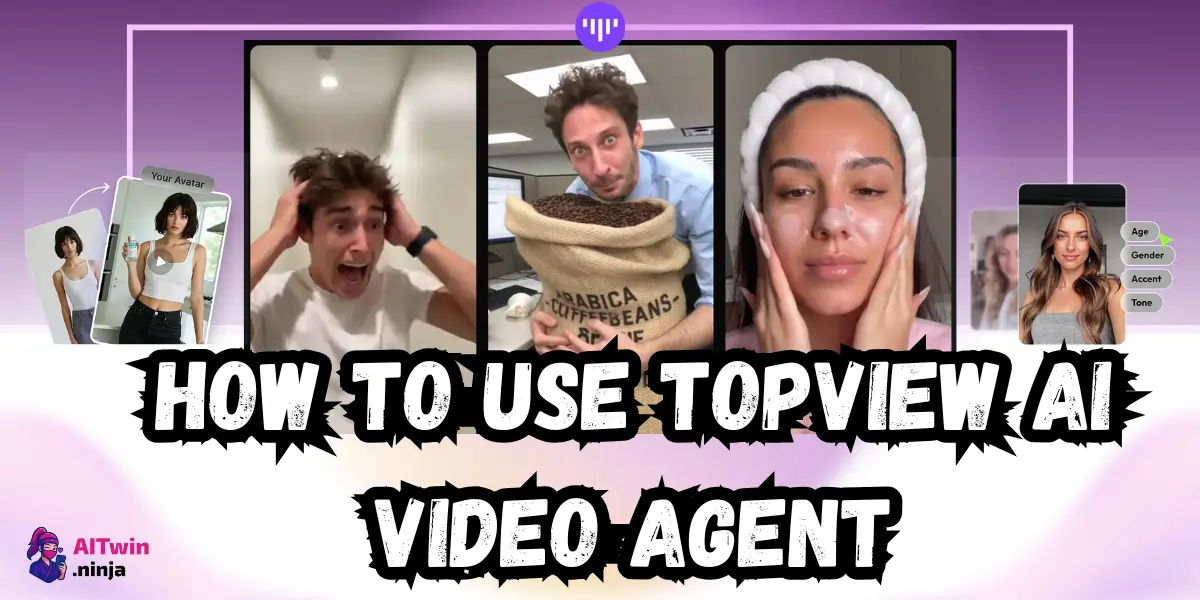
So you want to crank out scroll-stopping product videos without burning through your budget or learning complex editing software?
The TopView AI Video Agent might just be your new best mate. This AI-powered platform clones viral video styles, turns product links into ads, and churns out content 10× faster than traditional methods.
No agencies, no expensive shoots—just you, your product, and an AI that’s analyzed 5 million viral videos to figure out what actually works.
Sounds mental? Let’s get into exactly how this thing operates and see if it’s worth your time and cash.
What TopView AI Video Agent Actually Does (And Why You Should Care)
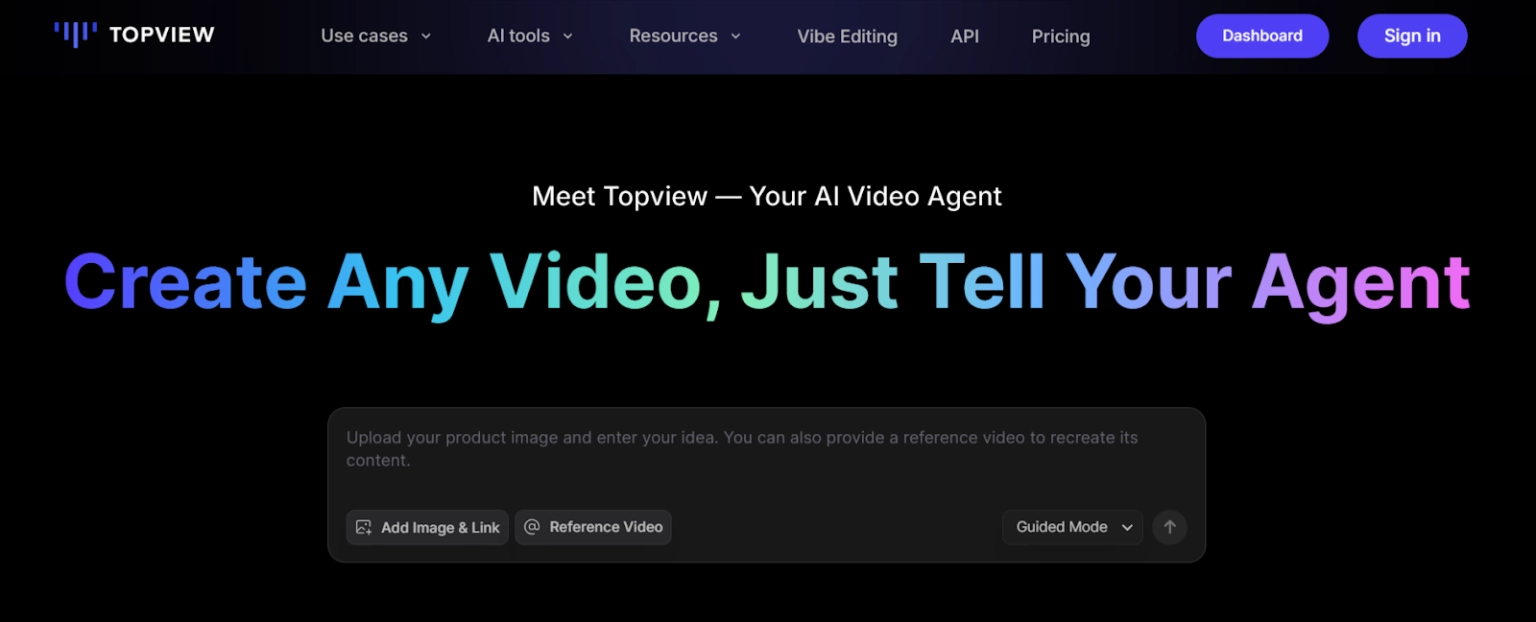
TopView AI Video Agent isn’t just another video editor pretending to be smart. It’s an AI video generator that literally recreates viral marketing ads with your product swapped in. Feed it a product link, pick a reference video from their 10-million-strong library, and watch the magic happen.
Here’s who’s getting filthy results with this:
The promise? Cut video production from weeks to minutes, slash costs by 80-90%, and actually compete with brands spending five figures on creative. One company, iLive by SHOPNOW, grew their AI video production revenue by 80% while cutting labor costs in half. Not too shabby.
Getting Started with TopView AI (The Boring But Necessary Bits)
Sign up at topview.ai and grab the free plan—10 credits gets you 2 videos (5 credits/15 s video). Proper stingy, but enough to test if this fits your workflow.
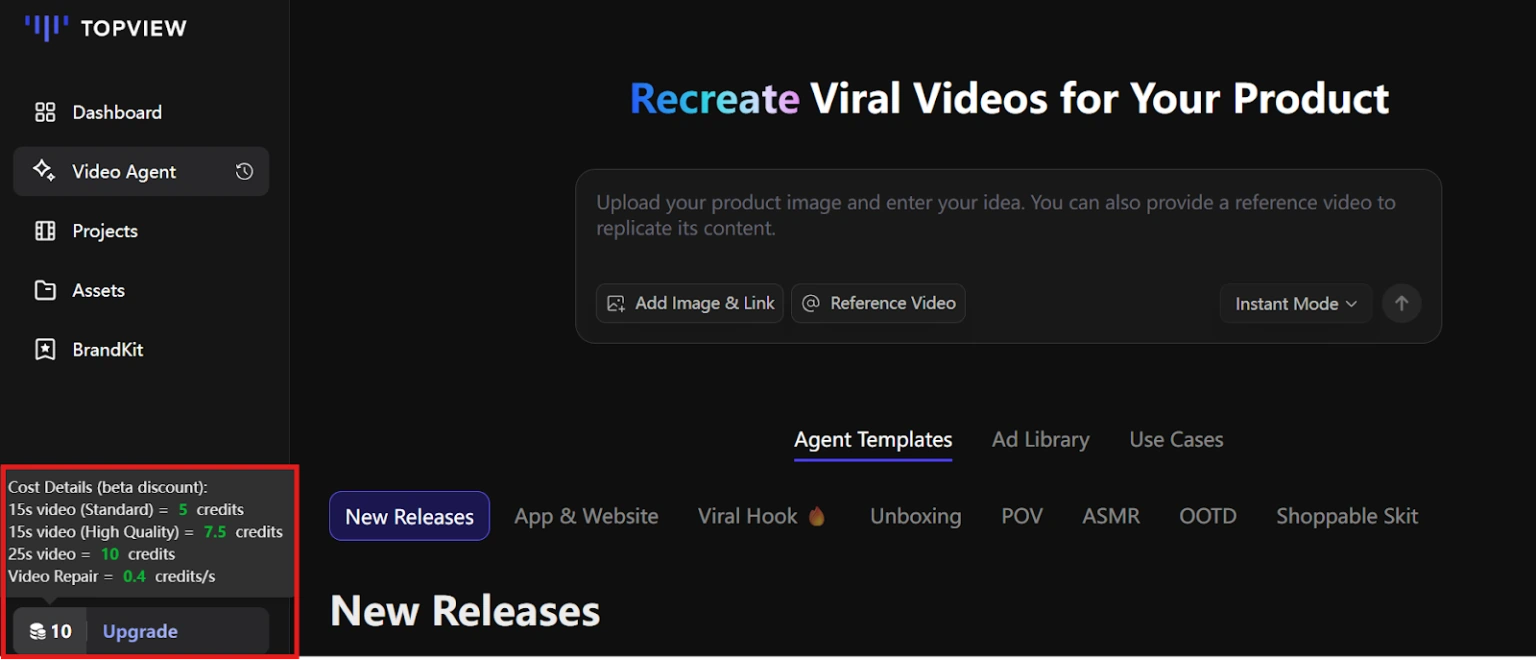
Install the Chrome extension if you’re lazy (it saves clicks when converting product URLs). The dashboard is dead simple: upload product, pick style, generate video. No 47-step tutorial required.
Method 1 – Clone Any Viral Video Style (The Fast Track)
This is where TopView AI Video Agent really flexes. The process goes like this:
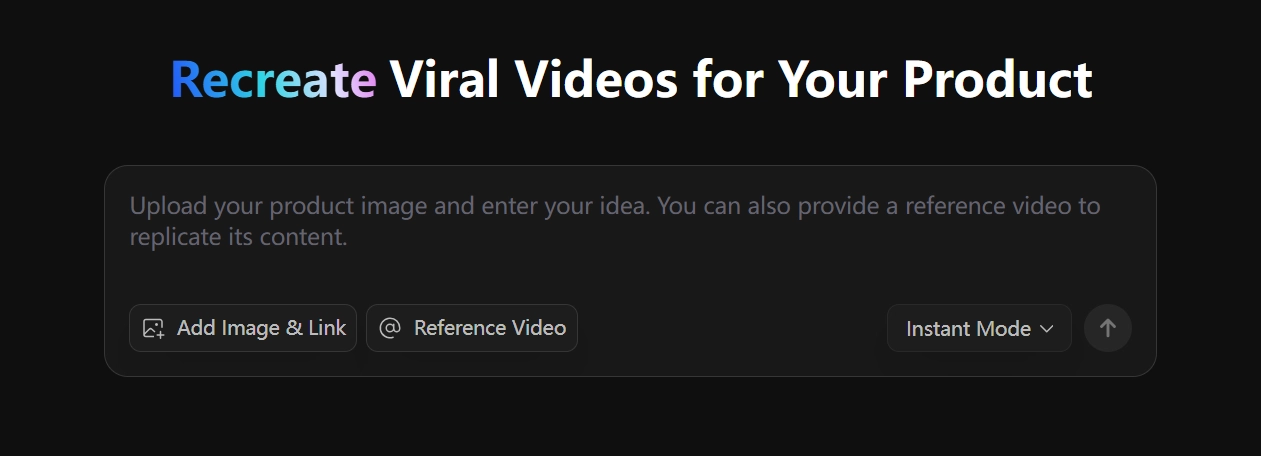
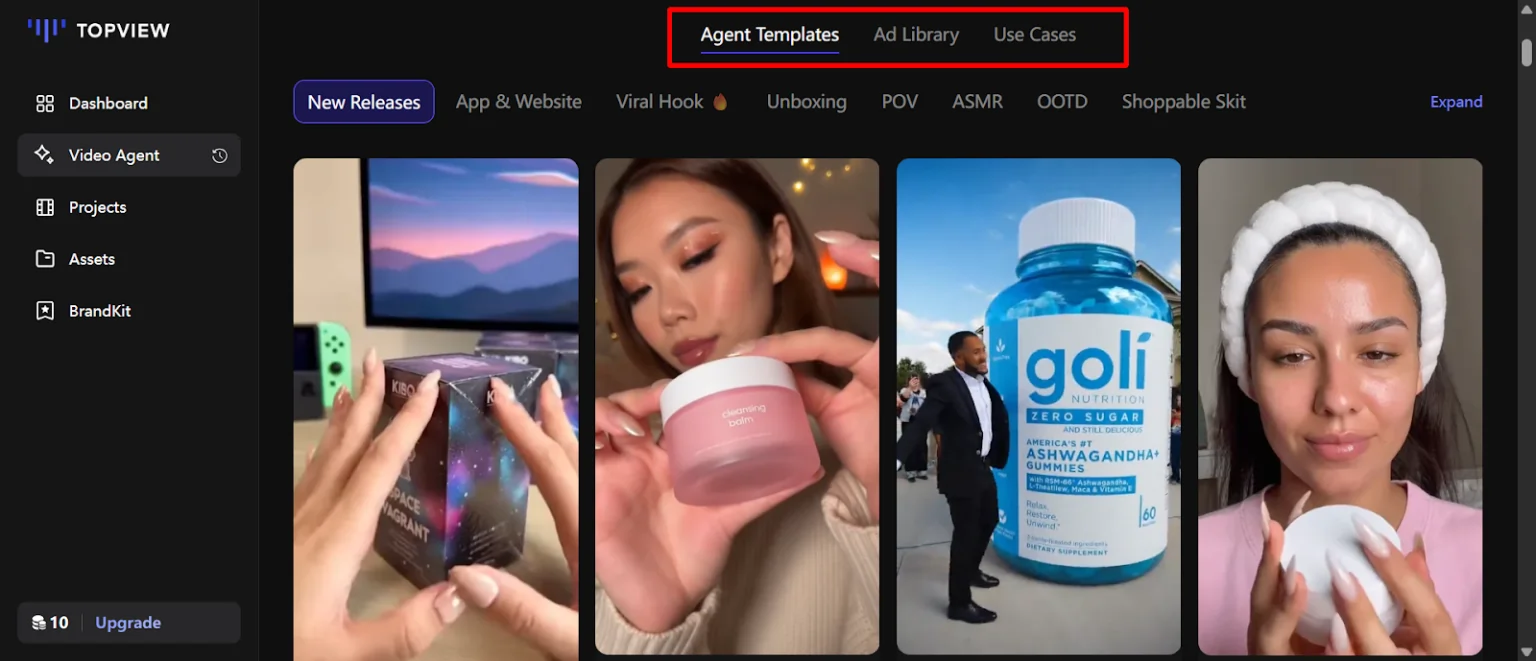
Method 2 – Create Custom Videos with AI Avatars
Got 100+ AI avatars on the free plan, 2,000+ if you pay. Pick realistic humans or anime-style characters depending on your vibe. Script your video using GPT-4o AI generation or write it manually if you’ve got a specific angle.
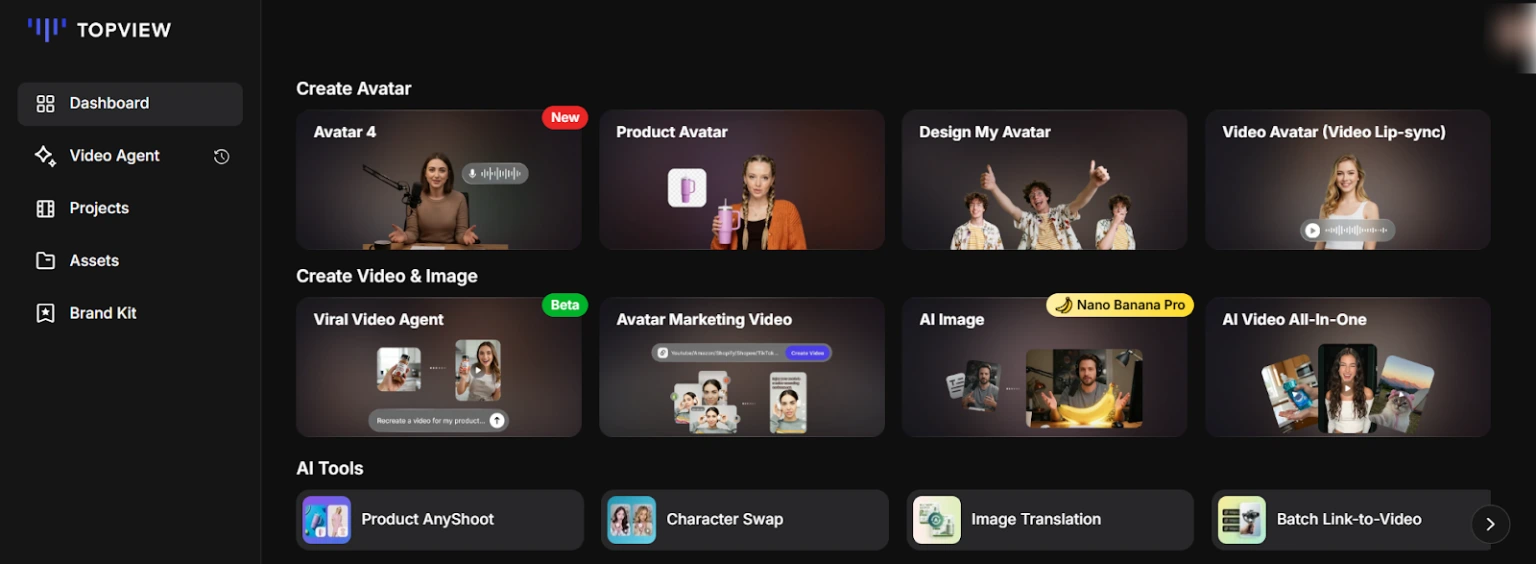
Voice selection offers 160+ options across languages. The voice cloning feature lets you record 30 seconds of your own voice and the AI mimics it—proper handy for brand consistency. Auto-captions sync perfectly, beat-matched music doesn’t sound like royalty-free garbage, and the lip-sync on avatars actually works without that uncanny valley creep.
Hit render, and paid plans strip the watermark. Free tier videos look decent but scream “I’m broke” with branding slapped on top.
Method 3 – Turn Product Links Into Videos (One-Click Magic)
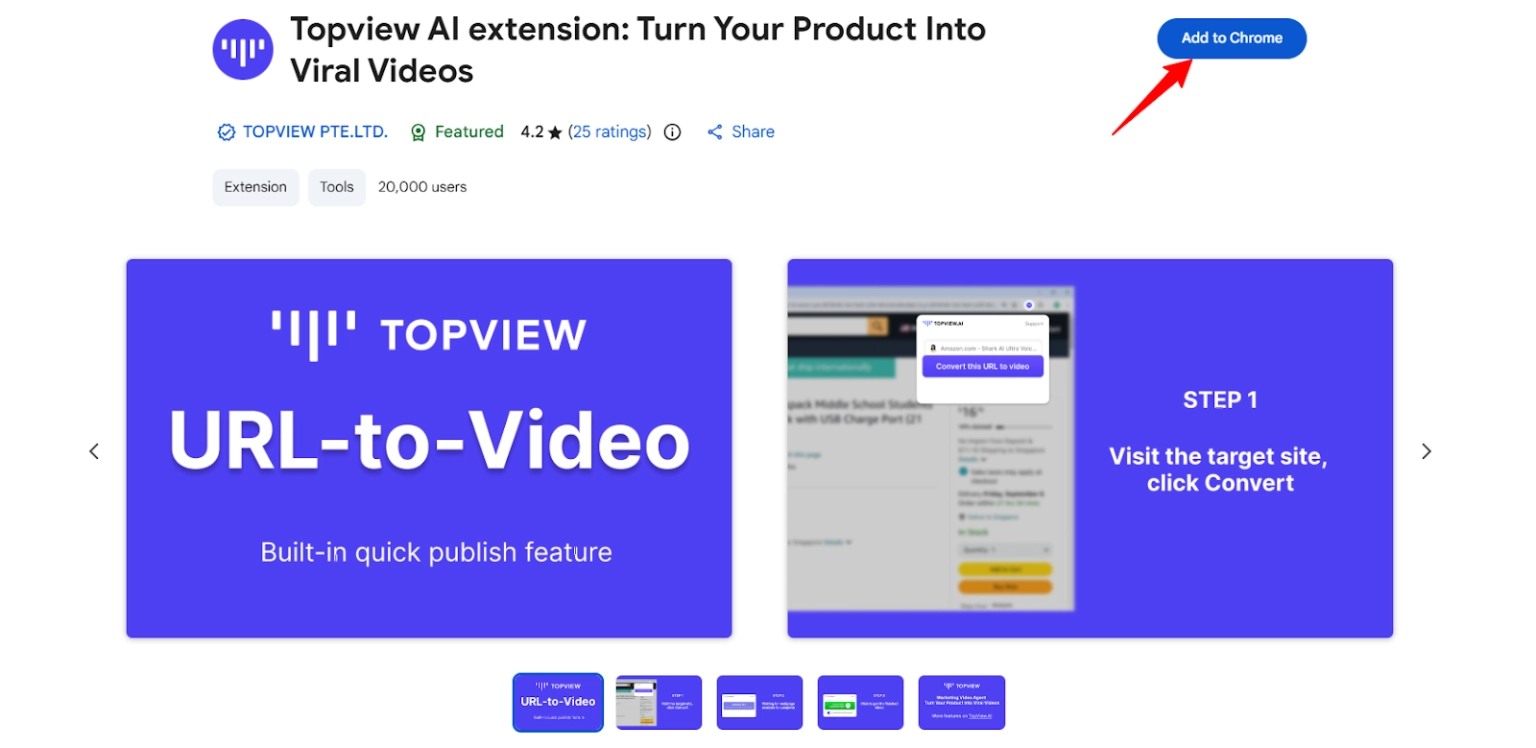
Install the Chrome extension, browse to any product page, and smash the blue button. TopView AI scrapes product details, images, and descriptions in about a minute. It auto-generates a script and selects visual sequences based on what converts for similar products.
Edit if you’re picky, approve if you trust the AI, then generate. This URL-to-video pipeline is genuinely mental for catalog-heavy e-commerce sellers pumping out 20-50 videos in one session.
What Actually Works (And What Doesn’t)
Stuff that slaps hard
Where it falls short
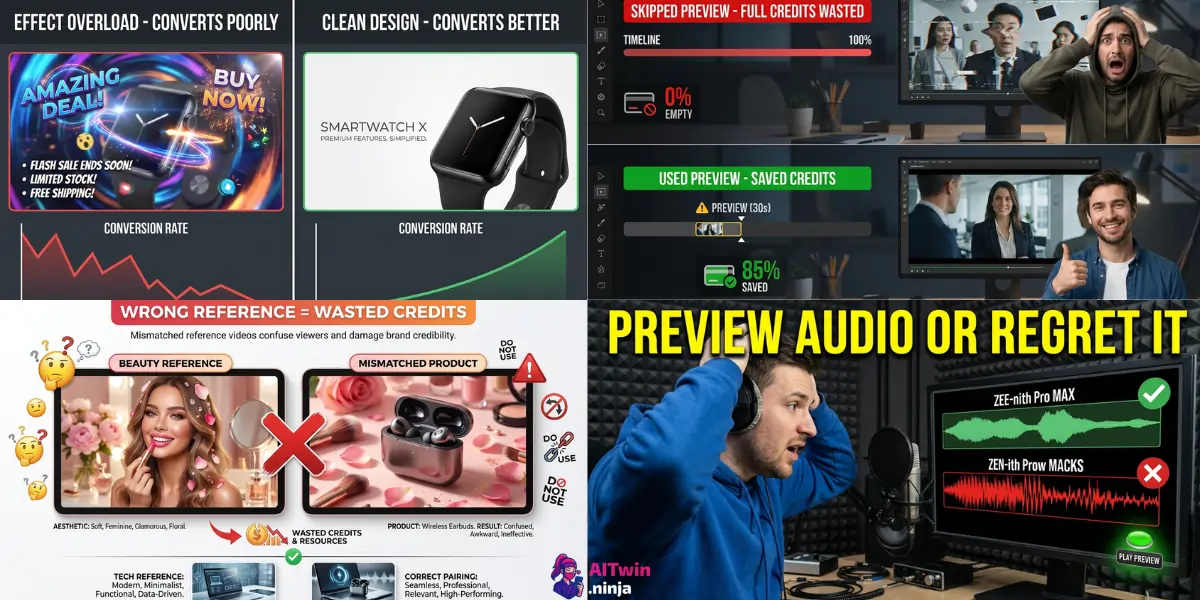
❌ Mistakes That’ll Waste Your Credits (Don’t Be That Person)
Pro Moves That Actually Increase Conversions
Use the material-to-video feature for A/B testing. Generate 3-5 versions with different hooks, test what gets clicks before scaling ad spend.
Clone competitor ads that already work. Find top-performing ads in your niche, recreate with TopView AI using your product. Legal, fast, and skips expensive R&D.
Batch create for product catalogs. Upload multiple products, generate 20-50 videos in one session for massive time savings.
Combine real footage with AI avatars. Use AI for intros and outros, real product demos in between. Feels more authentic than pure AI slop.
Optimize for platform specs. 9:16 for TikTok and Instagram Reels, 16:9 for YouTube ads. TopView auto-formats but double-check outputs.
Real Results People Are Actually Getting
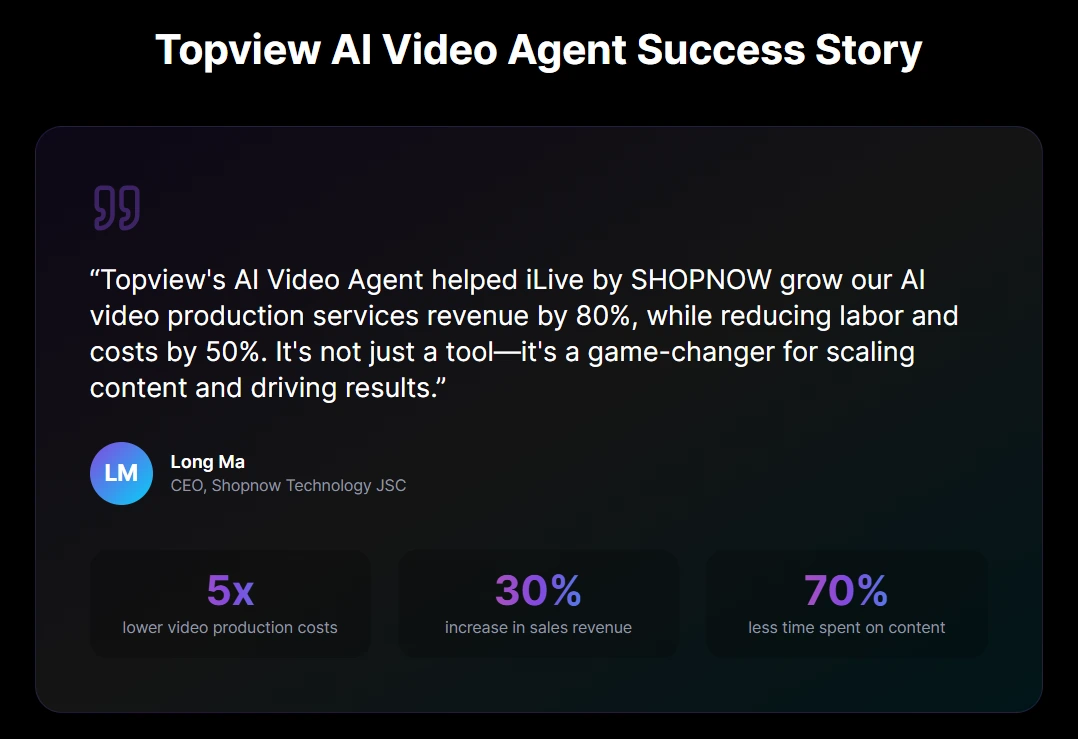
iLive by SHOPNOW case study: 80% revenue growth, 50% cost reduction using TopView AI Video Agent. Marketers report 90% faster production versus traditional editing. ROI turns positive within the first month for paid plans, though the credit system can burn budget during heavy testing phases.

AITwin Ninja
Should You Actually Use TopView AI?
✅ Bottom line: TopView AI is bloody brilliant for pumping out viral-style product ads fast. It won’t replace a proper video editor, but that’s not the point. For e-commerce sellers and affiliate marketers who need volume over artistry, this AI video generator is a proper time-saver that actually pays for itself.
Affiliate Disclosure: This post may contain some affiliate links, which means we may receive a commission if you purchase something that we recommend at no additional cost for you (none whatsoever!)
Similar Posts
Author
sandra
Sandra is a tech ethicist and lead writer for AI Twin. She investigates the societal impact of AI replication technology, focusing on the ethical implications, privacy concerns, and future of human connection in an increasingly digital world.