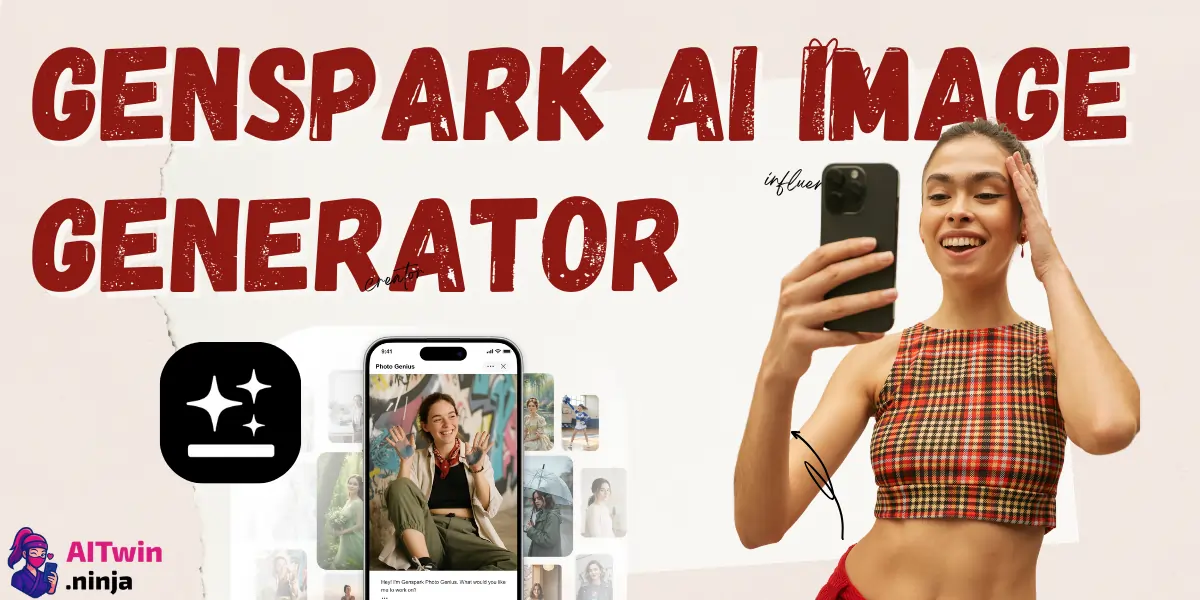
Genspark just dropped something massive for 2026—unlimited AI image generation on their paid plans. While Midjourney makes you jump through Discord hoops and DALL-E nickel-and-dimes you per image, Genspark's bundling it all into one slick workspace.
This guide breaks down how to squeeze every drop of value from Genspark AI image generator, access premium models like Nano Banana Pro and FLUX, and make the most of those free credits.
Plus and Pro members get unlimited chat and image features rolled into one subscription—no more rationing your generations.
What Is Genspark AI Image Generator?
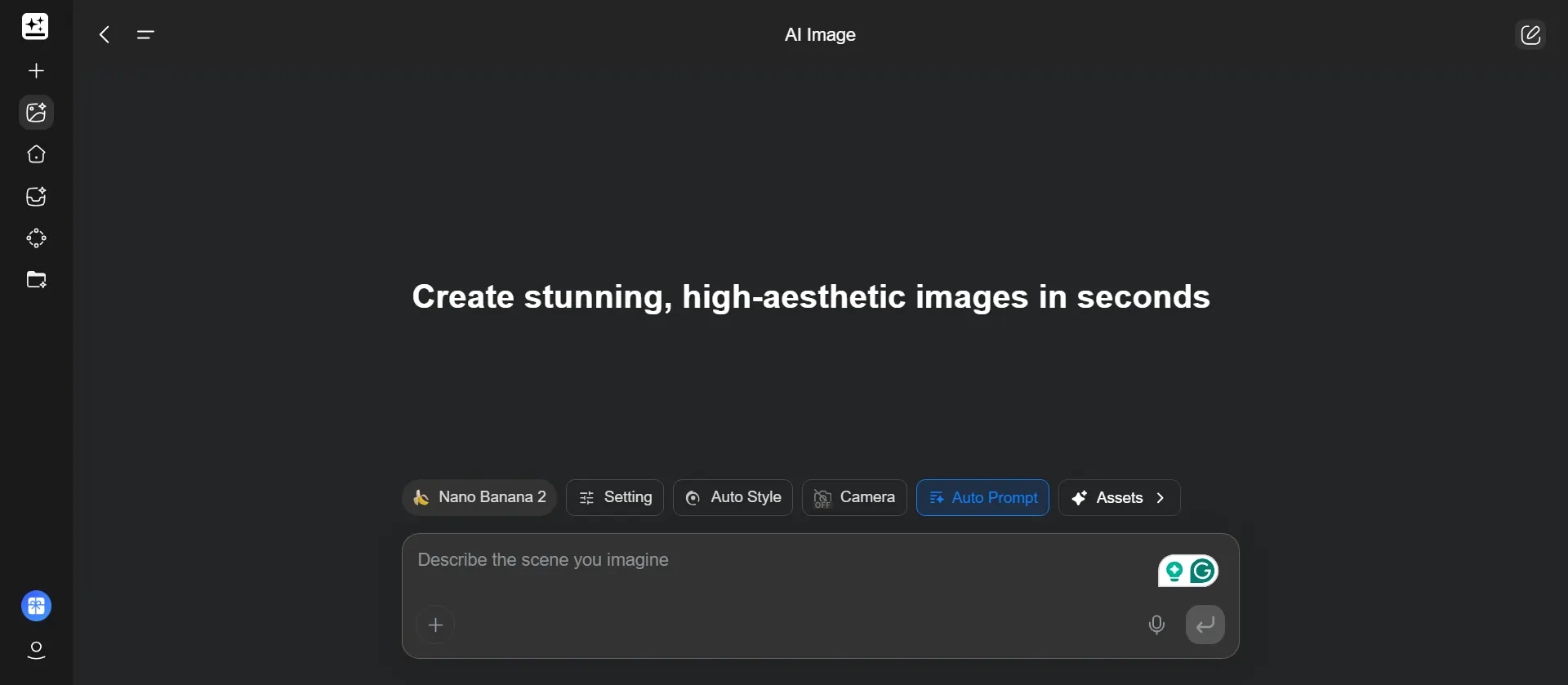
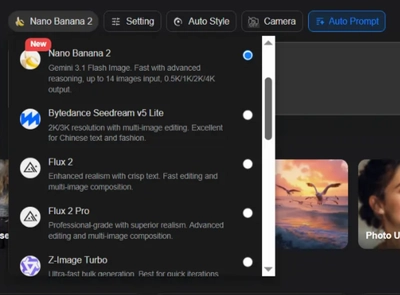
The Genspark AI Image Generator sits inside Genspark's all-in-one AI workspace, giving you access to multiple powerhouse models: Nano Banana Pro, GPT Image, FLUX 2 Pro, and Seedream. Pick one manually or let their Mixture-of-Agents system choose the best model for your prompt.
This isn't just about pumping out static images. The platform handles 5-second GIF conversions, video transformations, and includes bonus quick apps like Background Remover, Magic Eraser, and Magic Redraw. Think of it as your creative Swiss Army knife—images, edits, and enhancements all under one roof.
The Unlimited Access Deal for 2026
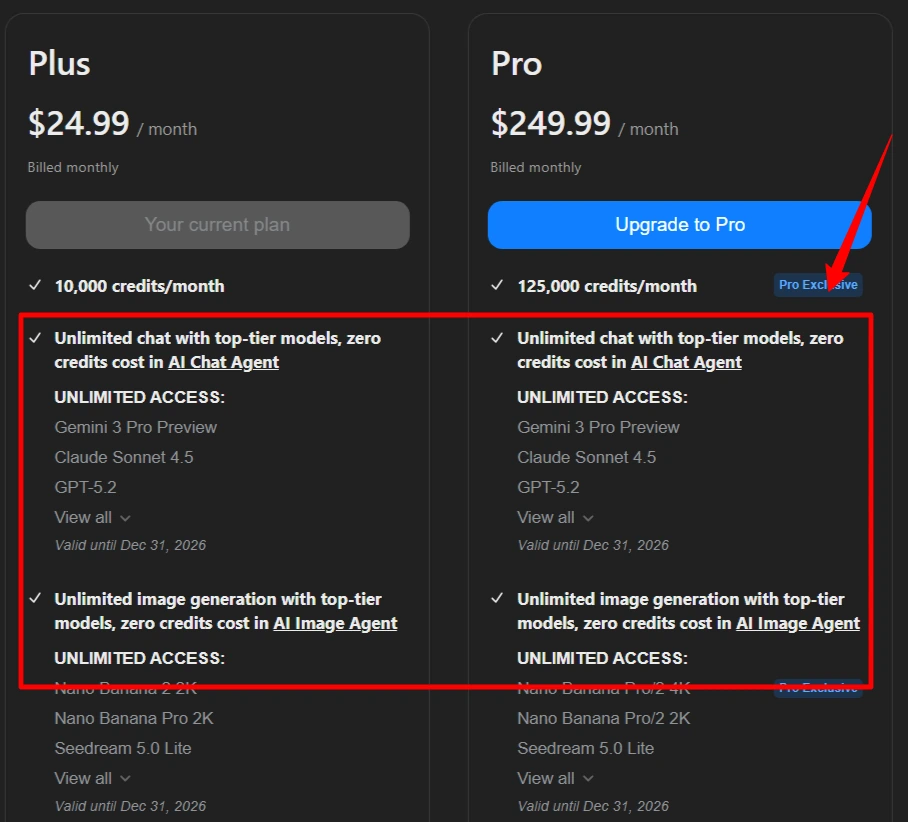
Here's what “unlimited” actually means: subscribers on Plus ($24.99/month) and Pro ($249.99/month) plans get zero credit consumption for AI Chat and AI Image features. Generate as many visuals as you want without watching a credit counter tick down.
Other features like AI Video, Slides, and Sheets still burn through credits, so “unlimited” has boundaries. The catch? This deal runs throughout 2026, and if you grabbed the annual plan between January 1-7, you locked in a 40% discount. Plus drops to $19.99/month, Pro to $199.99/month when billed yearly.
Top AI Models You Get Access To
How to Generate Images in Genspark AI: Step-by-Step
- Access the Image Studio: Click the Nano Banana icon on the left sidebar
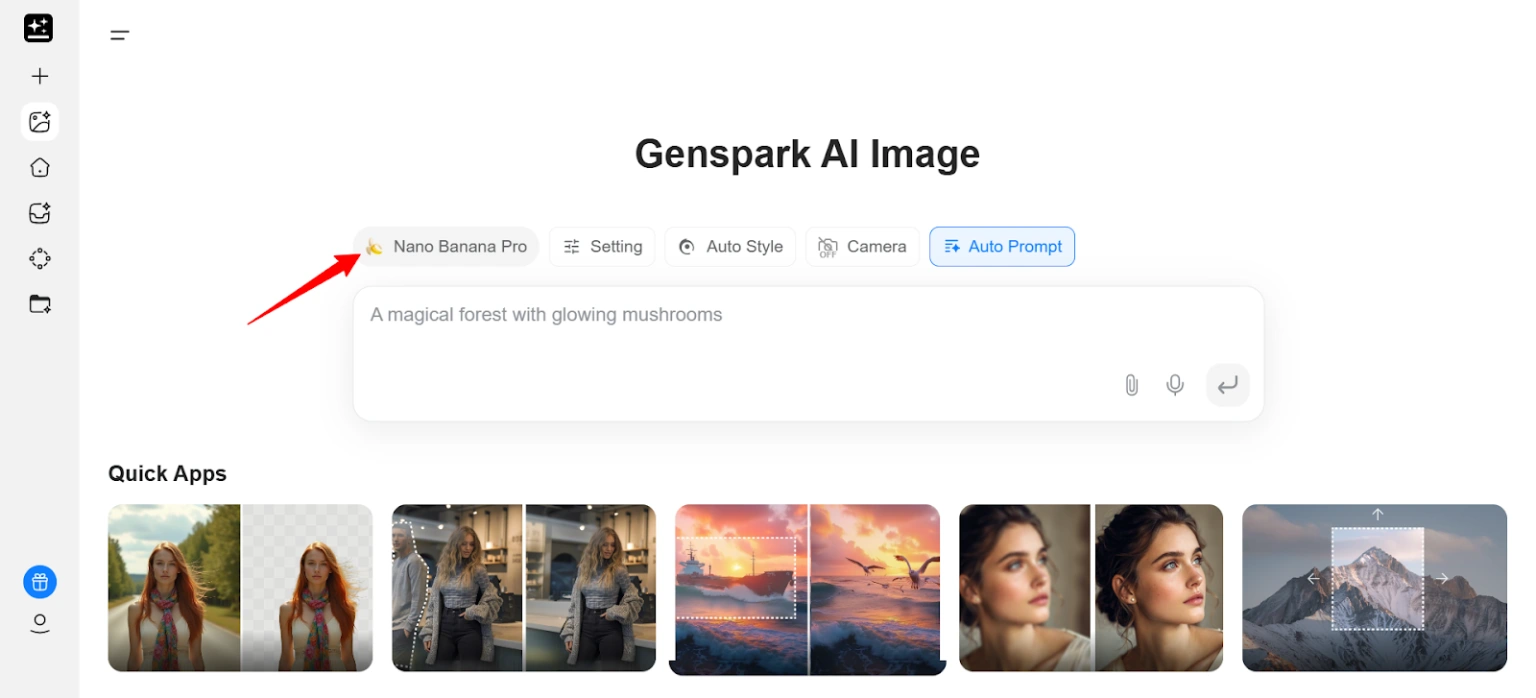
- Choose your input method: Either write a text prompt describing what you want or upload a reference image to remix
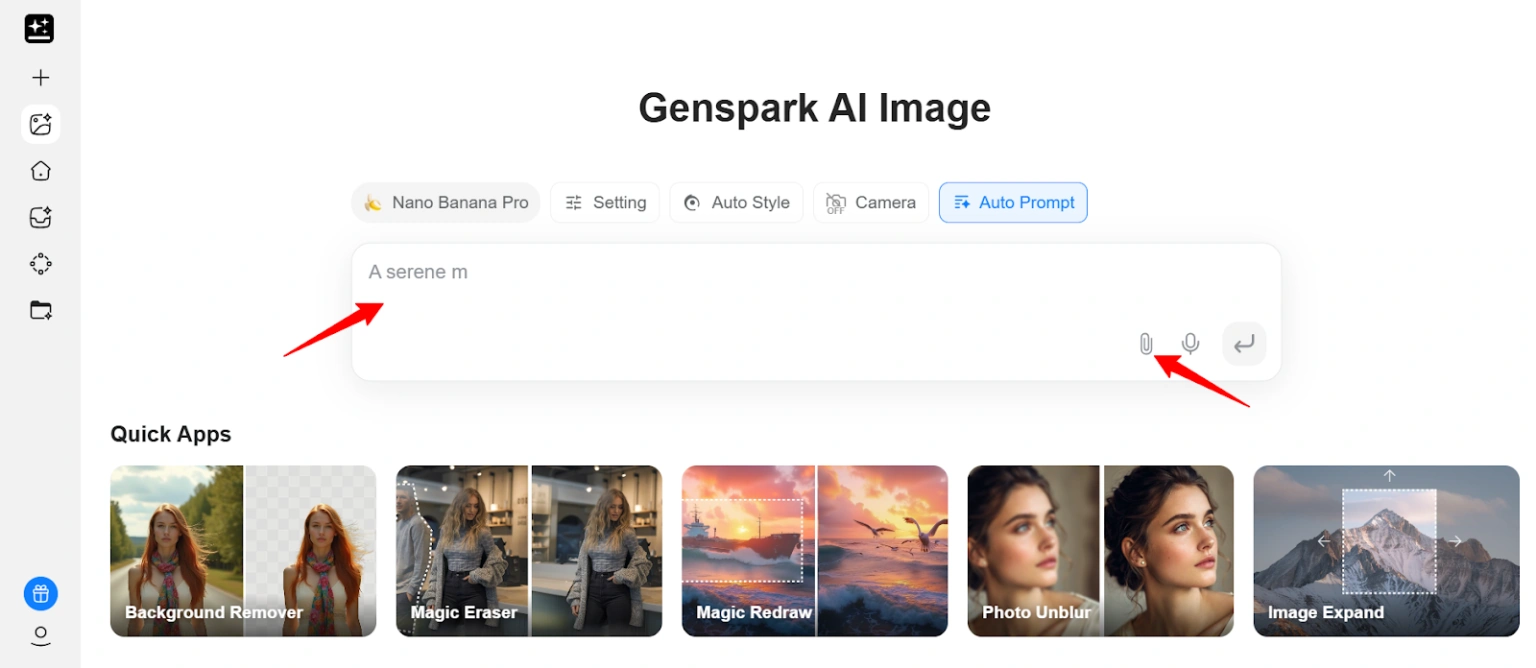
- Configure settings:
- Select your preferred model (Nano Banana recommended for realism)
- Toggle Auto Prompt to enhance vague descriptions
- Toggle Auto Style for automatic art style selection
- Toggle Auto Size to optimize framing and composition
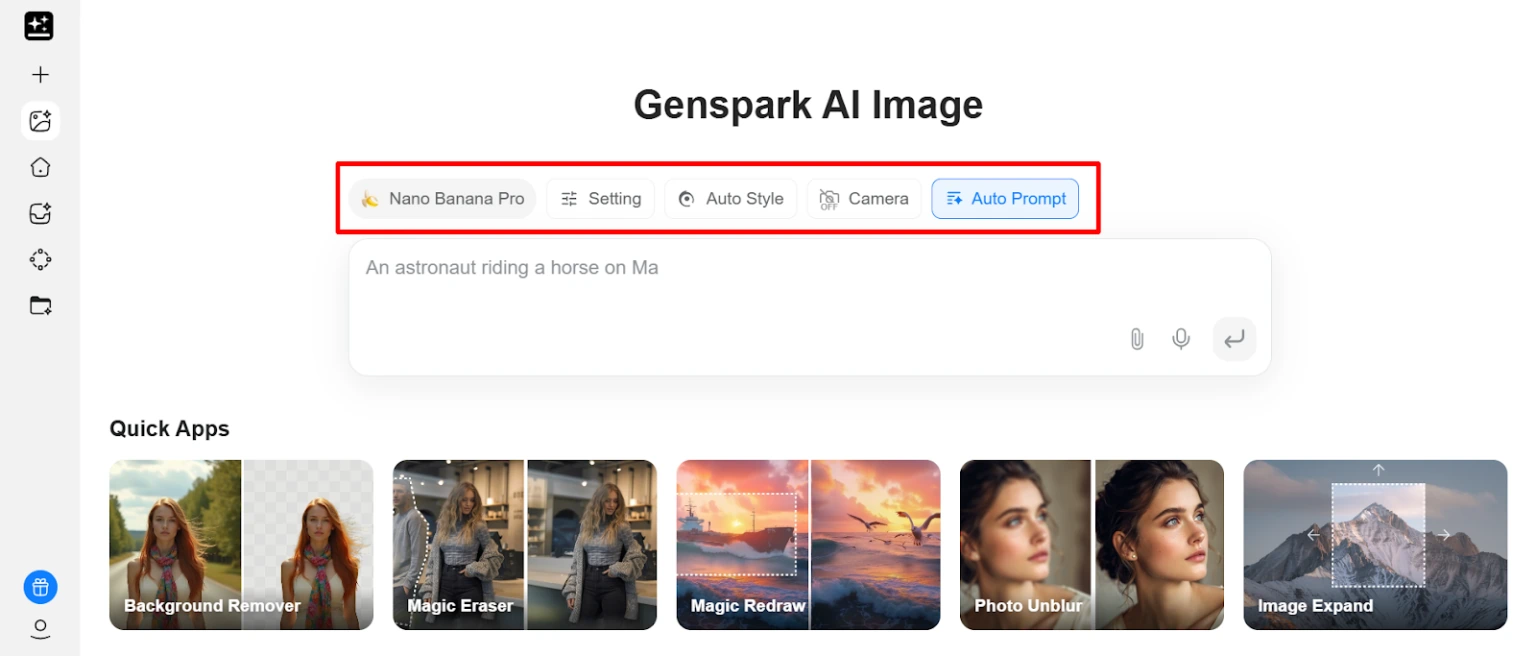
- Write your prompt: Get specific—mention lighting conditions, camera angles, mood, colors, and small details
- Hit Generate: Wait 20-30 seconds for results
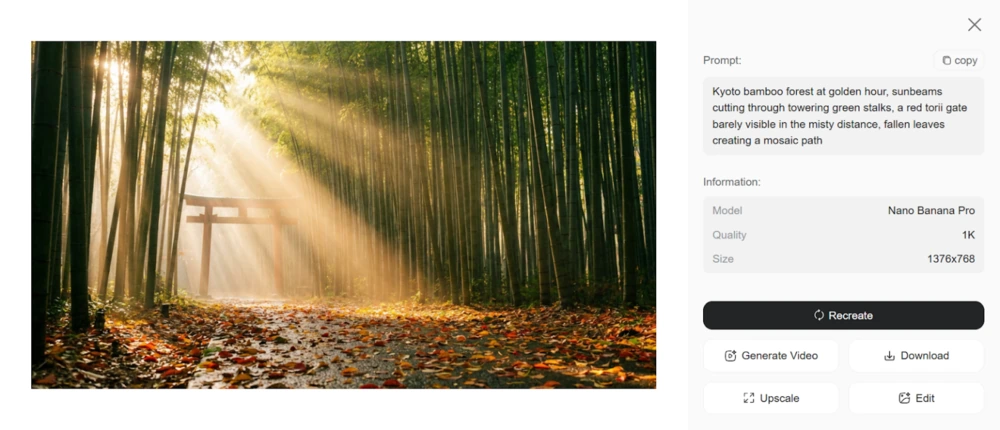
- Refine options: Use remix to tweak the image, upscale resolution, or convert to video format
Advanced Features Worth Using

The real power shows up when you dig past basic generation. Image-to-GIF conversion turns your best stills into 5-second looping animations perfect for social media. Remix mode lets you upload existing images and modify them with new prompts.
Upscaling tools boost resolution without quality loss. Magic Eraser removes unwanted objects cleanly, while Background Remover delivers instant cutouts for product shots or transparent PNGs. The Autoprompt system rewrites weak prompts into detailed instructions, saving you from prompt engineering headaches. Batch generation creates multiple variations so you can pick the strongest candidate.
Genspark AI Pricing Breakdown (USD)
| Plan | Price | Image Credits | Unlimited Access | Storage |
|---|---|---|---|---|
| Free | $0/mo | 100 daily | No | 1GB |
| Plus | $24.99/mo | Unlimited AI Image | Yes | 50GB |
| Pro | $249.99/mo | Unlimited AI Image | Yes | 1TB |
| Team | $30/user/mo | 12,000/mo | No | 60GB |
Annual pricing knocks it down to Plus at $19.99/month and Pro at $199.99/month—solid savings if you're in for the long haul.
Credit System Explained
Free users get 100 daily credits that reset every 24 hours, with a 3,000 credit storage cap. Plus and Pro subscribers enjoy unlimited access, but only for the AI Image feature. Everything else—AI Video, Slides, Sheets—still consumes credits based on complexity.
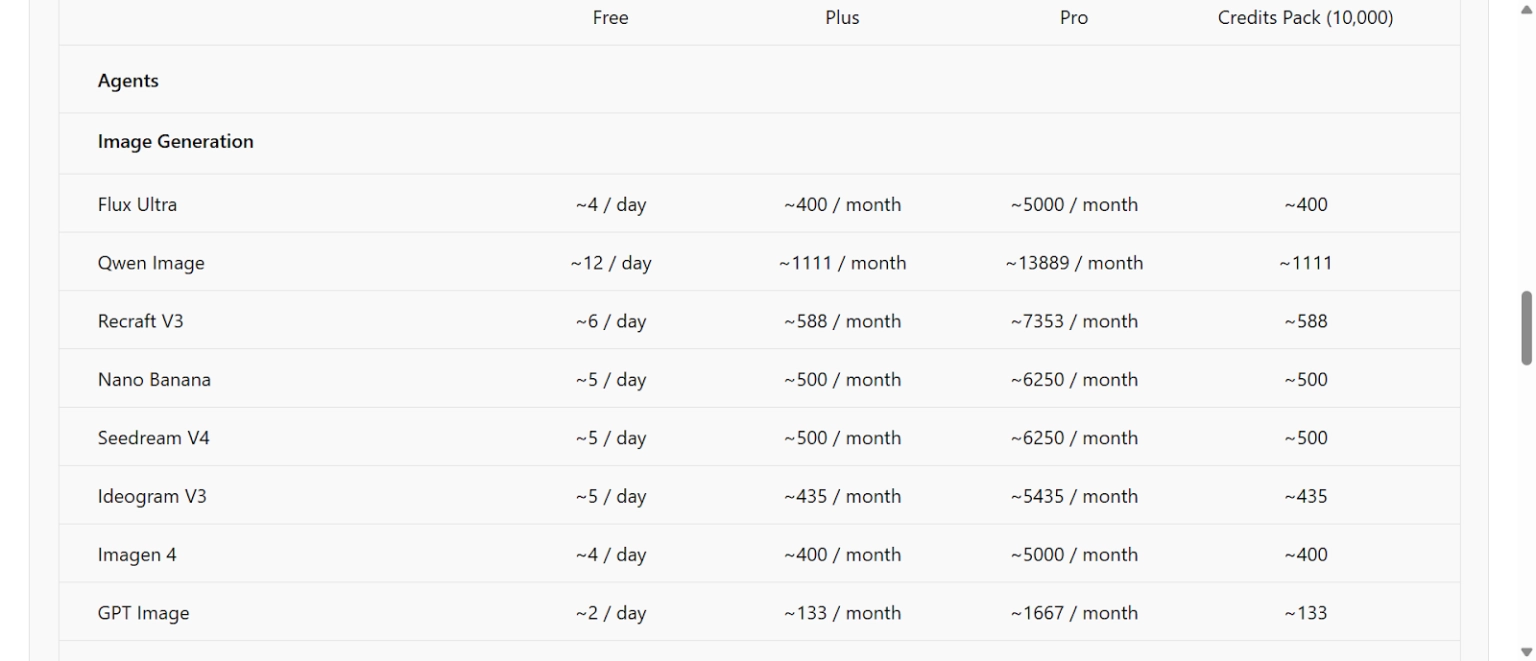
Different models eat different credit amounts. Unused credits roll over on paid plans, so you won't lose what you don't use. The free tier works great for testing before committing cash.
Tips to Create Better AI Images
- Be ridiculously specific with prompts: mention lighting type, camera angle, emotional mood, color palette
- Use Nano Banana Pro when you need photorealistic outputs with sharp details
- Try Auto Prompt if you're stuck—it optimizes basic descriptions into detailed instructions
- Upload reference images to guide the style and composition you're chasing
- Experiment with different aspect ratios: portrait for social posts, landscape for headers, square for profile pics
- Use negative prompts to exclude unwanted elements like “no text” or “no watermark”
- Generate multiple versions of the same prompt and cherry-pick the best result
- Combine image outputs with Genspark's other tools like Slides and Sheets for complete projects
Genspark AI Prompt Examples That Actually Work
Want to skip the trial-and-error and go straight to sexy-good outputs? Try these Genspark AI Image Generator prompts and tweak them to your vibe.
Photorealistic Product Shot
"Professional product photo of a sleek smartwatch on marble surface, soft studio lighting, 45-degree angle, shallow depth of field, commercial photography style, 4K quality"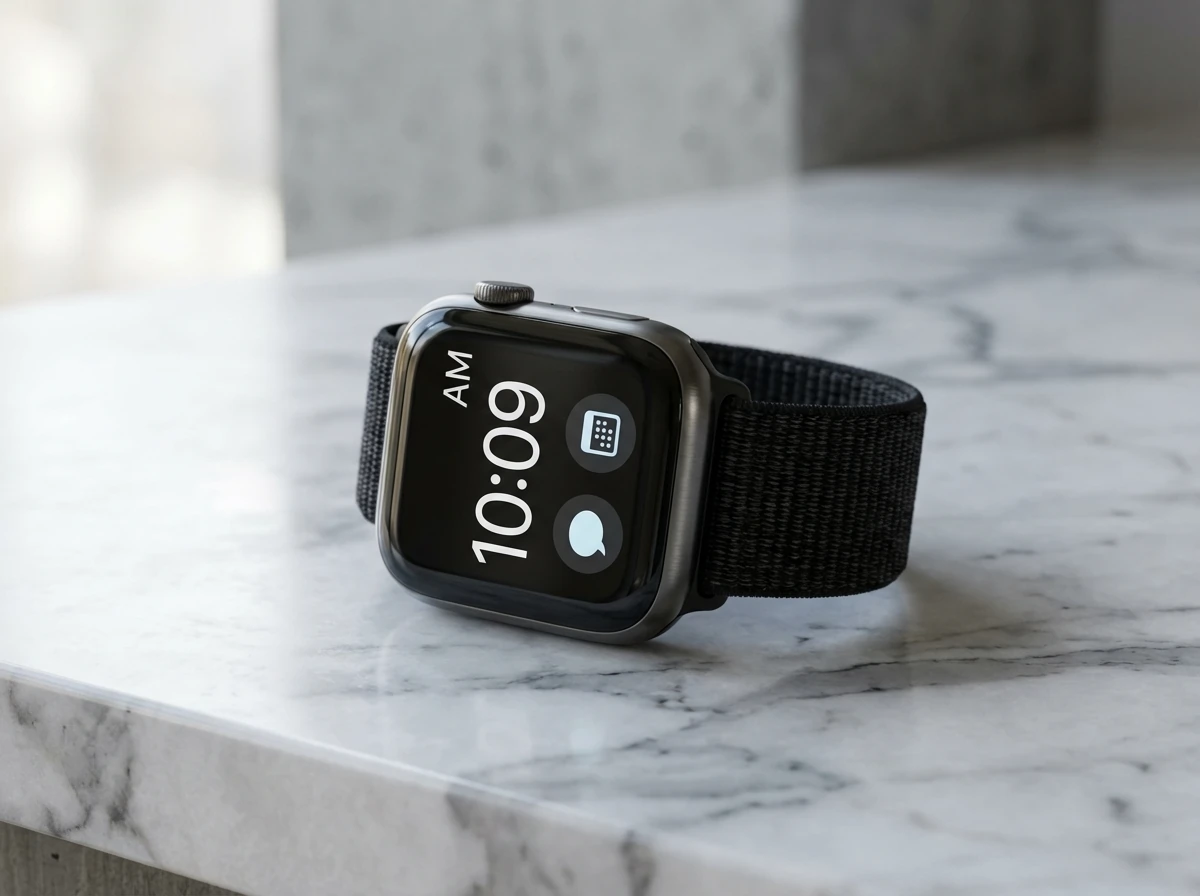
– Ideal for ads, ecom listings, and promo banners.
Artistic Landscape
"Cyberpunk Tokyo street at night, neon signs reflecting on wet pavement, flying cars in distance, cinematic composition, vibrant purple and blue tones, high detail"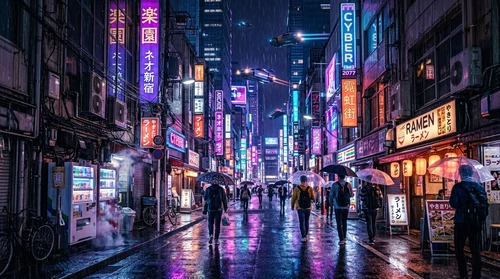
– Perfect for blog headers, hero sections, and social posts.
Character Portrait
"Close-up portrait of a confident female entrepreneur in modern office, natural window light, professional attire, warm color grading, magazine cover style, sharp focus on eyes"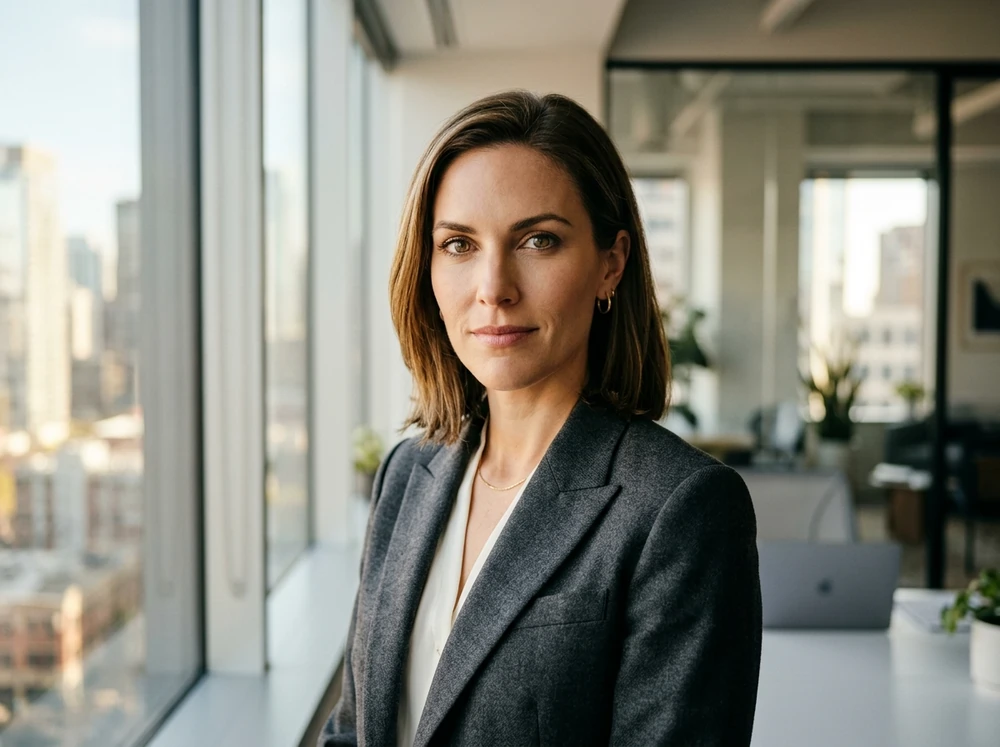
– Great for personal branding, LinkedIn-style visuals, and thumbnails.
Abstract Concept
"Abstract representation of artificial intelligence, flowing neural networks, glowing blue and gold particles, dark background, futuristic aesthetic, 3D render style"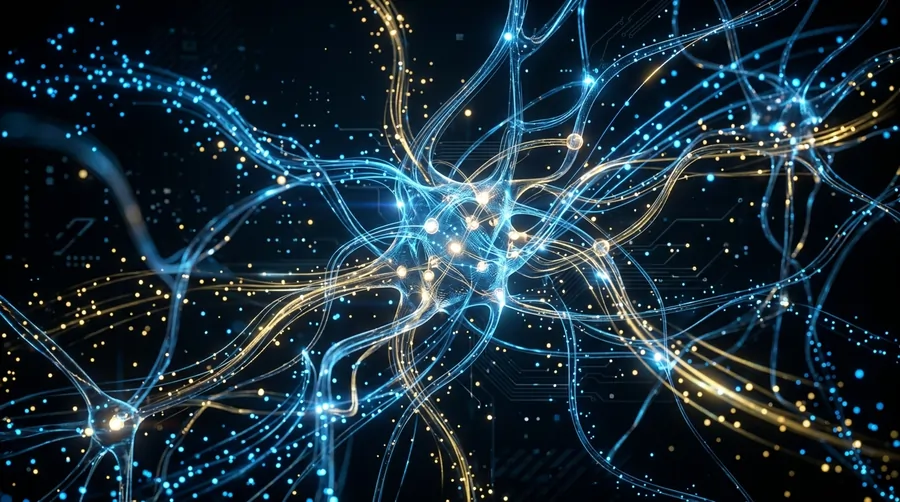
– Works nicely for tech websites, slide decks, and background art.
Genspark vs. Competitors
| Feature | Genspark AI | OpenArt | Higgsfield AI | Kling AI |
|---|---|---|---|---|
| Price | $24.99/mo | $14/mo | $9/mo | $6.99/mo |
| Entry Credits | 100 daily (free) | 40 trial credits | 150/mo (Basic paid) | Limited trial |
| Unlimited Images | Yes (Plus/Pro) | No | Yes (promo only) | No |
| AI Models | 4+ models | 100+ models | 3+ models | Omni One |
| Video Length | 5-sec GIFs | Up to 60-sec | Full videos | Up to 2-min |
| Workspace Tools | Docs, Slides, Chat | Character studio | Face swap, VFX | Motion brush |
| Best For | All-in-one workspace | Model variety | Video creation | Cinematic videos |
Common Issues & Fixes
Final Verdict
Plus members at $24.99/month get the sweet spot—unlimited images, chat, and workspace tools for less than most standalone image generators. Best value comes when you need the multi-tool approach, not just isolated image generation.
The 2026 unlimited deal is legit, not marketing fluff. Strong pick if you're after workspace functionality bundled with image creation. Start with the free tier to test model quality and speed before dropping cash on subscriptions.
Key Takeaways

AITwin Ninja