
Want to create your first AI influencer using OpenArt? It takes 10–15 minutes and zero coding skills.
OpenArt's free AI image generator cranks out consistent, photorealistic virtual characters ready to rake in cash on Instagram, OnlyFans, or TikTok. Faceless content is the 2026 gold rush—your AI babe doesn't need sleep or selfies.
Picture this: endless outfits, poses, and settings without hiring models or hauling camera gear. Creators pull $500–$8,000 monthly from brand deals and spicy subscriptions.
✔ What is OpenArt?
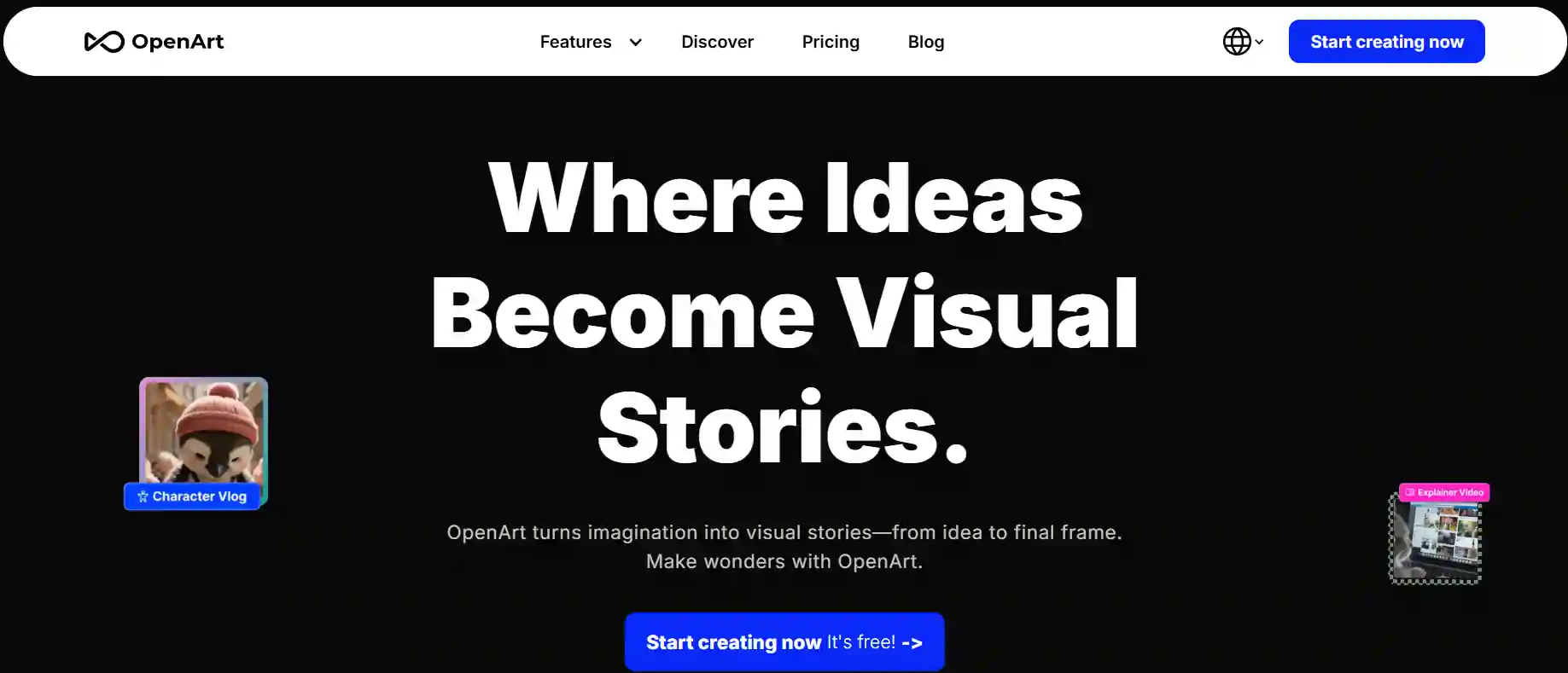
OpenArt is a free AI art generator that spits out photorealistic images from simple text prompts using Stable Diffusion XL and Flux models. It shines at AI influencer creation through Omni Reference and face consistency tech—perfect for keeping your virtual model looking like the same hot babe across 100 posts.
🎯 Why Create an AI Influencer in 2026?

Monetization options stack up fast. Brand sponsorships pay $50-$500 per post. OnlyFans subscriptions run $5-$20 monthly, with custom requests hitting $10-$100 each. Add affiliate marketing, and you've got multiple income streams.
Scalability is the real advantage. One base image generates unlimited variations—gym shots, beach content, evening wear. No photoshoots, no models, no location fees. Your AI influencer cranks out content in minutes while traditional shoots take days and thousands of dollars.
✅ Step-by-Step: Create Your First AI Influencer Using OpenArt
Ready to build your virtual empire? Follow these steps and watch the follows flood in.
Step 1 – Set Up Your Free OpenArt Account

Hit OpenArt.ai, sign up in 30 seconds—no card needed. Snag those 40 free credits. Hop into Discord for more juice. Dashboard loads your AI image generator playground.
Step 2 – Generate Your AI Influencer's Base Image (Character Design)


Pick the model:
⚙ Tweak settings: 512×512 size, 25-50 steps. Hit generate—bam, 4-8 options. Choose the one that screams “double-tap me.”

💡 Pro Tip: Nail descriptors like “sun-kissed skin, beach vibe, lifestyle photography.” Skip vague stuff.
Step 3 – Lock In Character Consistency (The Secret Sauce)
Consistency sells the fantasy—followers bail if your babe morphs faces. OpenArt Characters mode uploads your base image, flips on “Face Consistency.”

Methods:
- Omni Reference: Upload base, generate new poses/outfits—face stays locked.
- FaceSwap: Image Prompt tab, reference upload, “FaceSwap” checked.
- Prompt Lock: Core traits identical (“25-year-old Asian woman, long wavy hair”), swap variables only.
Your AI influencer looks real across feeds.
Step 4 – Create Diverse AI Influencer Content (Poses, Outfits, Settings)
Variety keeps engagement spicy.
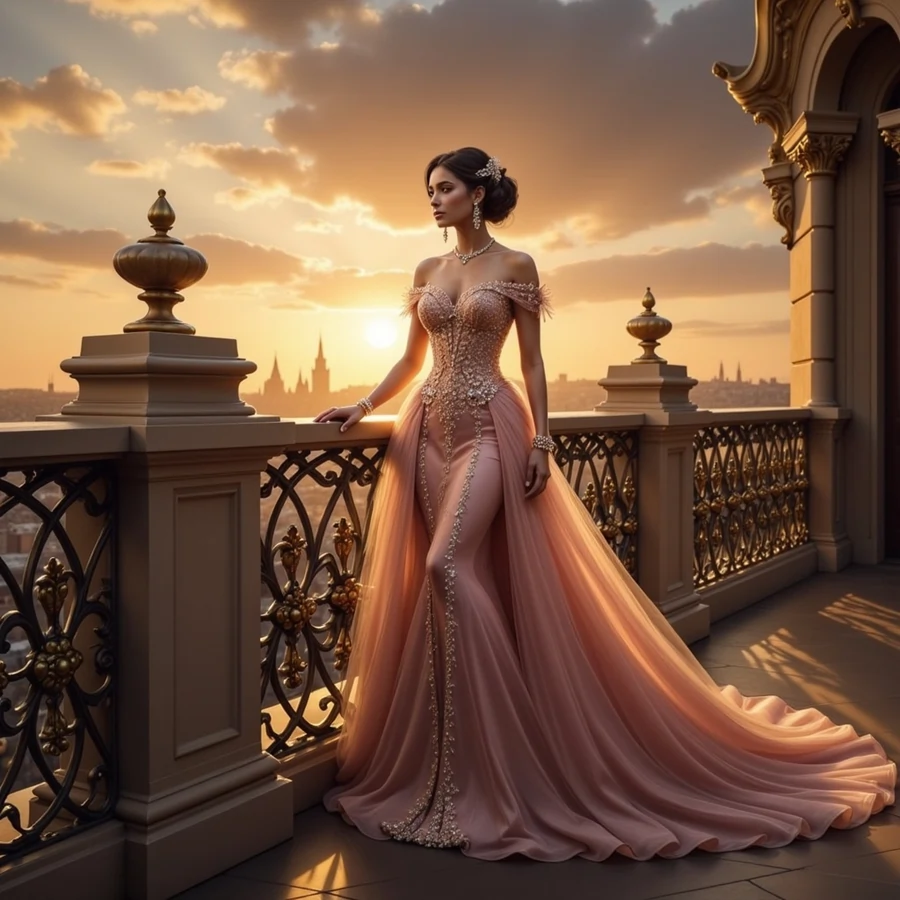
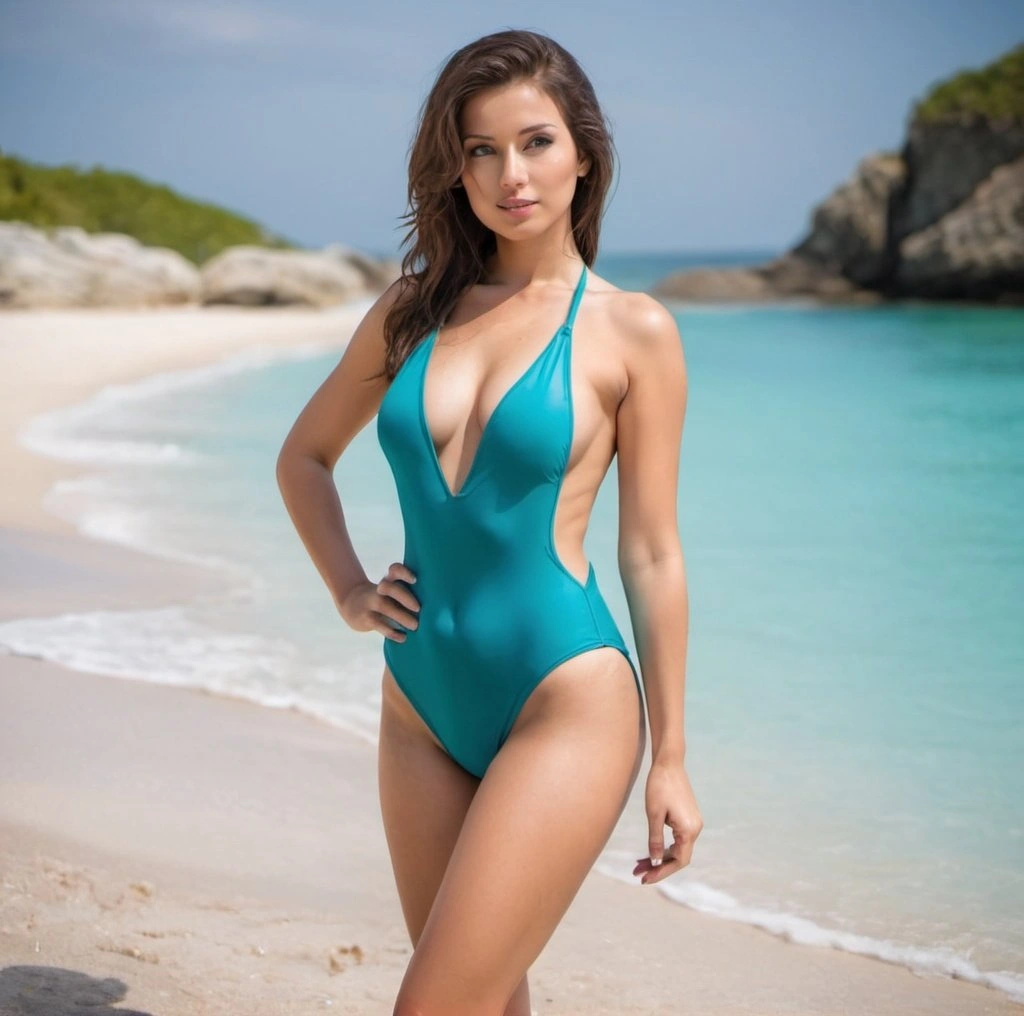
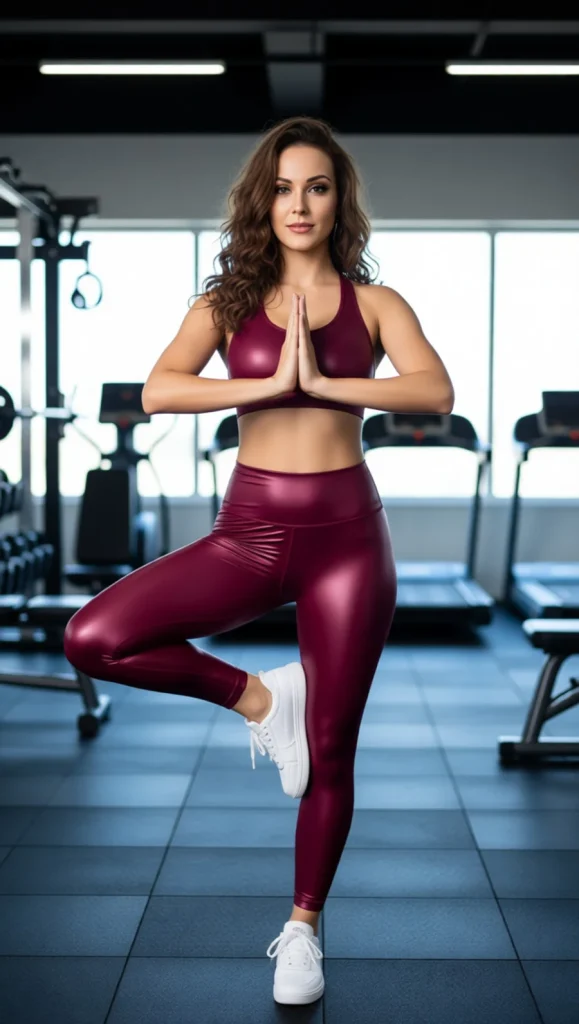
Outfits & Scenes:
🔃 Background Swaps: Inpaint/Outpaint tab, PyraCanny for seamless changes.
📌 Props: Modify Content, draw spots for coffee cups or sunnies, describe, generate.
Batch 20-30 images—your content vault for weeks.
Step 5 – Edit & Perfect Your AI Influencer Images
InPainting zaps glitches like extra fingers. Object removal cleans extras. Upscale for crisp feeds. Color tweak for vibe match.

Quality Scan:
Step 6 – Export & Optimize for Social Media

Formats:
📂 Name files: “ai-influencer-babe-beach-2026.jpg.” Alt text with keywords. Watermark for cash plays.
💁♂️ Advanced Tips: Make Your AI Influencer Look Human
Consistency Mistakes That Scream “FAKE”

✔ Add Realistic Imperfections
Freckles, pores, candid shots. Mix posed and “candid” vibes. Natural lighting shifts.
Create a Believable Backstory
How to Monetize Your OpenArt AI Influencer

Revenue Streams for Virtual Influencers
- Brand Partnerships: Hit 5K followers, pitch fitness/fashion. $50-$500/post.
- AI OnlyFans Model: NSFW twists, $5-$20/month subs, $10-$100 customs.
- Affiliate Marketing: Amazon/LTK links, 3-10% cuts.
- Sell AI Art Prints: Etsy downloads, $5-$50.
- Virtual Ambassador: $200-$2,000 monthly retainers.
✅ Real Talk: Aitana Lopez bags $10,000+ monthly from deals and OnlyFans.
🔥 Save 15% Instantly on OpenArt!”
EXCLUSIVE
Use code ALL15 at checkout and get 15% off all OpenArt plans. Expand your imagination with unlimited AI creation tools today!
15% Off
ALL15
⚡ Best OpenArt Models for AI Influencer Creation ⚡
| AI Model | Best For | Consistency | Speed | Free Plan |
|---|---|---|---|---|
| OpenArt SDXL | Photorealistic portraits | High | Fast | ✅ |
| Flux Kontext | Character consistency | Highest | Medium | ❌ |
| Stable Diffusion XL | Artistic styles | Medium | Fast | ✅ |
| OpenArt Creative | Unique aesthetics | Medium | Fast | ✅ |
❌ Common AI Influencer Creation Mistakes (And How to Avoid Them)

- Inconsistent Faces ❌ Different shapes → ✅ Omni Reference always.
- Anatomy Goofs ❌ Six fingers → ✅ InPainting fixes.
- Too Perfect ❌ Uncanny → ✅ Add pores, natural light.
- Robo Captions ❌ Salesy → ✅ Chatty personality.
- Platform Bans ❌ No disclosure → ✅ Check rules.
⚔ OpenArt vs Other AI Influencer Generators (Quick Comparison)
Why Choose OpenArt Over Alternatives:

👉 Best for: Content creators who want quick, consistent AI influencer images without coding
🔎 Before You Hit Generate… Read This
Is OpenArt free for AI influencer creation?
Yes, OpenArt offers a free plan with daily credits for basic models (512×512 images, up to 25 steps). New users get 40 bonus credits to try premium features. No credit card required.
Can I create NSFW AI influencer content on OpenArt?
OpenArt allows NSFW content generation for users 18+. You can create adult-themed AI influencers for OnlyFans or other platforms, though you should review OpenArt's specific content policies.
How do I keep my AI influencer's face consistent across images?
Use OpenArt's Omni Reference feature or FaceSwap option under the Image Prompt tab. Upload your base image and enable face consistency mode for every new generation.
How many images can I generate on OpenArt's free plan?
The free plan includes 40 credits that typically allow 40 image generations (depending on settings). Join their Discord for additional free credits.
Can I train a custom AI model on OpenArt?
Yes, OpenArt allows users to train custom models using their own images, which is perfect for creating ultra-consistent AI influencers with unique features.
What image size should I use for Instagram AI influencers?
Generate images at 1024×1024 or higher for Instagram quality. Free plan offers 512×512, but premium models support up to 2048×2048 resolution.
🧐 Do This Next
If you followed the steps, you now have a consistent AI influencer, not a random “new face every post” mess. Use OpenArt SDXL (or Nano Banana/Flux Kontext) to batch 20–30 images, fix hands with InPainting, then post 3–5 times a week on Instagram or TikTok.
Want money? Start simple: affiliate links first, then brand deals once you’ve got proof your account gets reach. If you’re going the NSFW route, keep it 18+ and stay smart with platform rules.
❓ Now the real question: are you posting your first AI influencer today, or still “planning” it?
Faceless wins in 2026. Your AI influencer grinds 24/7, no hangovers. Jump in before every Tom, Dick, and bot floods the feed.

AITwin Ninja