So, you’ve dived headfirst into the wild world of creating an AI influencer, dreaming of digital stardom and a fat stack of cash from your virtual muse. But instead of crafting the next big AI OnlyFans sensation, you’re stuck in a loop of frustration.
Your AI babe looks like a different person in every picture, the quality is pants, and you’re about ready to chuck your computer out the window.
Sound familiar?
Don't you worry. Many creators stumble out of the gate because they’re making a few common, yet seriously costly, blunders. Your AI influencer’s inconsistency isn’t bad luck; it’s a symptom of a broken workflow.
This isn’t just another fluffy guide. We’re going to get down and dirty with the five massive mistakes that are killing your AI influencer dreams before they even get started.
We'll show you what you're doing wrong and give you the saucy secrets to fix it, so you can build a stunning, consistent AI model that has fans begging for more.
Mistake 1: Your Prompts Are Too Vanilla and Vague
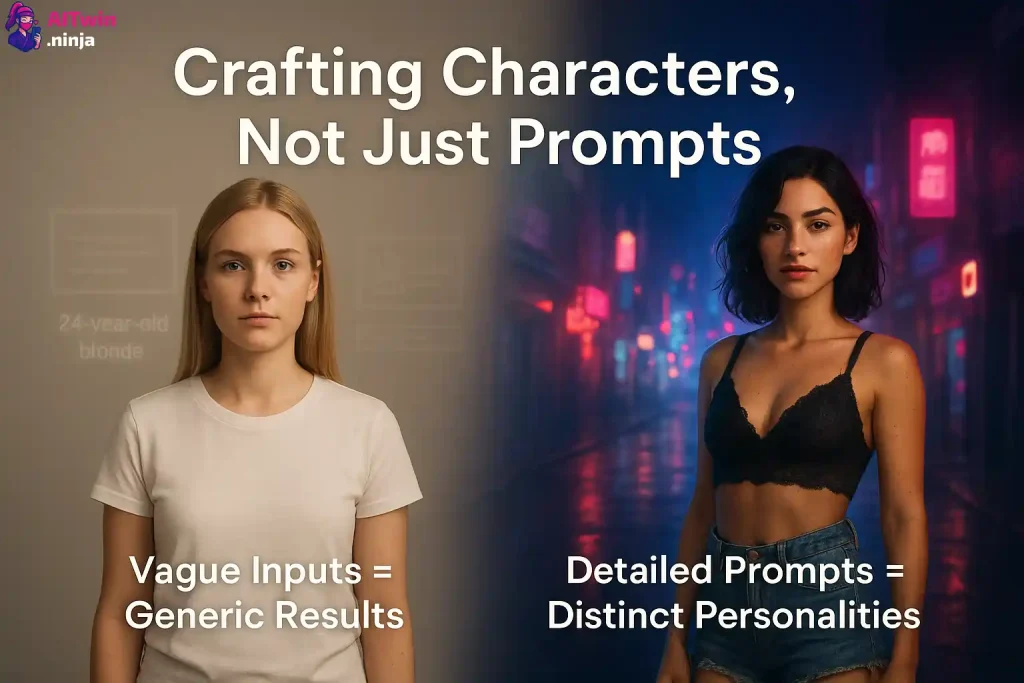
This is the big one, the cardinal sin of AI image generation. You type a lazy, simple phrase like “a 24 year old blonde woman” into the prompt box and then wonder why your results look like a generic stock photo had a baby with a blurry mess.
Vague prompts give you vague, inconsistent, and downright boring results. The AI doesn’t know what you want, so it just guesses.
If you want to create a character that stands out and feels real, you need to get specific. And I mean really specific. Think of yourself as an art director, not just someone typing into a search bar. You need to command the AI with details.
Why Vague Prompts Kill Your AI Model:
The Fix: Crafting Prompts That Sizzle
To get a consistent and hot AI influencer, your prompts need to be packed with descriptive keywords. You're building a person, not just a picture. Here are the layers you need to think about:
Let's see how that looks in a table.
Writing prompts this detailed can feel like a chore. That’s where a tool designed for this stuff comes in handy. Platforms like Sugarlab not only let you get super detailed but also come with prompt libraries full of ready-to-go templates for different styles and NSFW themes. It takes the guesswork out of crafting the perfect prompt, so you can focus on the creative vision for your AI pornstar or influencer.
🎁 Special Sugarlab Bonus for AiTwin.ninja Fans!
Turn your wildest AI influencer fantasy into reality — create stunning NSFW characters that actually feel alive.
🔥 Tap on the link below to unlock your free Sugarlab tokens offer and start creating today!
Mistake 2: Believing in “The One” Single Reference Image
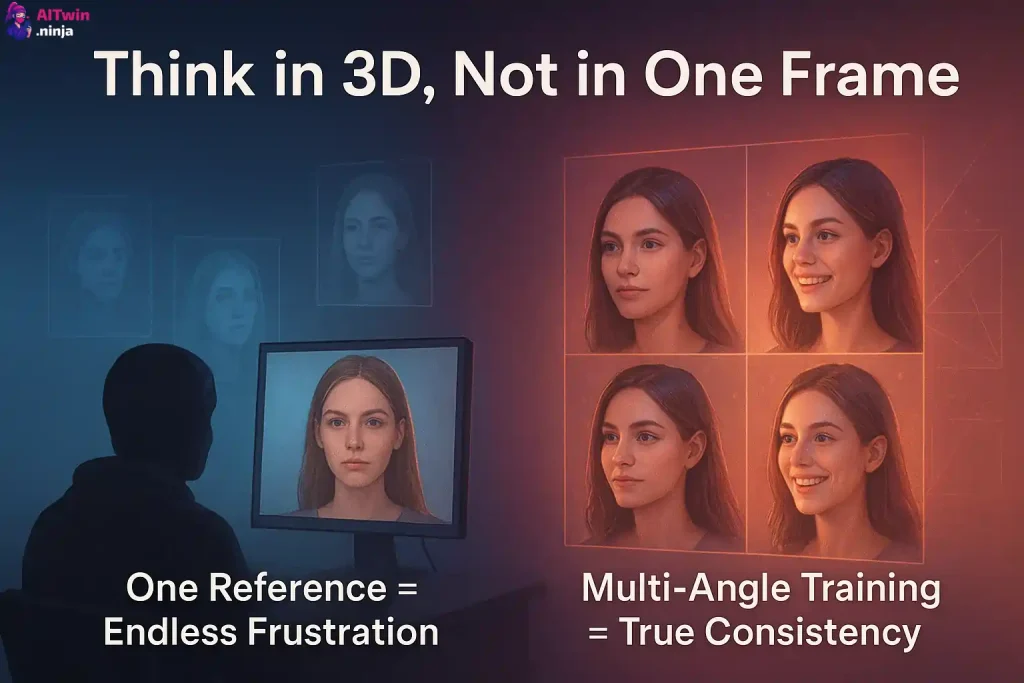
So you’ve spent hours crafting the perfect prompt and finally generated “the one”—that one flawless image of your AI character. You think you’ve nailed it.
You save that image and try to use it as a reference to create more content, only to find the AI can’t replicate her. Her eyes are a different shape, her nose is wider, and she looks like a distant cousin, not the same person.
Thinking one perfect image is enough is a mistake that costs creators hours of frustration. The truth is, a single 2D image doesn’t give the AI enough data to understand the character's full 3D structure.
The Fix: The Multi-Angle Approach for God-Tier Consistency
To make an AI that's truly consistent, you need to “train” it by showing it your character from multiple angles. This gives the model a holistic understanding of her facial features, bone structure, and how she looks in different lighting. You need to create a character sheet, just like professional 3D artists do.
This involves generating your character with these key shots:
Most people skip this step because it feels like extra work, but it’s the secret sauce to unlocking perfect consistency. Once you have this set of images, you can use them to create a character model or LoRA (Low-Rank Adaptation). This is a small file that teaches the AI your character's unique identity.
Creating a character LoRA used to be a highly technical process, but platforms like Sugarlab have made it ridiculously easy.
You can upload your set of multi-angle reference images, and the platform will train a dedicated model of your AI influencer.
From that point on, you can generate thousands of images of her, in any pose, outfit, or naughty situation you can dream of, with a level of consistency that will blow your mind.
Mistake 3: Forgetting the Glow-Up and Skipping Upscaling
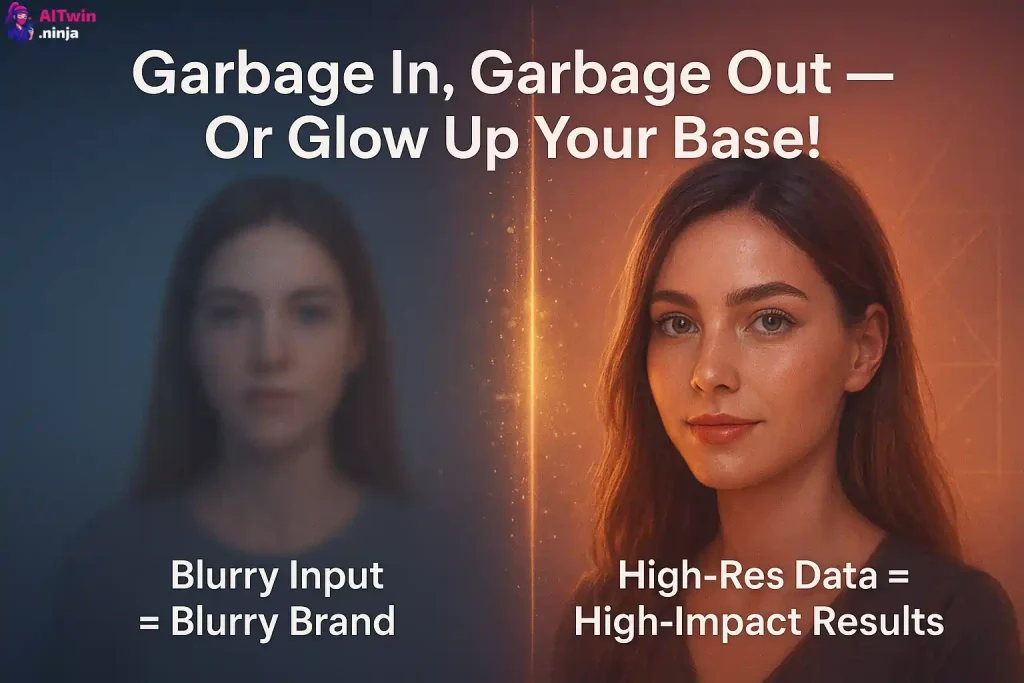
You wouldn’t build a house on a dodgy foundation, so why would you build your AI influencer brand on a low-quality image?
Many creators make the critical error of using a fuzzy, low-resolution, or artifact-filled image as their core reference. They then wonder why all their subsequent generations look blurry, vague, and amateurish.
It’s the golden rule of data: garbage in, garbage out. A bad quality reference image means all your images will turn out poorly, and you will never create a convincing AI influencer.
The Fix: Upscale Your Core Images
AI upscaling is the process of using artificial intelligence to increase the resolution and quality of an image. It doesn't just stretch the pixels like old-school software; it intelligently analyzes the image and fills in missing details to create a sharper, cleaner, and more detailed version.
Before you even think about training a character model, you need to ensure your best reference images are upscaled to the highest possible quality. This provides the AI with clean, crisp data to learn from, resulting in professional-looking generations every single time.
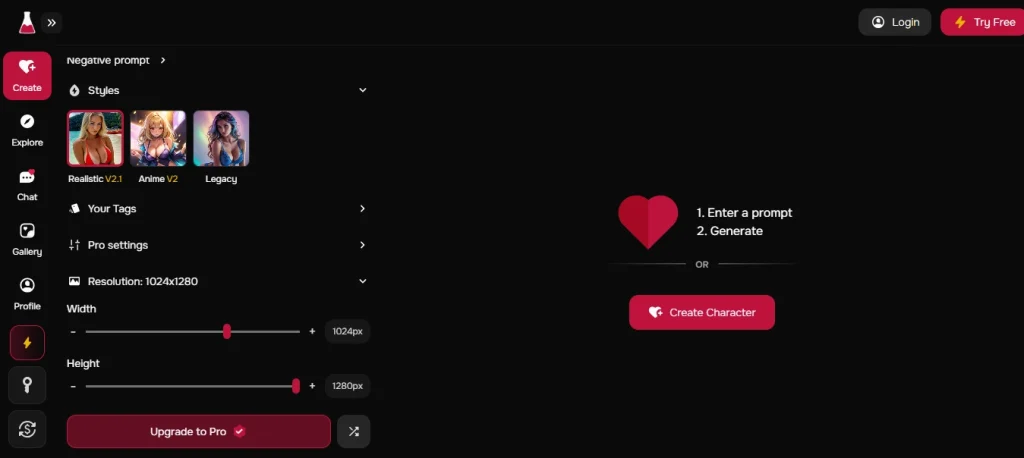
This used to be another annoying step that required a separate tool. But a proper AI influencer creator suite has this built-in. An all-in-one platform like Sugarlab generates images at a high resolution from the start and often includes tools to further enhance them.
This integrated workflow means you’re always working with top-quality assets, ensuring your AI babe looks premium and believable, which is crucial if you want people to pay for your content.
Mistake 4: The Tool-Hopping Tango
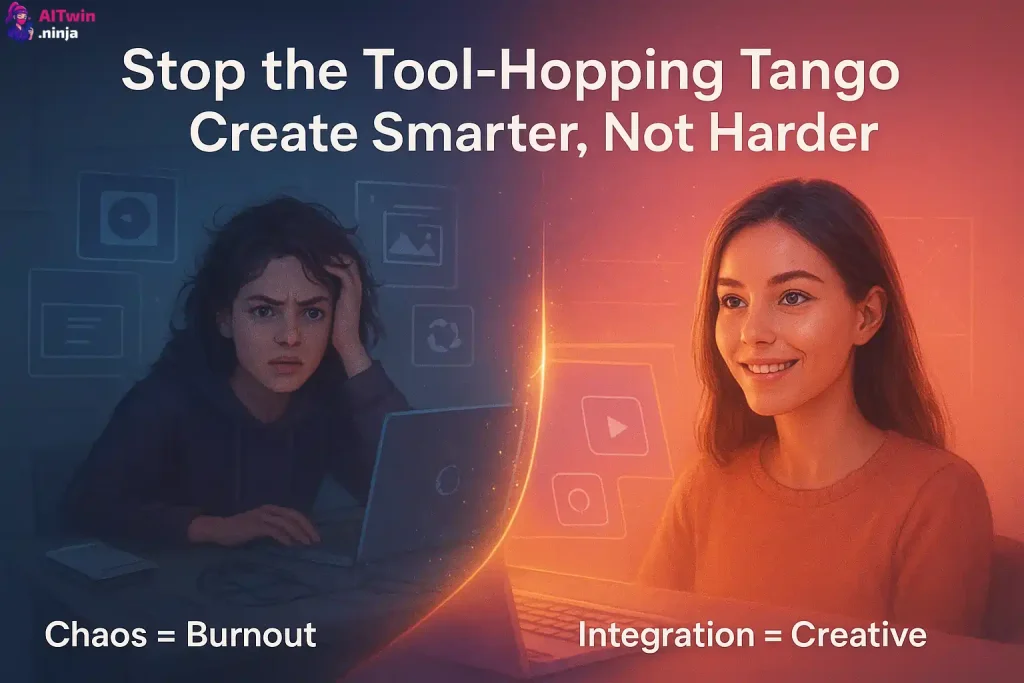
Does your creative process look like this? You use Midjourney to generate a base image, then take it to an online upscaler, then use a different app for face swapping, and maybe a fourth tool to try and animate it into a video.
This is what I call the “tool-hopping tango,” and it’s a massive mistake.
Bouncing between three, four, or even five different tools just to make a single post is:
This scattered approach is a surefire way to burn out before you even start making money.
The Fix: Commit to an All-in-One Powerhouse
The smart creators, the ones who are actually building profitable AI influencer empires, use a single, powerful tool that does everything under one roof. An integrated platform allows you to go from a text prompt to a fully finished image or even a video without ever leaving the ecosystem.
This is where Sugarlab shines. It’s designed from the ground up to be a one-stop shop for creating AI influencers and NSFW content. You can:
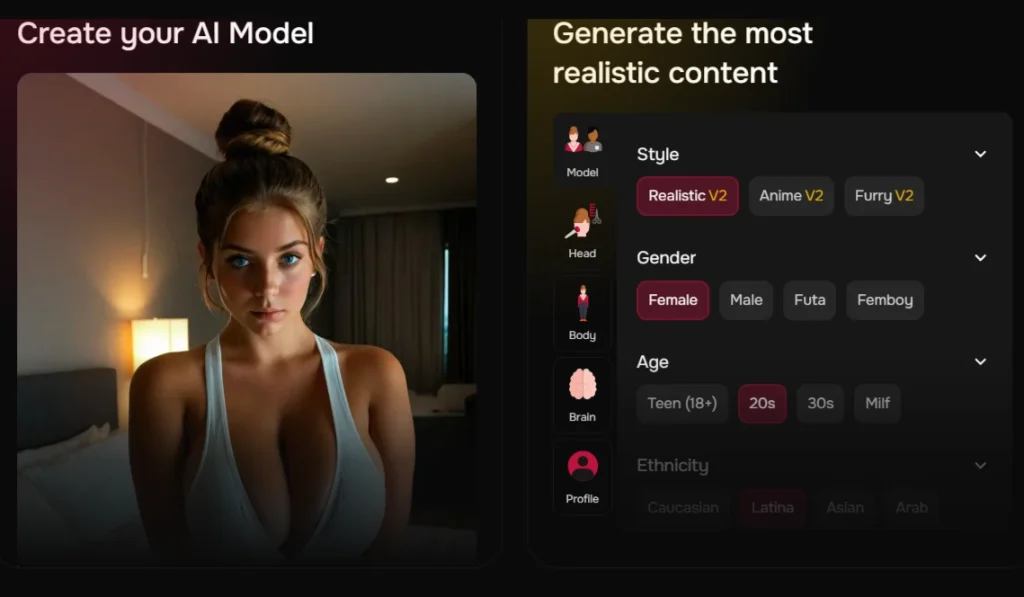
By using a single platform, you streamline your workflow, cut your costs, and free yourself up to focus on what really matters: building a brand and connecting with your audience.
Mistake 5: Ignoring the Magic Knobs and Key Settings
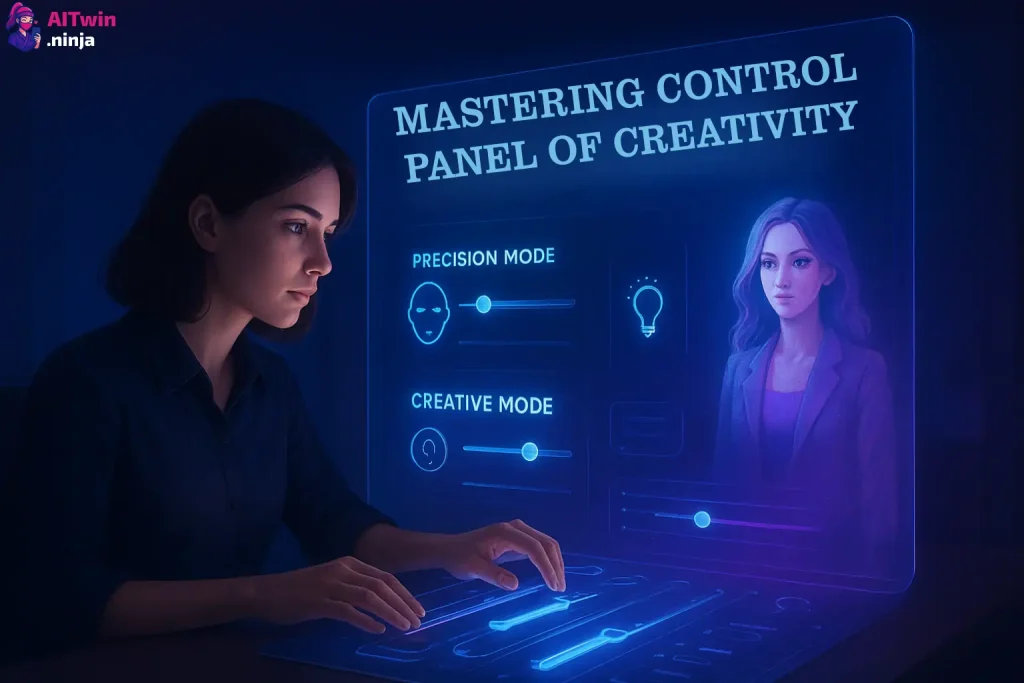
You see all those sliders and toggles in the advanced settings and just… ignore them? Big mistake. Many aspiring creators overlook crucial settings that give you fine-tuned control over your generations.
They stick with the default settings and then get frustrated when the AI is either too rigid or too chaotic.
Two of the most important settings you’re probably ignoring are:
Ignoring these settings is like trying to drive a car without touching the steering wheel. You’re giving up all your control.
The Fix: Master Your Settings for Total Control
Learning to tweak these settings is essential for balancing consistency and creative freedom.
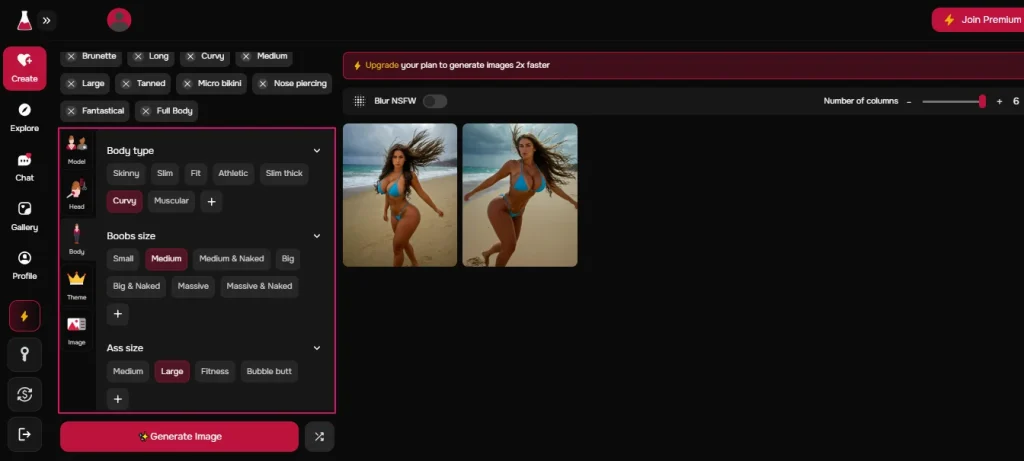
Tools like Sugarlab make these controls accessible and easy to understand. Mastering them is what separates the amateurs from the pros, giving you the power to create dynamic, varied content while ensuring your AI influencer is always recognisable.
Stop Messing Around and Start Creating Like a Pro
Building a successful AI influencer isn't about getting lucky with a single generation. It’s about having a smart, efficient, and consistent workflow. By avoiding these five costly mistakes, you’ll already be ahead of 99% of other creators out there.
Stop hopping between tools, stop feeding the AI lazy prompts, and for the love of all that is holy, stop ignoring those magic settings. It’s time to use a platform that’s built for this. Sugarlab consolidates everything you need into one powerful, user-friendly interface, solving all the problems we’ve talked about.
Ready to finally create the AI influencer of your fantasies (and your bank account’s dreams)? To help you get started, we’ve snagged a seriously hot deal for you.
Your AI goddess is waiting to be created. What are you waiting for?