
Fanvue vs OnlyFans AI: Which Platform Pays AI Creators More?
Both platforms keep 20% of what you earn. Same split, same headline number. So why do two AI creators making identical revenue end up with very different bank balances at the end of the month? The answer comes down to three things almost nobody checks before signing up: how fees behave over time, how fast…

By :
sandra
June 20, 2026
Both platforms keep 20% of what you earn. Same split, same headline number. So why do two AI creators making identical revenue end up with very different bank balances at the end of the month?
The answer comes down to three things almost nobody checks before signing up: how fees behave over time, how fast your money becomes spendable, and whether your AI model is even allowed to stay online. Get those wrong and the “better split” becomes meaningless.
Here’s the full payout math on Fanvue vs OnlyFans AI monetization — no fluff, just where the money actually lands.
Fanvue vs OnlyFans AI: The Short Answer
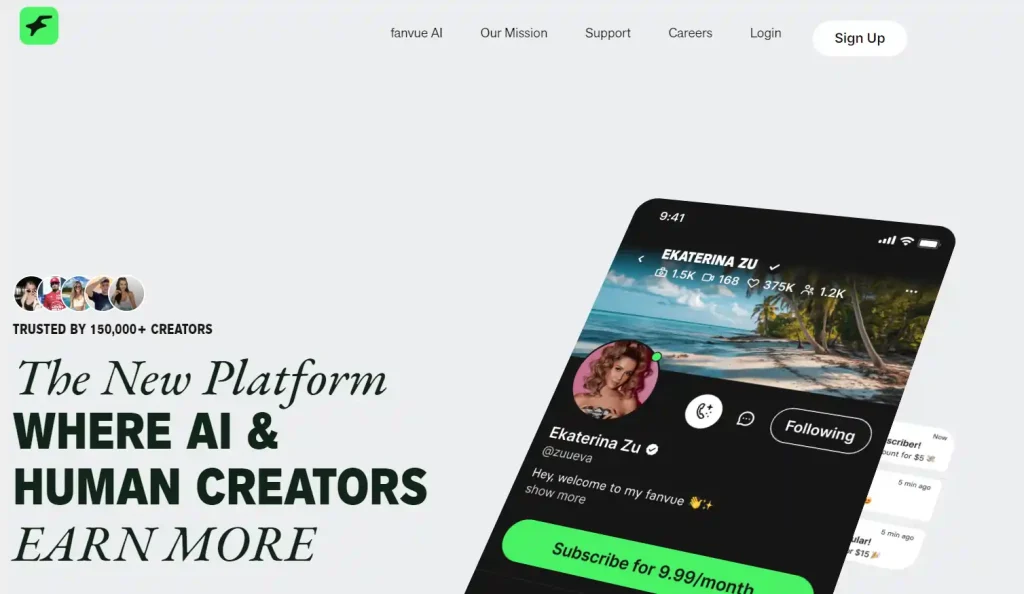
For pure AI personas, Fanvue pays more in your first year — mostly thanks to a lower entry fee and faster cash access.
OnlyFans wins on raw audience size, but it won’t host a fully AI-run account, which makes the “who pays more” question moot for most AI creators.
| At a glance | Fanvue | OnlyFans |
|---|---|---|
| Standard split | 80/20 | 80/20 |
| First 30-day fee | 15% | 20% |
| Payout speed | ~7-day pending | Slower hold + minimum |
| Fully AI account allowed? | Yes | No |
The caveat that flips everything: if you can pass as a real, verified human creator, OnlyFans’ traffic can outpay Fanvue’s lower fees. If you can’t, Fanvue is the only real game.
The 20% Cut Is a Trap — Here’s What You Actually Keep
Both Platforms Quote 80/20 — So Why Compare?
A split is a sticker price, not your take-home. The number that matters is what survives after entry fees, withdrawal charges, and chargebacks. That’s where the two part ways.
Fanvue’s 15% Welcome Fee (First 30 Days After KYC)
For your first 30 days after passing verification, Fanvue takes only 15%, not 20%. That extra 5% lands in your pocket exactly when you need it most — the launch phase, when every dollar gets reinvested into images, video, and chat tools.
OnlyFans’ Flat 20% From Day One
OnlyFans keeps it simple and keeps 20% from your very first sale. No ramp, no welcome window. Predictable, but never generous.
The 12-Month Take-Home Simulation
Same revenue, different ending balance. Here’s the picture before per-withdrawal fees:
| Monthly revenue | Fanvue (Month 1, 15%) | Fanvue (after, 20%) | OnlyFans (flat 20%) |
|---|---|---|---|
| $1,000 | $850 | $800 | $800 |
| $5,000 | $4,250 | $4,000 | $4,000 |
| $10,000 | $8,500 | $8,000 | $8,000 |
The first-month gap is small per sale but real, and it compounds when you’re scaling fast. Over a launch quarter, the head start matters.
Payout Speed — How Long Until It’s Spendable
Fanvue’s 7-Day Pending Period
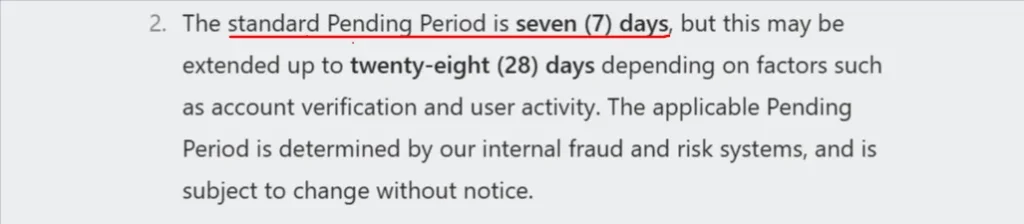
Fanvue runs a standard 7-day pending period before you can request a withdrawal. For AI creators on a tight reinvestment loop, that quick turnaround keeps your content pipeline funded.
OnlyFans’ Hold + Withdrawal Minimum
OnlyFans typically holds funds longer and enforces a withdrawal minimum before you can cash out. Fine if you’re sitting on a big audience; rough if you’re bootstrapping a new model on a thin budget.
Why Cash Flow Matters More for AI Creators
Human creators sell time. AI creators buy compute — image generation, voice, video, chat credits. Faster payouts mean faster reinvestment, which means more content, which means more income. Speed isn’t a nice-to-have here; it’s fuel.
Payout Methods & Per-Withdrawal Fees
Both pass a slice of the processor’s cost to you on each withdrawal, so batching payouts beats cashing out daily. Check the live methods (bank transfer, e-wallets, crypto options vary) before you commit, and factor those fees into your real take-home.
Can Your AI Model Even Stay on the Platform?
A frozen account pays exactly $0. Survival is payout.
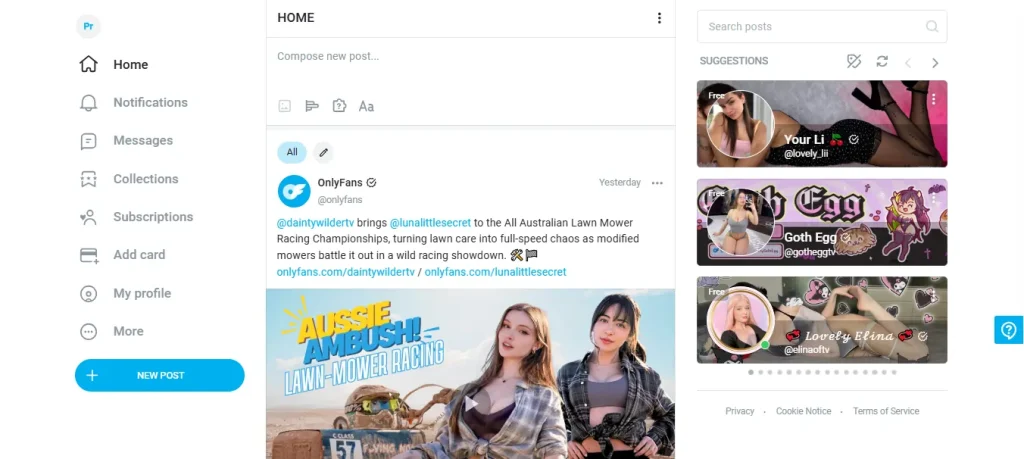
OnlyFans’ Hard Rule — No “Wholly AI” Accounts
OnlyFans requires a verified human creator behind every page. AI-assisted edits are fine; a fully AI-generated persona running solo is not. For most AI-only operators, this single rule ends the conversation.
Fanvue Was Built for AI Personas
Fanvue welcomes AI creators by design and openly markets itself as an AI-native monetization platform. Your virtual model isn’t a loophole here — it’s the intended user.
2026 AI Crackdown — Labeling, Liveness Checks & Deepfake Bans
OnlyFans tightened its 2026 rules hard: mandatory AI labeling, liveness verification, and permanent bans for deepfakes.
Fanvue also requires clear AI disclosure — a watermark, caption, or bio note — but without the human-liveness gate that locks AI creators out.
Frozen-Payout Risk: Which Platform Holds Your Money
On a platform where your account type sits in a gray zone, a flag can freeze pending balances mid-cycle. Running an AI persona on a human-only platform is the single biggest payout risk an AI creator can take.
Where the Extra Money Actually Comes From
Subscriptions, PPV, Tips & Custom Requests
Both platforms stack income the same way: monthly subscriptions, pay-per-view drops, tips, and custom content. Your earning ceiling lives in the mix, not the menu.
AI Chat & Auto-DMs That Upsell 24/7
This is where AI personas quietly pull ahead. Automated chat and DM upsells sell while you sleep, turning a one-time subscriber into a repeat buyer without you typing a word. Fanvue leans into this with built-in AI tooling.
Audience Size vs. Spend Per Fan
OnlyFans has the larger crowd and the higher willingness to pay per fan. Fanvue has a smaller but AI-native audience that isn’t confused by a virtual creator. Bigger pond versus a pond stocked with your exact fish.
The Referral Lever
Fanvue’s creator referral program adds a 5% cut of referred creator earnings for 12 months — a side stream OnlyFans doesn’t match in the same way. Small, but it compounds.
What Real AI Creators Are Pulling In
The Honest First 90 Days ($0–$500/month)
Reality check: most new AI models earn between $0 and $500 in the first three months. Anyone promising more out of the gate is selling a course, not a result.
The Grind Tier ($1k–$5k/month)
With consistent posting, social funneling, and chat upsells dialed in, $1k–$5k a month is a realistic mid-tier outcome over time.
The $10k+ Outliers
Yes, some creators report $10k+ months on AI models. They’re outliers running multiple personas, paid traffic, and tight upsell funnels — not beginners who uploaded a few renders.
Why Platform Choice Moves These Numbers
Lower entry fees plus faster payouts mean more reinvested capital earlier, which bends the whole curve upward. Platform choice doesn’t just affect a slice — it shapes how fast you climb.
Fanvue vs OnlyFans — Full Scorecard
| Factor | Fanvue | OnlyFans | Edge |
|---|---|---|---|
| Standard split | 80/20 | 80/20 | Tie |
| First-month fee | 15% | 20% | Fanvue |
| Payout speed | ~7-day pending | Longer hold | Fanvue |
| Withdrawal minimum | Flexible | Set minimum | Fanvue |
| Fully AI accounts | Allowed | Not allowed | Fanvue |
| AI built-in tools | Strong | Limited | Fanvue |
| Audience size | Smaller, AI-native | Largest | OnlyFans |
| Spend per fan | Growing | High | OnlyFans |
| Freeze/ban risk for AI | Low | High | Fanvue |
| Referral income | 5% / 12 mo | Limited | Fanvue |
So, Which One Pays AI Creators More?
The smart play: build the AI persona’s home on Fanvue, then use social channels to funnel traffic in. If you have a real-human angle, run OnlyFans alongside and cross-promote. One audience feeds the other, and you’re not betting your income on a single account staying open.
FAQs Related to AI Creator Platforms
Does OnlyFans allow fully AI-generated creators?
No. A verified human must stand behind every account. AI-assisted content is allowed with disclosure, but a wholly AI account is not.
Which platform has lower fees for new AI creators?
Fanvue, thanks to its 15% fee for the first 30 days after KYC versus OnlyFans’ flat 20%.
How fast does Fanvue pay vs OnlyFans?
Fanvue runs a standard 7-day pending period; OnlyFans generally holds funds longer and sets a withdrawal minimum.
Is Fanvue legit and does it actually pay out?
Yes. It processes real creator payouts and reached a $100m+ run rate with a 2026 Series A raise — a sign of a funded, operating platform.
How much can a brand-new AI creator realistically make?
Expect $0–$500 in the first three months, scaling to $1k–$5k with consistent effort. Five-figure months are rare outliers.
Do I have to label AI content on both platforms?
Yes. Both require clear AI disclosure — Fanvue via watermark, caption, or bio note, and OnlyFans under its 2026 labeling rules.
Can I post the same AI content on Fanvue and OnlyFans?
Only if your OnlyFans account meets the human-verification rule. A fully AI persona belongs on Fanvue.
The Verdict
Same 20% cut, very different paychecks. For AI creators, Fanvue’s lower entry fee, faster payouts, and AI-friendly rules add up to more money kept and far less risk of a frozen account. OnlyFans pays more only when a real human runs the page and taps its bigger audience.
Pick the platform that matches how your model actually operates — then put every faster dollar straight back into making more.

AITwin Ninja
Affiliate Disclosure: This post may contain some affiliate links, which means we may receive a commission if you purchase something that we recommend at no additional cost for you (none whatsoever!)
Similar Posts


Author
sandra
Sandra is a tech ethicist and lead writer for AI Twin. She investigates the societal impact of AI replication technology, focusing on the ethical implications, privacy concerns, and future of human connection in an increasingly digital world.