Most people assume getting verified on Fanvue as an AI creator is some long, painful process like OnlyFans. Spoiler — it's not. The whole thing can be sorted in minutes, and you don't need to show your real face anywhere on your profile.
Fanvue is one of the very few subscription platforms that actually welcomes AI-generated content. So if you've been building AI models, virtual influencers, or NSFW AI personas, this is your ticket to turning pixels into proper income.
This guide walks you through the exact steps to get verified on Fanvue — from passing KYC to snagging that shiny Verified Badge — without the waffle.
What Is Fanvue and Why Do AI Creators Even Bother?
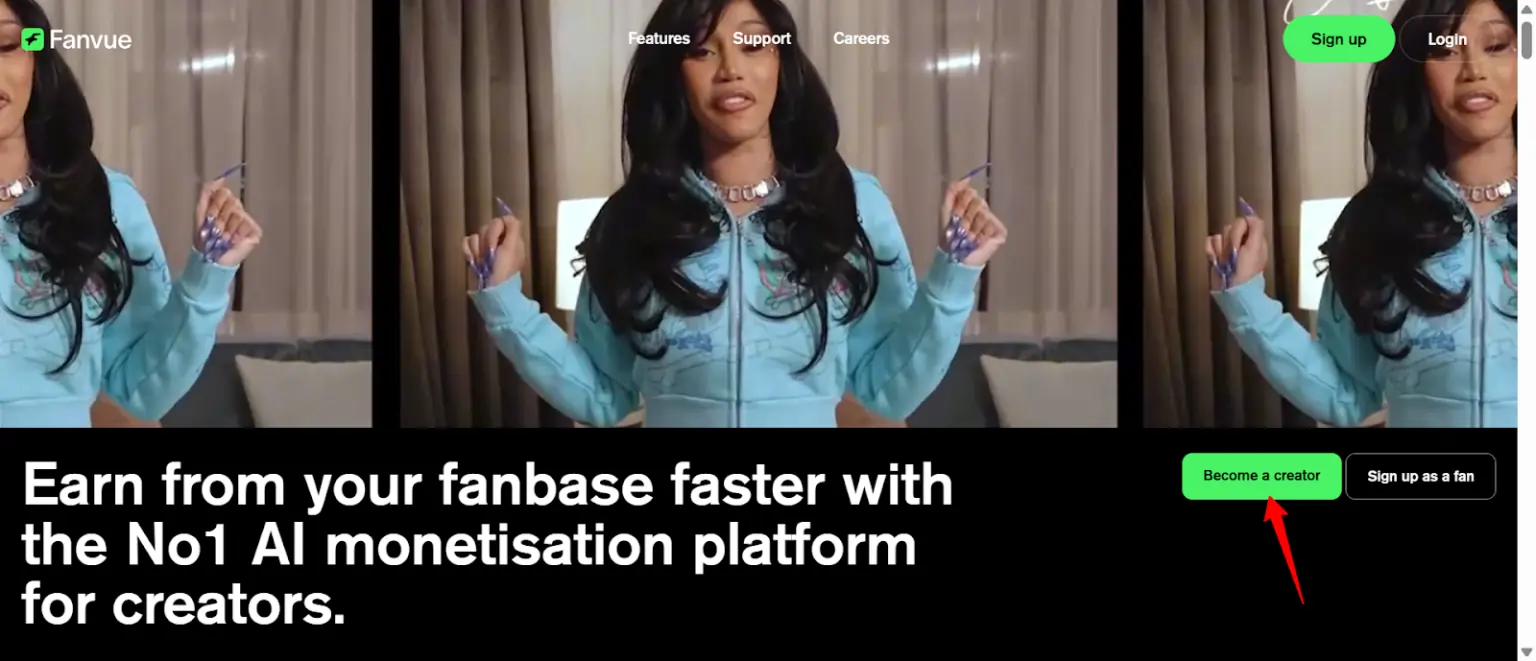
Fanvue is a subscription-based social platform built for creators — both human and AI. Think of it as OnlyFans' cooler, more open-minded cousin that doesn't freak out when your content is generated by Stable Diffusion or SugarLab AI.
Unlike OnlyFans, which requires real human creators for verification, Fanvue has a dedicated AI creator programme. That means you can sign up, verify, and start posting AI-generated images, videos, and chat content without jumping through ridiculous hoops.
Here's what makes it a no-brainer for AI creators:
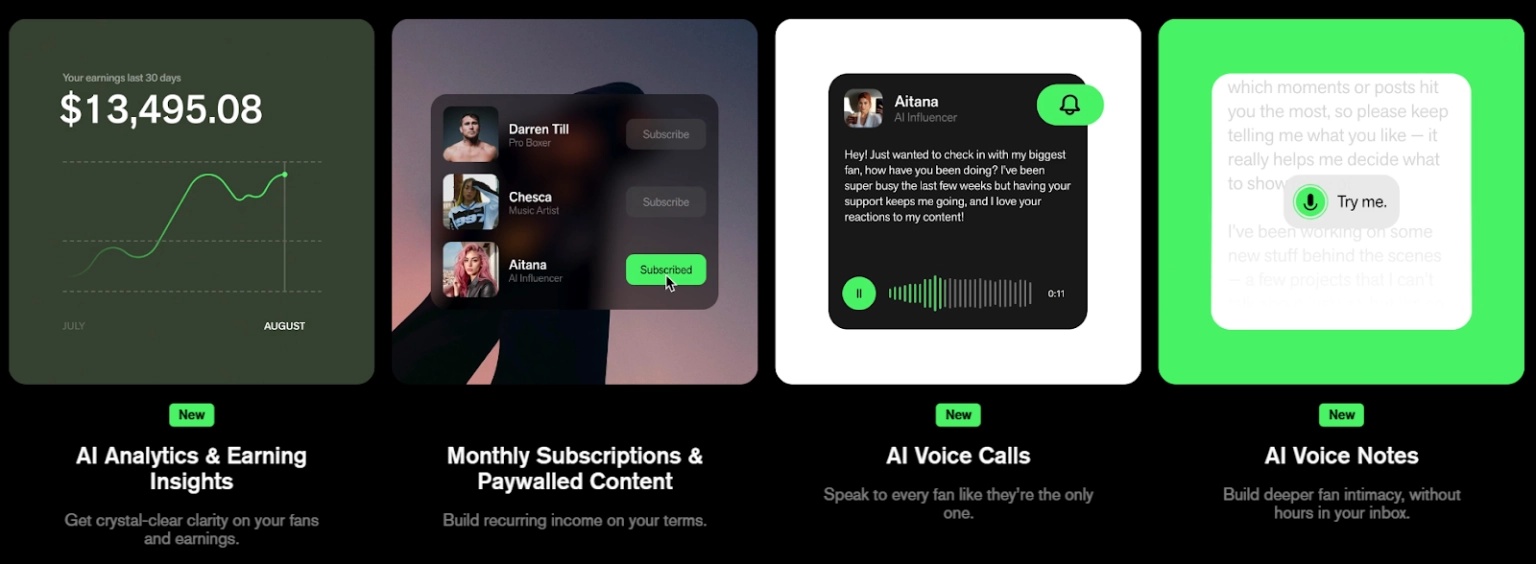
If you're running an AI girlfriend persona, a virtual influencer account, or pumping out NSFW AI content — Fanvue is where the money lives right now.
Verified Badge vs. KYC — They're NOT the Same Thing
This is the number one thing that trips up new AI creators. KYC and the Verified Badge are two completely different things, and you need both.
| 👇 | KYC (Know Your Customer) | Verified Badge |
|---|---|---|
| What it is | Legal identity check | Trust signal on your profile |
| Required? | Yes — mandatory to post anything | No — optional but highly recommended |
| How you get it | Upload government ID + selfie | Promote Fanvue on social media |
| Your face shown? | Never — backend only | Never — it's just a badge icon |
| Cost | Free | Free |
How to Pass Fanvue KYC as an AI Creator (Even If You Never Show Your Face)
Good news — passing KYC as an AI creator is dead simple. Even if your entire business is faceless and anonymous, Fanvue still needs to know you're a real person behind the scenes. Fair enough, really.
Here's what you need:
- A valid, in-date government-issued ID — passport or driving licence works fine.
- A selfie — to match your face against the ID.
- That's literally it.
Your real identity is never shown on your AI model's profile. It stays locked in the backend. Fans will never see your name, your face, or any personal info. You stay completely anonymous while your AI persona does the heavy lifting.
The Deepfake Rule (Read This Carefully)
This is where people get caught out. If your AI content uses real people's bodies — even if you've swapped the face with AI — Fanvue requires those real individuals to also be KYC-verified and tagged on the platform.
So if you're face-swapping onto a real model's body, that model needs their own Fanvue creator account with completed KYC. Every time you post content featuring them, you must tag their profile.
✅ Bottom line: Fully AI-generated characters? No drama. Real bodies with AI faces? You need consent and verification for the real person too.
How to Get the Fanvue Verified Badge (Step-by-Step)
Right, this is the bit everyone searches for.
The Verified Badge is that little trust icon on your profile that tells subscribers “this creator is legit.”
It boosts conversions, builds credibility, and makes you look professional.


And the best part? It's 100% free.
Here's the exact process:
Step 1: Promote your Fanvue profile on social media
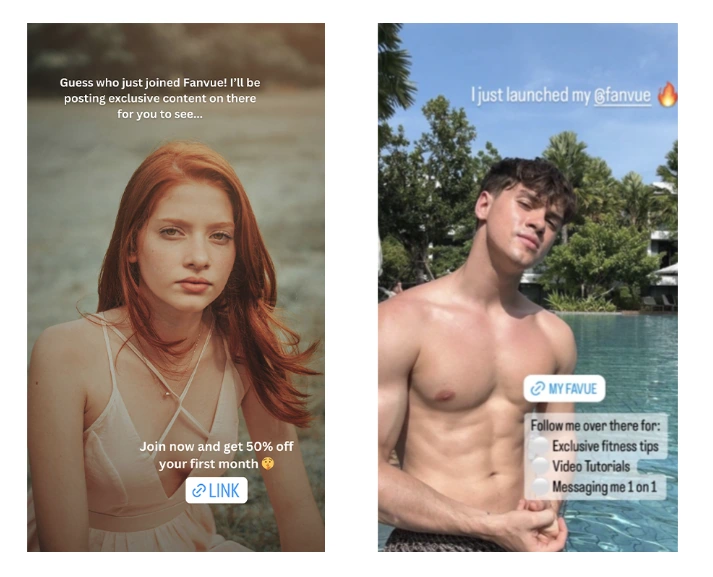
Post about your Fanvue on X (Twitter) or Instagram. Something like:
“Just joined @fanvue! Exclusive content dropping soon 🔥 Check the link in bio 😘 #FanvueVerifiedBadge”
Attach a safe-for-work teaser image — a flirty pic, a bikini shot, or just a clean headshot of your AI model. No full nudity here or Instagram/X will nuke it.
Step 2: Tag @fanvue and use the hashtag
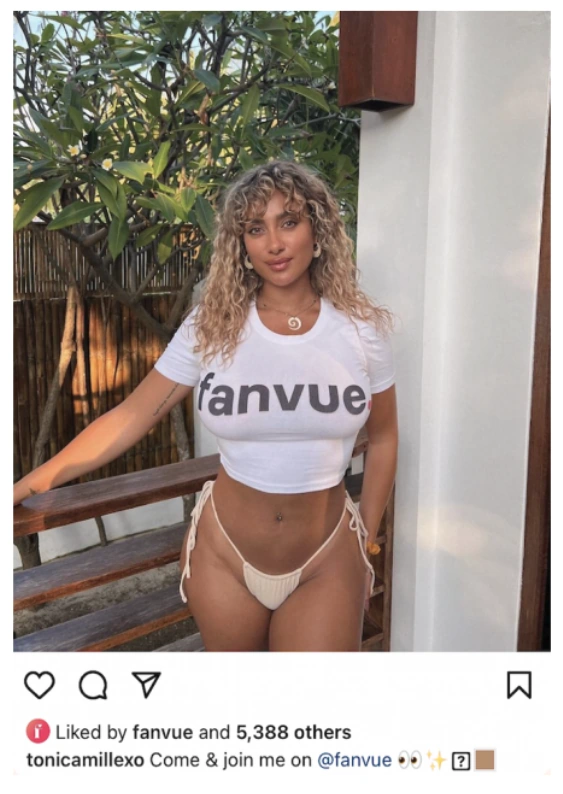
This is non-negotiable. You must include:
No tags = no review. Their team literally searches for these to find your post.
Step 3: Make sure your profile is clean
Before you apply, double-check that your Fanvue profile follows their Acceptable Use Policy and Community Guidelines. That means:
One red flag and they'll reject you without a second thought.
Step 4: Email your proof
Send the link to your social media post to support@fanvue.com and request the Verified Badge. Attach a screenshot if you want to be thorough.
Step 5: Wait for approval
The audit team reviews your profile and social post. If everything's clean, you'll see the badge pop up within 3–7 days.
⚠️ Scam alert: The Verified Badge is free. If anyone DMs you offering to sell it or “fast-track” it for cash — they're a scammer. Block and move on.
✅ Setting Up Your AI Creator Account (Quick Walkthrough)
If you haven't created your account yet, here's a quick rundown of how to get started:
- Head to Fanvue.com and sign up using Google or email.
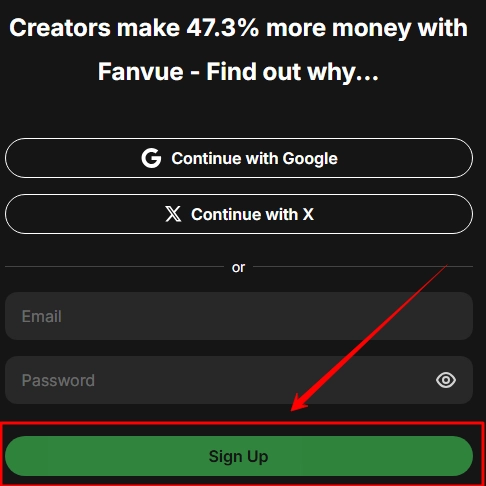
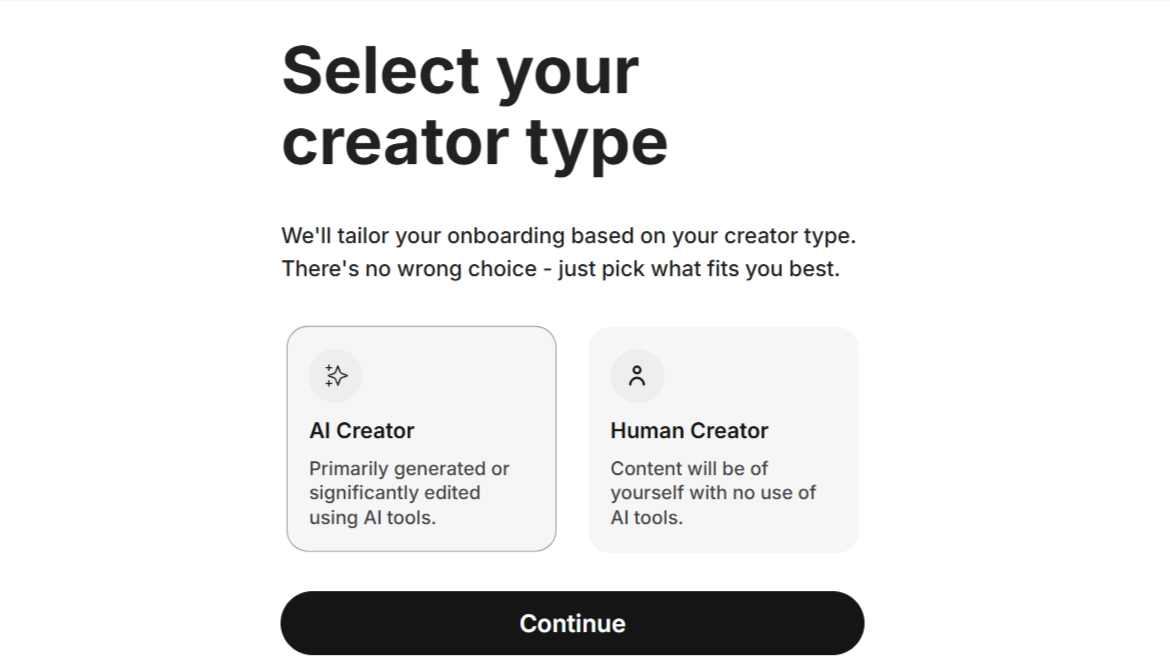
- During the setup wizard, Fanvue asks if you're posting as a human creator or an AI-generated creator. Pick the AI option — this puts you on the right track from the start.
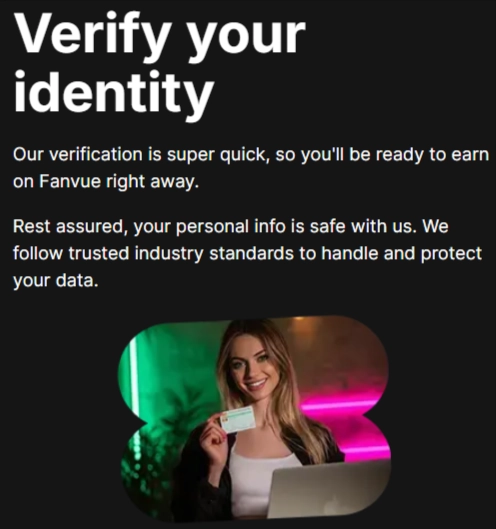
- Upload your government ID for KYC verification. This takes a couple of minutes to process.
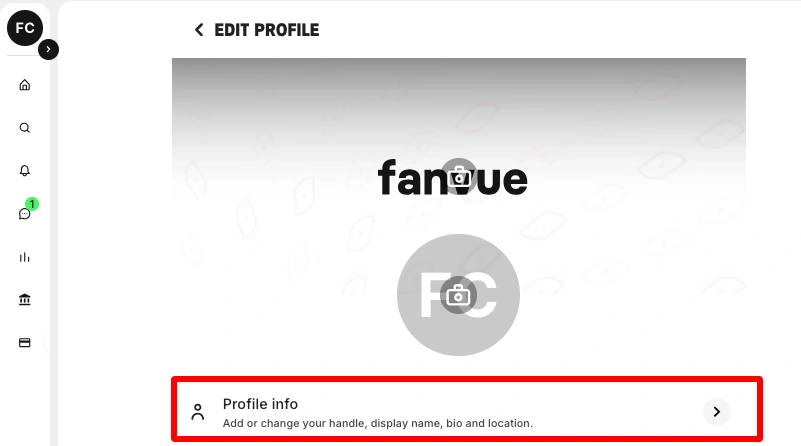
- Build your profile — add a bio, set your subscription price, upload a profile picture of your AI persona, and drop your first batch of AI content.
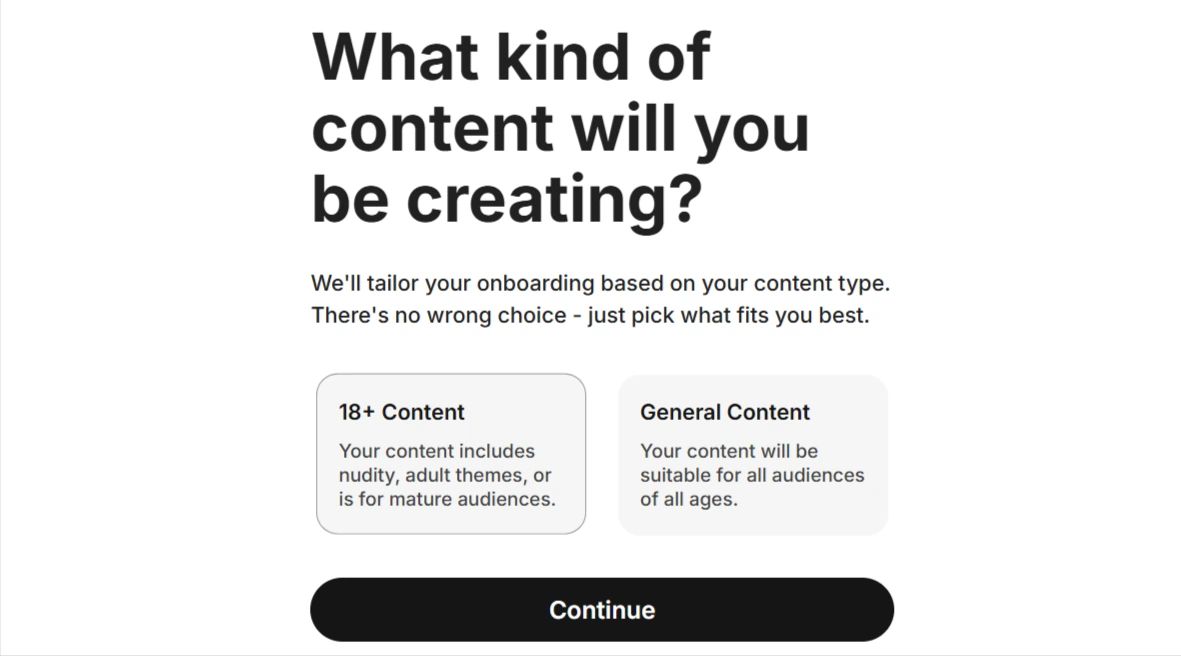
- Set your content preferences — mark things as SFW or NSFW appropriately. Fanvue is strict about labelling.
Once KYC clears, you're live. You can start posting, messaging subscribers, and earning straight away. No waiting around for manual approvals that take weeks.
❌ Mistakes That Get Your Fanvue AI Account Rejected
Loads of creators mess this up and then wonder why they're stuck in limbo. Here are the most common reasons Fanvue rejects or bans AI accounts:
Play by the rules and you'll be fine. Fanvue is actually pretty creator-friendly — they want you to succeed. Just don't take the piss.
Running Multiple AI Models From One Account
This is where Fanvue gets really tasty for serious AI creators.
Once your main account passes KYC, you can launch as many AI characters as you want — all from one verified identity. No need for separate IDs, no re-verification per model, no extra paperwork.
Here's how it works:
- Create a new email address for your additional AI model.
- Sign up to Fanvue as a fan using that email.
- Send your original account's email to Fanvue support, and they'll link the new profile to your existing KYC verification.
- Set up the new AI persona — different name, different look, different niche.
This is massive for creators building a roster of AI girls across different niches. Want a goth AI girlfriend, a fitness model persona, and a cute anime waifu all earning money at the same time? Fanvue lets you do exactly that, all under one umbrella.
The key is character consistency. If each persona has a distinct look, personality, and content style — you can run multiple income streams without confusing your subscribers.
Pro Tips to Actually Make Money After Verification
Getting verified is only step one. The real question is — how do you turn your AI model into a proper money-maker?
Here's the funnel that's working for top AI creators right now:
Instagram for awareness → X (Twitter) for engagement → Fanvue for revenue
Each platform has a job. Instagram is your shop window — post SFW teaser content that's sexy but within guidelines. X is where you build hype with spicier previews, engage with the AI creator community, and drive clicks. Fanvue is where the real action happens — that's where fans pay.
Content That Actually Converts
Building a Community
Create a Discord or Telegram group around your AI persona. The data speaks for itself — community members spend 300% more on average compared to solo subscribers who just scroll the feed.
Drop exclusive behind-the-scenes content, run polls asking what fans want to see next, and keep the engagement loop tight. The more connected fans feel to your AI character, the longer they stick around — and the more they spend.

AITwin Ninja
Stop Overthinking It — Just Get Verified
The process is genuinely this simple: one ID, one selfie, one social post, one email. Ten minutes of effort and you're in.
Fanvue is one of the very few platforms actively rolling out the red carpet for AI creators right now. That won't last forever. Get your KYC done, grab the badge, and start posting before the space gets too crowded — the creators who move first always eat the most. 🔥