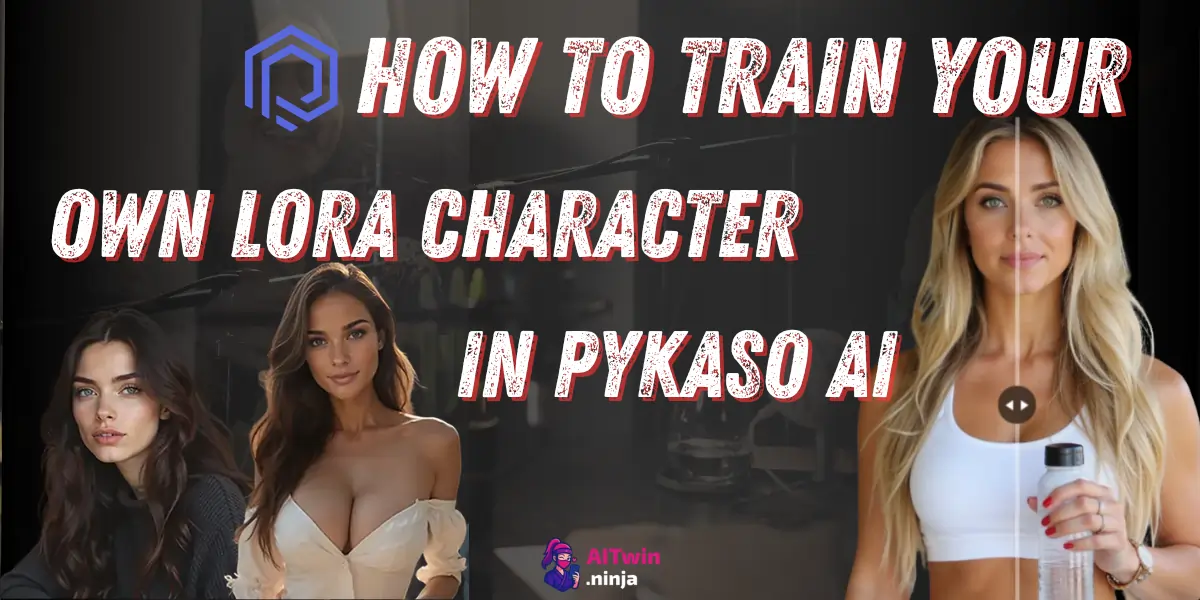
Ready to create your own ultra-realistic AI character that stays consistent across thousands of images?
Most AI characters look good once and fall apart the moment you change the pose, outfit, or camera angle. LoRA training in Pykaso AI fixes that by turning a small set of reference images into a character that keeps the same face, features, and identity across new generations.
If you want an AI influencer, digital companion, or branded model that doesn’t come back looking like a different person every time, this is the part that matters.
In this guide, I’ll walk you through the full process so you can train a character that looks consistent, usable, and worth building on.
aidive
+2
What is LoRA Training in Pykaso AI Anyway?

LoRA (Low-Rank Adaptation) training is basically teaching AI to recognize and recreate a specific face, body, or style with scary accuracy. Unlike regular AI image generators that give you random results every time, a trained LoRA model locks down your character's features—same eyes, same smile, same everything.
Why does this matter? If you're building an AI influencer for Instagram, creating content for subscription platforms, or need brand consistency for commercial projects, LoRA training beats fumbling with prompts that never quite nail the look you want.
Pykaso supports both Flux and SDXL models, giving you flexibility between photorealistic and artistic styles.
Why You Need to Train Your Own LoRA Character
The real money move here is character consistency. Build your own AI personality once, then pump out unlimited content—profile pics, story posts, promotional material, or premium subscription content.
Creators are already monetizing custom characters on the Pykaso marketplace, with some models selling for $15-$75 depending on quality and niche appeal.
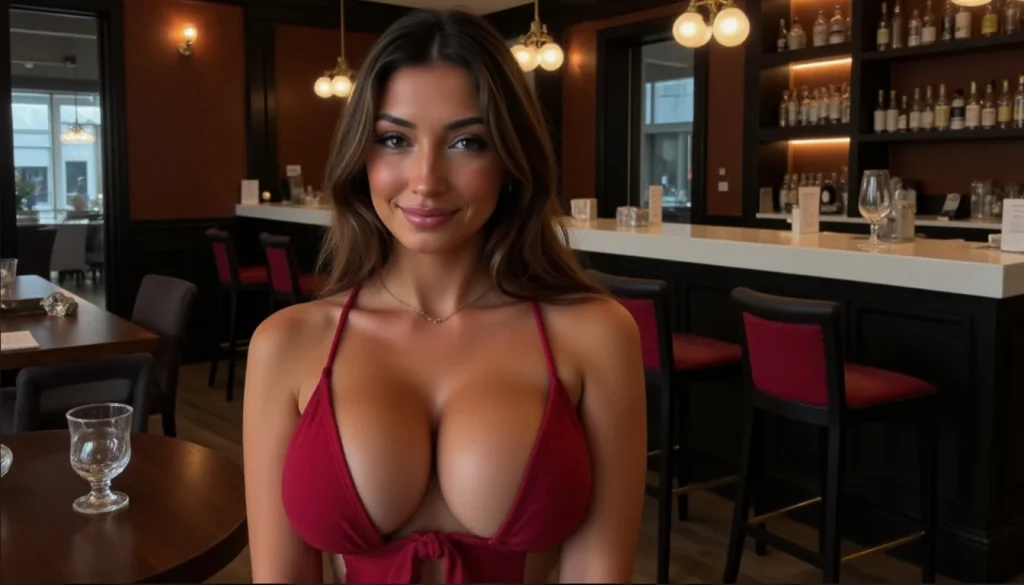
Plus, you own the character. No more hoping a generic prompt magically recreates your vision. Train it right once, use it forever.
What You'll Need Before Getting Started
Technical Requirements
Image Requirements for Best Results
Your training images make or break your LoRA model. Aim for 20-30 photos minimum—variety is king here. Mix up angles (front, side, three-quarter), lighting conditions, facial expressions, and clothing. Resolution should hit at least 512×512, though 1024×1024 gets better results.
Pykaso AI Pricing & Gem Costs
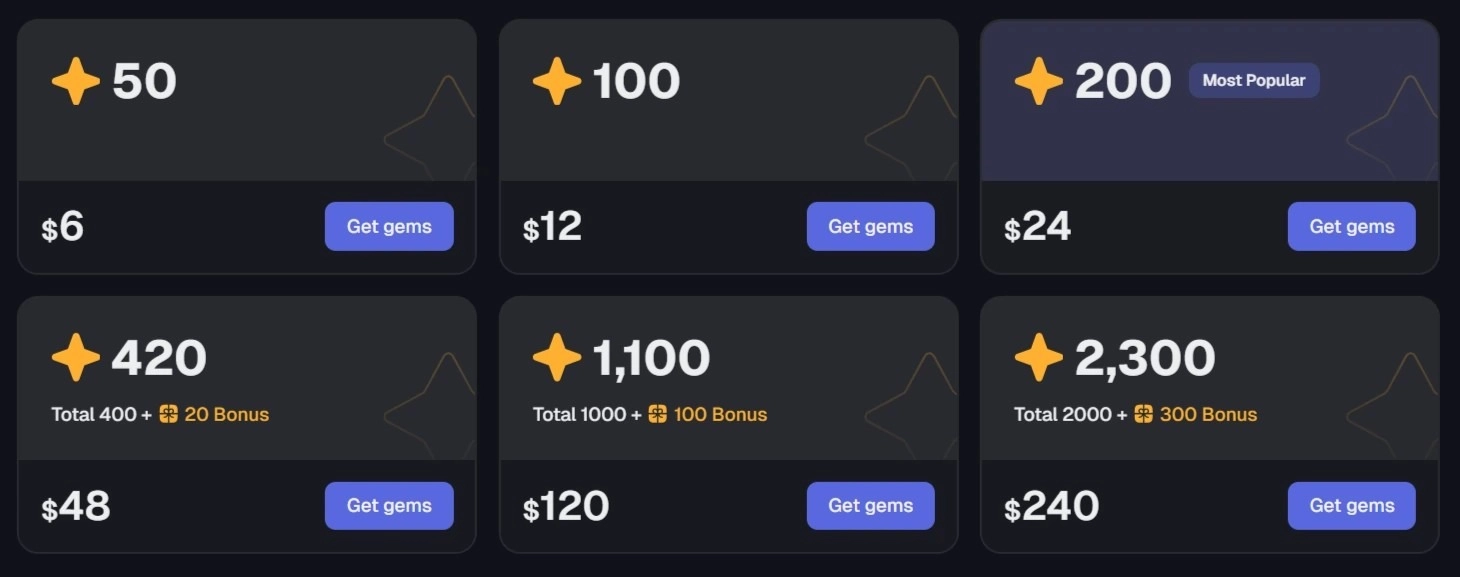
Pykaso runs on a gem-based system. Starter packages begin around $6 for 50 credits, scaling to $240 for serious creators. LoRA training typically costs 40 gems per model depending on complexity. Monthly subscriptions offer better value if you're planning multiple characters or regular content generation.
Step 1 – Setting Up Your Pykaso AI Account
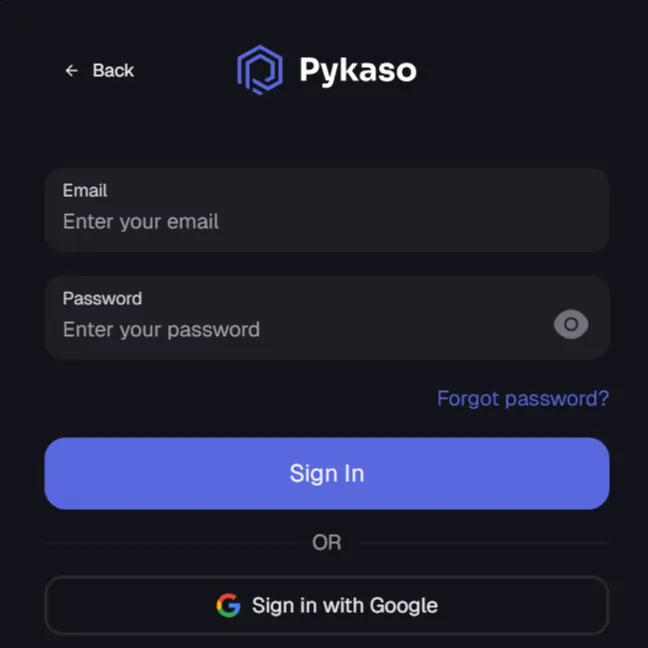
Registration takes under two minutes. Once logged in, navigate to the main dashboard where you'll find the LoRA training section under “Create AI Character” or similar. New users often get free starter gems to test the waters.
Step 2 – Gathering Your Training Images (The Secret Sauce)
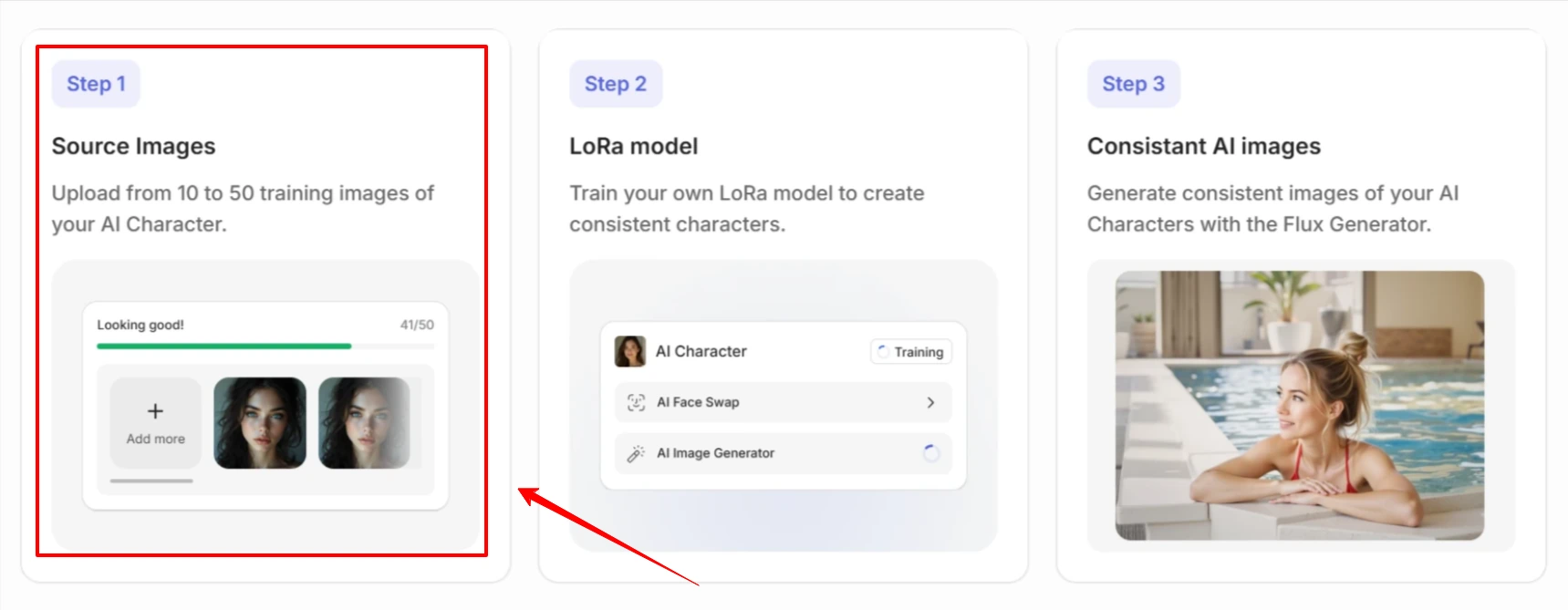
How Many Photos Do You Actually Need?
Quality demolishes quantity every time. Twenty excellent photos beat fifty random selfies.
Photo Selection Tips That Actually Work
Capture multiple facial angles—straight-on, profile, looking up, looking down. Include different expressions (smiling, serious, playful). For body shots, vary poses and outfits. Consistent lighting prevents the AI from learning weird shadows as facial features.
For NSFW models, maintain the same approach but adjust content accordingly. The algorithm doesn't care what you're wearing (or not wearing)—it just needs clear, consistent features to learn from.
Step 3 – Uploading Your Training Images to Pykaso
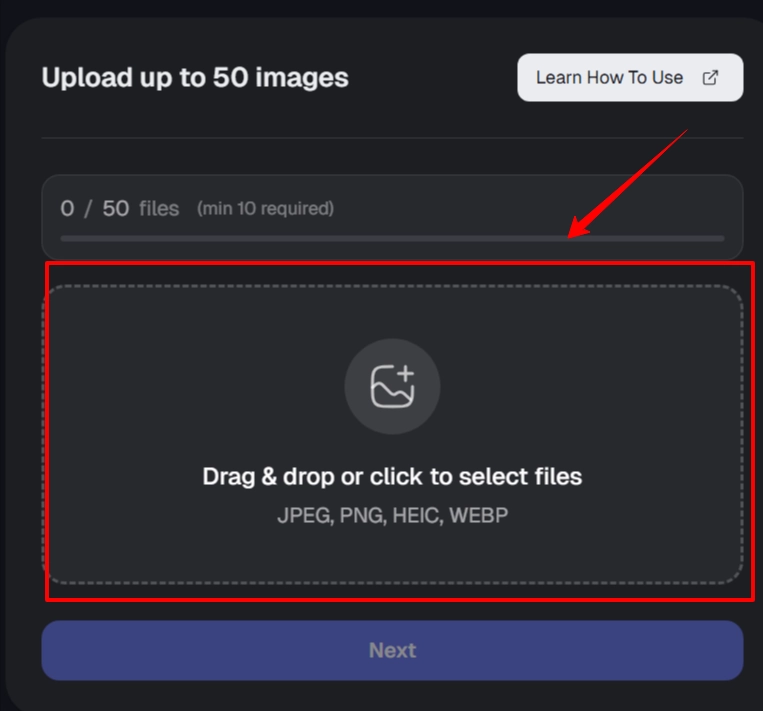
Access the “Create AI Character” or LoRA training section. Drag-and-drop your prepared images or use manual upload. Preview each photo for quality check. Remove or replace any that don't meet standards before proceeding.
Step 4 – Configuring Your LoRA Training Settings
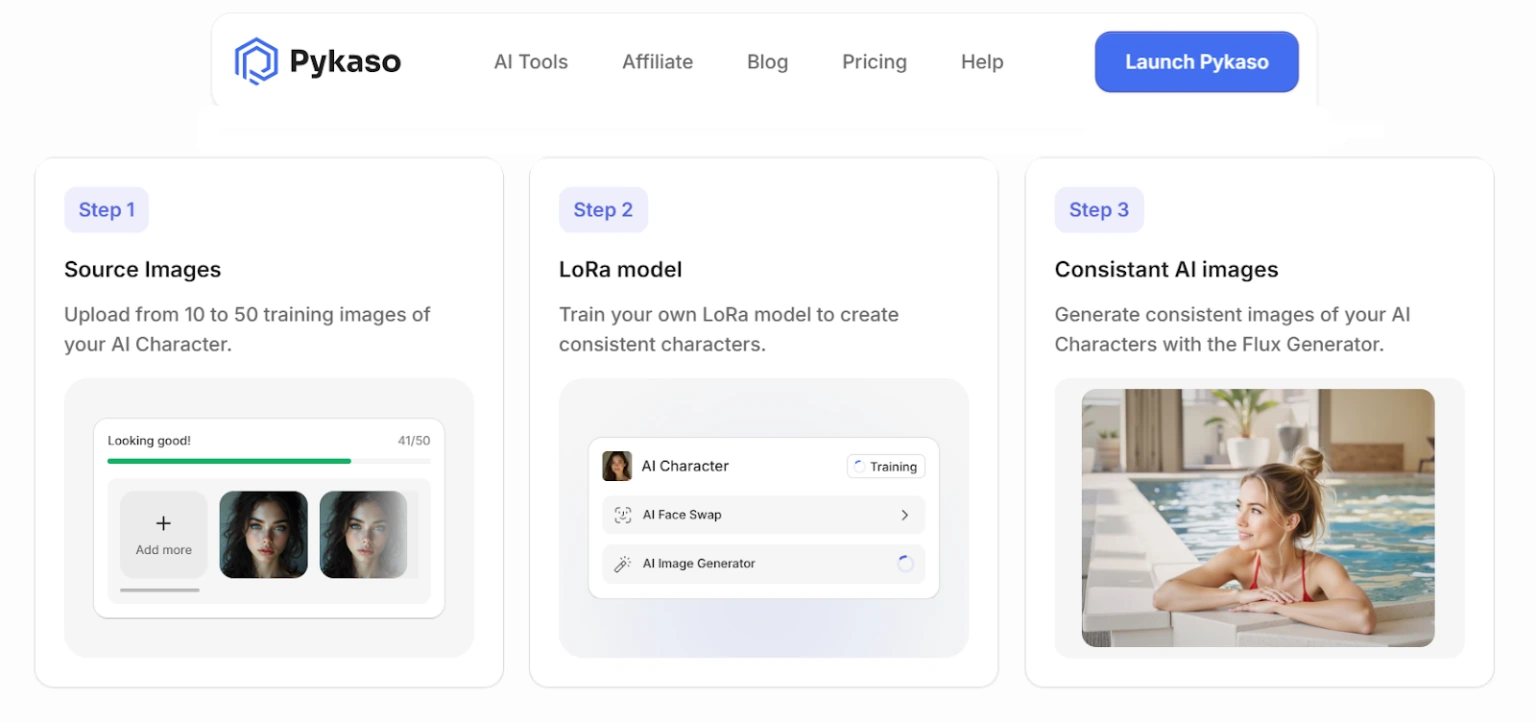
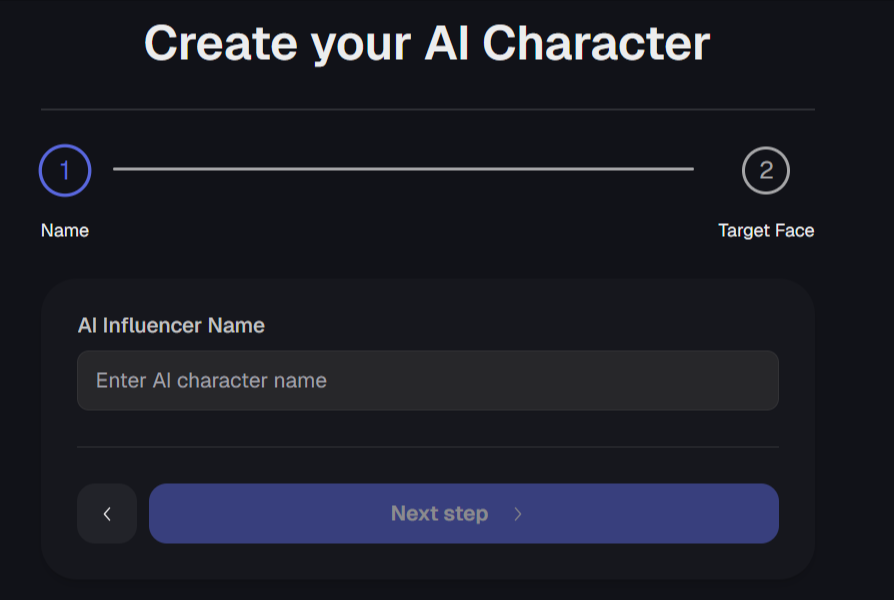
Character Information Setup
Name your model something memorable, especially if you're planning to sell it. Add relevant tags (realistic, anime, NSFW, cosplay, etc.) and write a brief description. Privacy settings let you keep models private or list them publicly on the marketplace.
Advanced Training Parameters
Most users stick with default settings initially. Power users can adjust training steps, select between Flux (faster) or SDXL (more detailed) models, and toggle NSFW filters. Start simple—you can always retrain with custom parameters once you understand the basics.
Step 5 – Hitting That Train Button (The Fun Part)
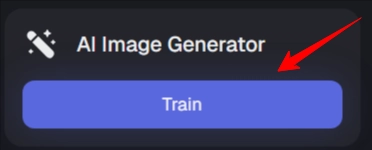
Confirm your gem payment and start training. Most models finish in 10-20 minutes, though complex characters may take longer. Pykaso sends notifications when training completes, so you don't need to babysit the process.
Step 6 – Testing Your Freshly Trained LoRA Character
Running Your First Generation Test
Navigate to the AI image generator and select your newly trained LoRA model. Write a simple prompt like “portrait photo, smiling, professional lighting” to test basic functionality. Adjust the LoRA strength slider (typically 0.6-0.9 works best) to control how strongly the character features appear.
Quality Check – Did It Work?
Examine facial feature accuracy, body proportions, and overall consistency across multiple test generations. Minor inconsistencies are normal—prompting skills fill the gaps. Major issues like completely wrong facial structure mean you need better training images.
Step 7 – Fine-Tuning for Perfection
If Your Results Suck (Troubleshooting)
Blurry faces? Your training images probably had mixed quality or resolution.
Wrong proportions? Add more full-body shots to your training set.
Inconsistent features? Your source photos likely showed different characteristics.
Most problems solve with retraining using better images. The good news? You learn what works, making your second attempt significantly better.
Pro Tips for Creating Viral-Worthy AI Characters
Master prompt engineering to unlock your LoRA's full potential. Combine your character with different scenarios: “beachside sunset,” “corporate office,” “cyberpunk nightclub.”
Face swap tools let you drop your character into existing compositions. Batch generation features help content creators build entire posting calendars in hours instead of weeks.
Using Your Trained LoRA Across Pykaso Tools
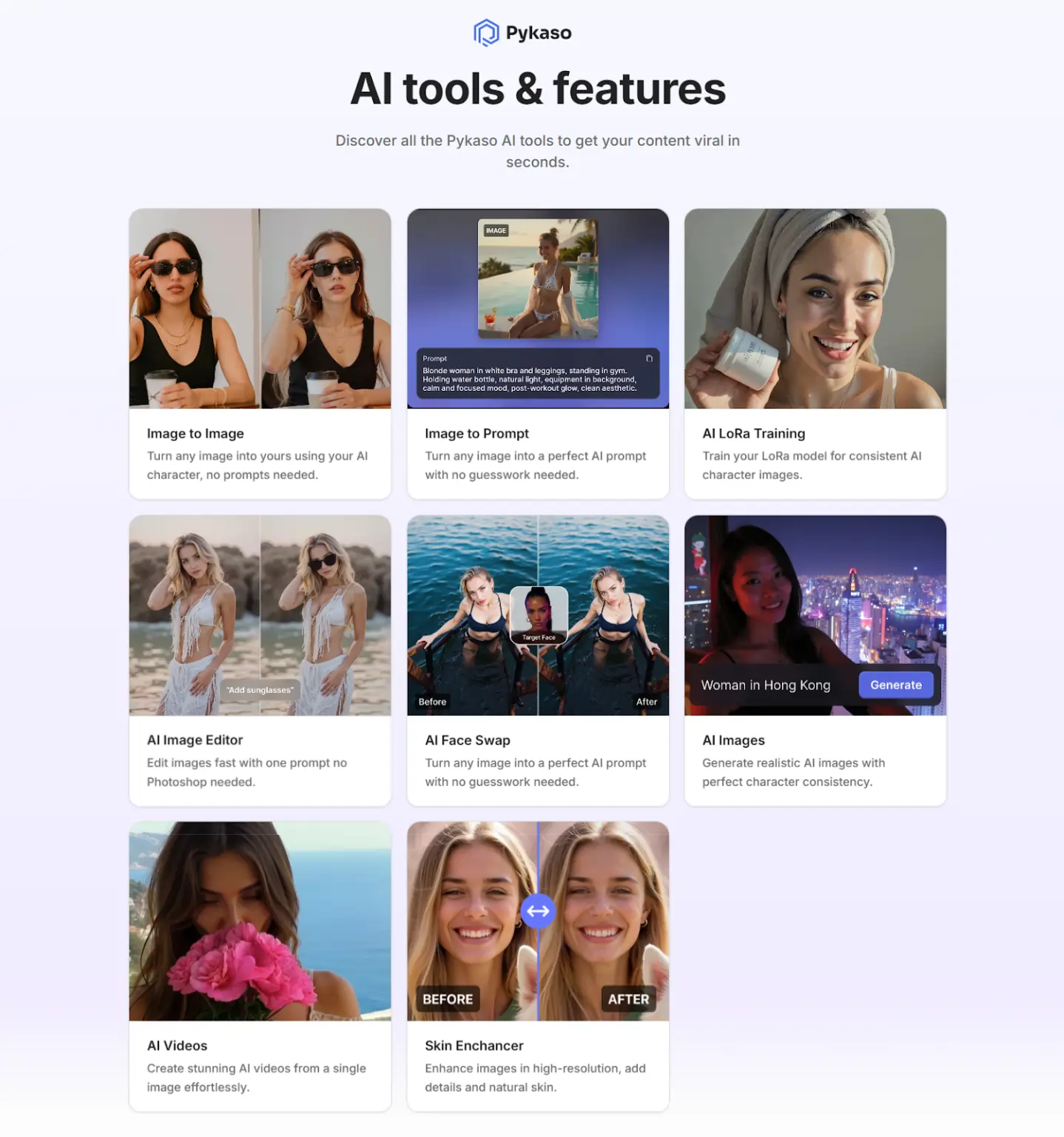
Your character integrates across Pykaso's entire toolkit. Generate static images with the AI Image Generator, create animations with the Video Generator, or use Face Swap to transplant your character into different scenes. The Image-to-Image tool lets you transform reference photos while maintaining character consistency.
Monetizing Your Custom LoRA Characters
Selling Your LoRA Models on Pykaso Marketplace
List completed models for $5-$50+ depending on niche demand and quality. Well-documented NSFW characters in popular categories tend to command premium prices. Include sample generations so buyers know exactly what they're getting.
Building an AI Influencer Empire
Consistent characters enable serious social media plays. Post daily without photoshoots, create subscription content at scale, or offer personalized content to paying followers. Some creators combine multiple LoRAs to build entire character universes.
Client Work and Custom Character Services
Offer LoRA training as a service for businesses and creators who need brand characters. Rates typically run $50-$500+ depending on complexity and commercial licensing terms.
Common Training Mistakes (And How to Avoid Them)
Low-quality source images kill results before you start. Insufficient variety creates one-dimensional characters. Overtraining makes characters look plastic and artificial. Poor prompting after training wastes a good model. Learn from these mistakes before wasting gems.
Is It Worth Your Money?
For casual users experimenting with AI art, probably not. For content creators, influencers, or anyone needing consistent character output, absolutely. The time saved versus manual photo editing or inconsistent AI prompting pays back your investment fast.
Compared to competitors like InfluencerFarm or APOB AI, Pykaso offers solid middle-ground pricing with reliable results.
Got Questions? We've Got Answers
How long does LoRA training take in Pykaso AI?
Most models complete in 10-20 minutes, though complex characters may require 30-45 minutes.
Can I train NSFW characters in Pykaso?
Yes, Pykaso supports adult content creation with appropriate privacy settings and content flags.
How much does it cost to train a LoRA model?
Training costs 40-200 gems depending on complexity, roughly $5-$20 in gem purchases.
What's the minimum number of photos needed?
Technically 10, but 20-30 images deliver far better consistency and accuracy.
Can I use my LoRA character commercially?
Yes, you retain commercial rights to characters you train with your own images.
Final Thoughts
Custom character creation isn't rocket science, but it rewards attention to detail. Start with quality training images, use sensible settings, and don't expect perfection on your first attempt.
Join the Pykaso Discord community for tips, share your results, and see what other creators are building. Your AI influencer empire starts with a single trained model—make it count.

AITwin Ninja