Top 7 AKOOL AI Alternatives for AI Video & Face Swapping
Switching between AI video tools every week, just to fix one limitation—watermarks, credits, or stiff avatars—gets exhausting. You are not trying to test every new platform; you just want something reliable that fits your workflow and budget. This guide breaks down how to evaluate features, pricing, and real‑world use cases first, then maps those criteria…

By :
Ralph
February 2, 2026
Switching between AI video tools every week, just to fix one limitation—watermarks, credits, or stiff avatars—gets exhausting. You are not trying to test every new platform; you just want something reliable that fits your workflow and budget.
This guide breaks down how to evaluate features, pricing, and real‑world use cases first, then maps those criteria to the Top 7 AKOOL AI Alternatives. It is written for creators, marketers, and teams who want a practical, side‑by‑side view before committing to their next tool.
What Is Akool & Why Users Search for AKOOL AI Alternatives?
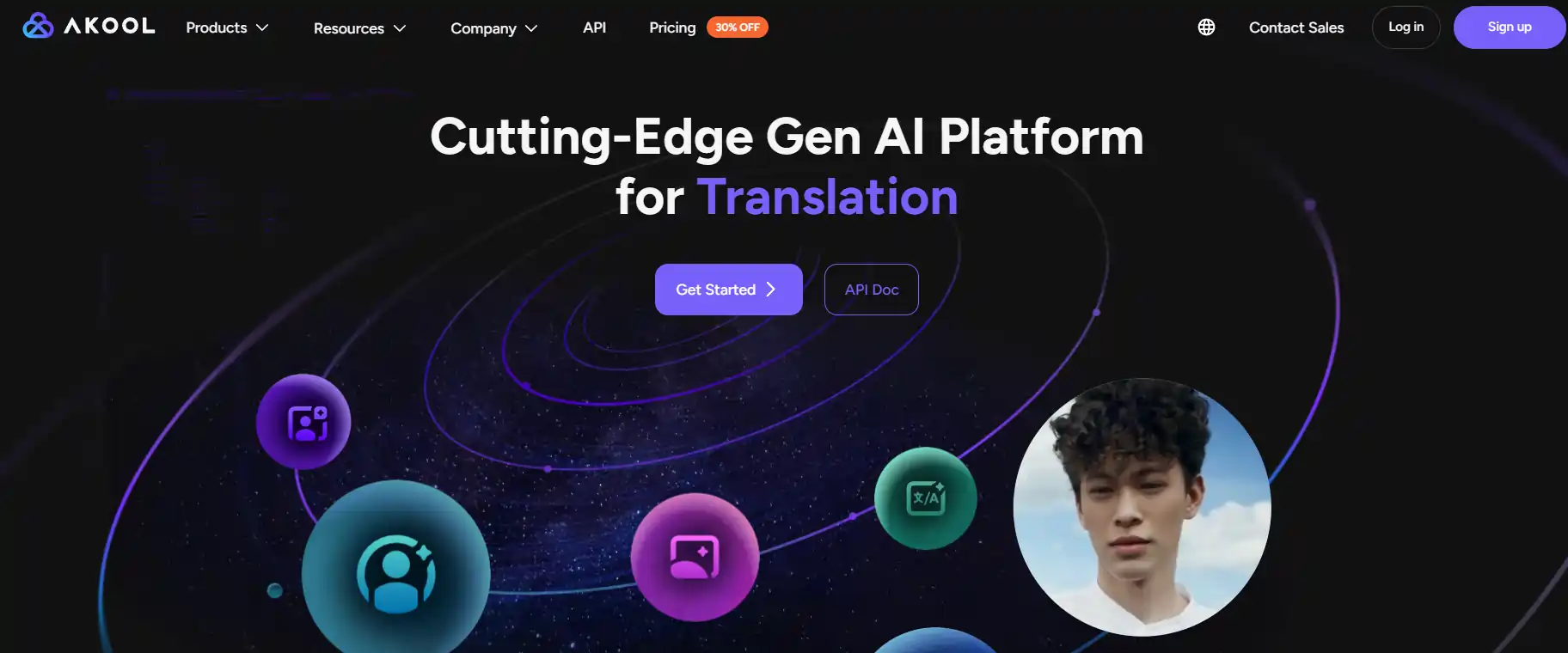
Akool is a generative AI video platform that offers face swap technology, AI avatars, talking photo animation, and video translation tools for creators and marketers. It gained popularity for realistic lip-sync and deepfake-style content creation, particularly for social media and marketing campaigns .
Despite its capabilities, users actively search for AKOOL AI alternatives due to several recurring pain points. The credit-based pricing model can become expensive for high-volume users, while rendering queues during peak hours slow down production timelines. Some creators report watermark limitations on lower-tier plans and inconsistent avatar quality across different video resolutions .
Additionally, businesses often need better batch processing, API access, or specific compliance features that Akool’s current infrastructure doesn’t fully support. These gaps drive users toward platforms offering more flexible pricing, faster exports, or specialized workflows.
⭐ Effective AKOOL AI Alternatives for Smarter Results
| Top AKOOL AI Alternatives | Key Technical USP | Primary Target User |
|---|---|---|
| OpenArt AI | Custom model training | Creative brand designers |
| Kling AI | Cinematic motion controls | Professional video editors |
| Higgsfield AI | Concurrent video generation | Mobile-first content creators |
| TopView AI | Automated editing workflows | E-commerce ad agencies |
| Apob AI | Virtual influencer creation | Social media marketers |
| InVideo AI | Command-based AI editing | Affiliate video producers |
| Remaker AI | Batch face swapping | Large marketing campaigns |
1. OpenArt AI
In our top recommendations for AKOOL AI alternatives, coming in at #1 is OpenArt AI. This all-in-one image and video generation platform combines multiple AI models within a single creative workspace. Unlike traditional face-swap tools, OpenArt offers text-to-image generation, advanced editing features, and the newly integrated Kling O1 engine for seamless multimodal video storytelling.
The platform stands out with boundary-free AI drawing that lets you refine outputs without being locked into rigid prompt structures. Custom model training allows you to align the AI with your specific brand aesthetic, whilst InPainting and object removal tools enable precise post-generation edits.
OpenArt AI Key Features
Best For:
Creators and marketing teams needing flexible image-to-video workflows with custom branding control.
🔥 15% Off Exclusive OpenArt Deal!
EXCLUSIVE
This is your sign to go creative and save! Apply ALL15 and get 15% off any OpenArt plan instantly.
15% Off
ALL15
2. Kling AI
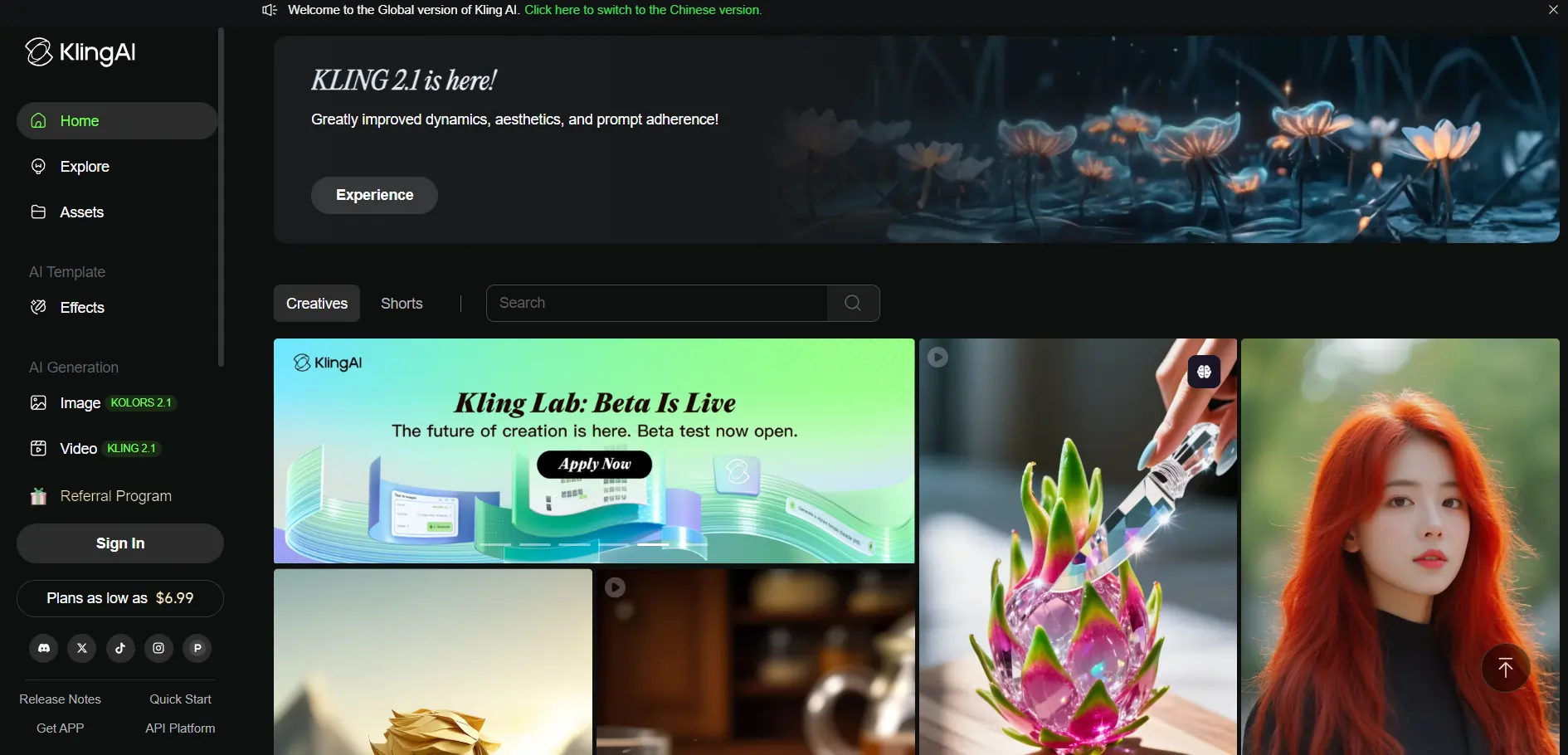
Kling AI is a cinema-grade video generation tool developed by Kuaishou that specialises in text-to-video and image-to-video conversion with smooth frame rates. As a direct AKOOL AI alternative, it focuses on high-resolution outputs (1080p) suitable for advertising, social media and film production.
What sets Kling apart is its emphasis on cinematic quality rather than purely social-first content. Camera movement controls and start/end frame customisation give creators precise directorial input, whilst the face model and lip sync features rival AKOOL’s avatar capabilities.
Kling AI Key Features
Best For:
Marketing agencies and filmmakers require high-resolution video generation with directorial precision.
3. Higgsfield AI
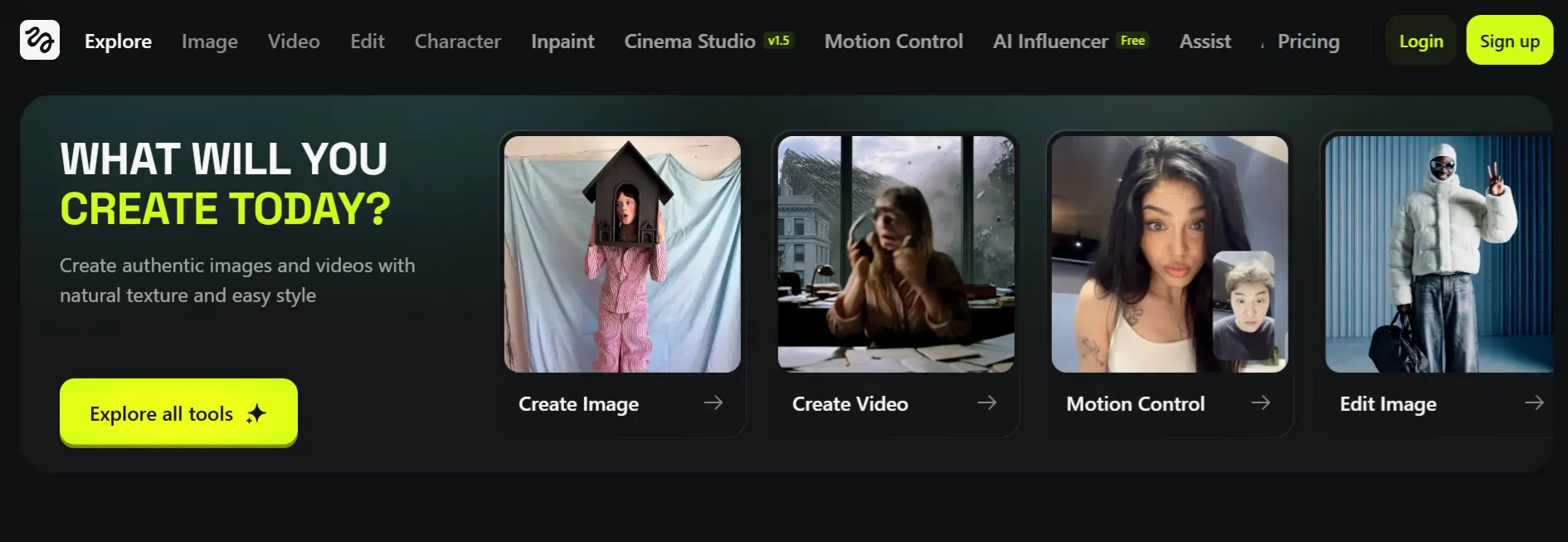
Higgsfield AI is an all-in-one platform that merges video and image generation with cinematic textures and mobile-optimised workflows. Originally launched as a mobile app, it now offers web-based access whilst integrating advanced models like KLING 2.6 and Nano Banana Pro.
The platform excels at multi-shot storyboarding and concurrent processing, allowing users to generate up to eight videos simultaneously on higher plans. Lipsync Studio and Face Swap tools directly compete with AKOOL’s core features, whilst the Diffuse mobile app enables on-the-go editing.
Higgsfield AI Key Features
Best For:
Mobile-first creators and enterprise teams needing scalable, multi-model video generation workflows.
4. TopView AI
TopView AI is an automated video production platform that handles scriptwriting, shot selection, editing, narration and beautification from raw uploads. It serves as an AKOOL AI alternative for marketers who prioritise speed and workflow automation over manual face-swap customisation.
By automating the entire production pipeline, TopView reduces the technical barrier for teams without dedicated video editors. This makes it particularly effective for e-commerce brands, affiliate marketers and agencies managing high-volume content calendars.
TopView AI Key Features
Best For:
E-commerce brands and agencies needing rapid, high-volume marketing video production workflows.
5. Apob AI
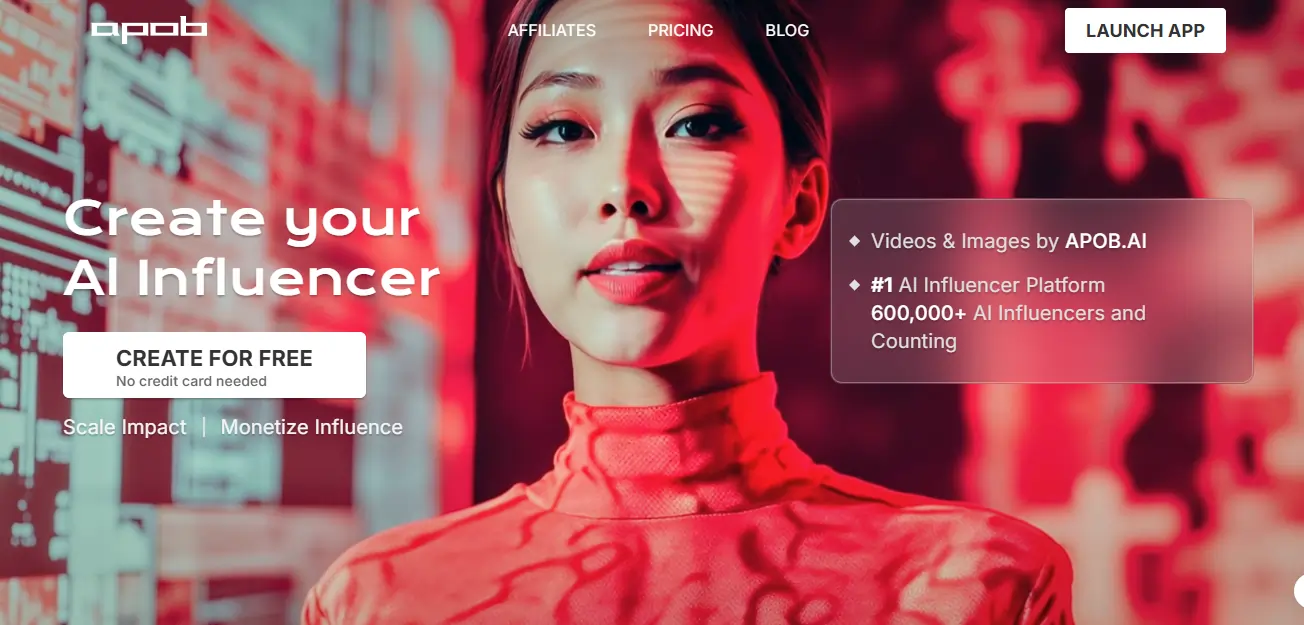
Apob AI specialises in AI influencer generation and image-to-video conversion, offering personalised AI portraits with customisable facial expressions, styling and motion effects. As an AKOOL AI alternative, it focuses on creating consistent virtual brand ambassadors rather than one-off avatar clips.
This tool is particularly valuable for marketers building long-term influencer campaigns without hiring human talent. Personalisation depth allows for brand-aligned characters that maintain visual consistency across hundreds of videos, addressing a common limitation in generic avatar libraries.
Apob AI Key Features
Best For:
Brands and marketers building consistent AI influencer campaigns without traditional talent costs.
6. InVideo AI
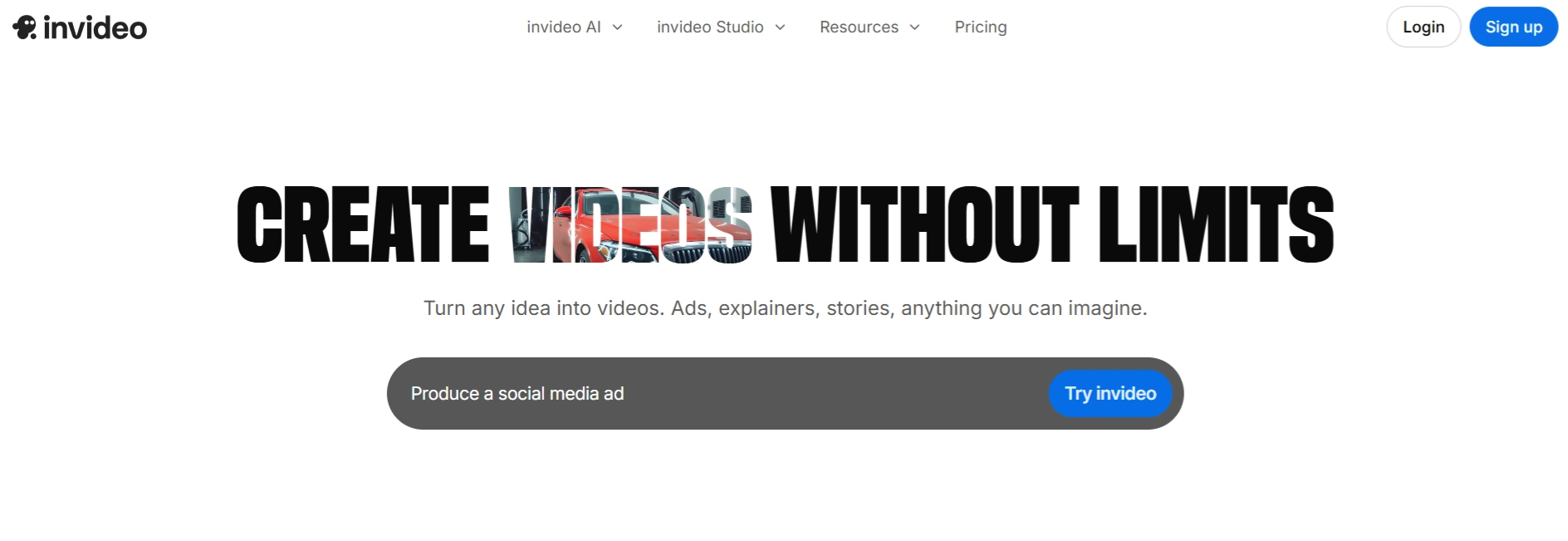
InVideo AI streamlines the entire video production process by automating script generation, visual matching, subtitles, voiceovers and background music. As an AKOOL AI alternative, it trades granular face-swap controls for end-to-end workflow efficiency, making it ideal for creators who need polished videos quickly.
Command-based editing enables adjustments like “Increase background music to 80%” or “Change media in scene 2,” significantly reducing technical friction. This approach suits affiliate marketers, course creators and small businesses that prioritise speed over hyper-customised avatar work.
InVideo AI Key Features
Best For:
Course creators and affiliate marketers needing rapid, professional video production without technical editing skills.
7. Remaker AI
Remaker AI serves as a dedicated face-swap alternative focused specifically on photo and video transformations. It offers batch processing, API integration and commercial-use licensing that directly addresses AKOOL’s enterprise limitations.
Remaker’s pricing structure avoids confusing credit systems in favour of transparent subscription tiers. This makes budget forecasting easier for agencies and small businesses managing recurring content needs.
Remaker AI Key Features
Best For:
Marketing agencies requiring transparent pricing and batch processing for client-facing face-swap projects.
What Makes a Strong AKOOL AI Alternative? (Key Evaluation Criteria)
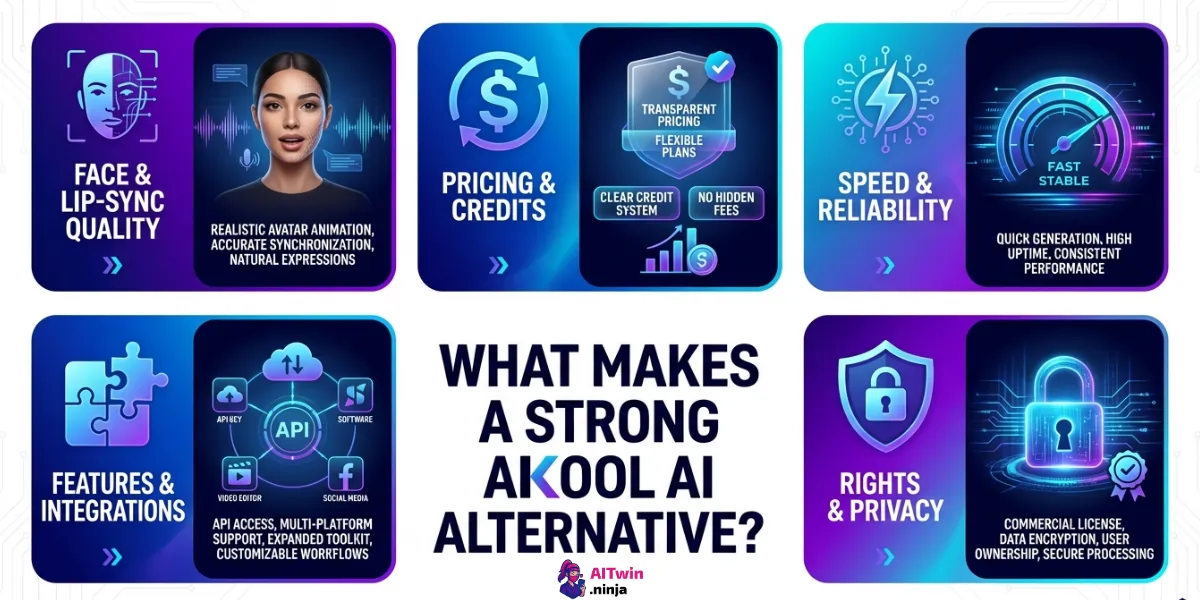
A strong AKOOL AI alternative should solve the practical limitations users face with pricing, quality, and workflow reliability while staying easy to adopt. Readers are usually comparing tools on a few non‑negotiable factors that directly impact production speed and output quality.
Finding the Best Alternative to AKOOL AI
Picking the right AKOOL AI alternative depends on whether you prioritise cinematic quality, automation speed, or transparent pricing structures. Each platform addresses specific gaps that standard face-swap tools often overlook.
Rather than settling for limitations that slow your production cycle, match your workflow requirements to the evaluation criteria outlined above. Test free tiers from two or three options, compare export quality at your target resolution, and verify commercial licensing terms before committing to annual plans.

AITwin Ninja
Affiliate Disclosure: This post may contain some affiliate links, which means we may receive a commission if you purchase something that we recommend at no additional cost for you (none whatsoever!)
Similar Posts
Author
Ralph
Ralph is a digital architect at AI Twin, exploring the intersection of AI and identity. He deconstructs how neural networks are reshaping our digital selves, one algorithm at a time. His writing simplifies complex tech into actionable insights for the future-focused individual.