OpenArt Character Training Tutorial: Build Consistent AI Influencers
OpenArt character training tutorial solves the biggest AI influencer problem: getting the same face twice. Stop generating random twins every time you hit create. OpenArt lets you build consistent characters from one reference image (via OpenArt Characters) or train custom LoRA models with 4–128 images for locked facial features across unlimited poses, outfits, and scenes….

By :
Ralph
January 19, 2026
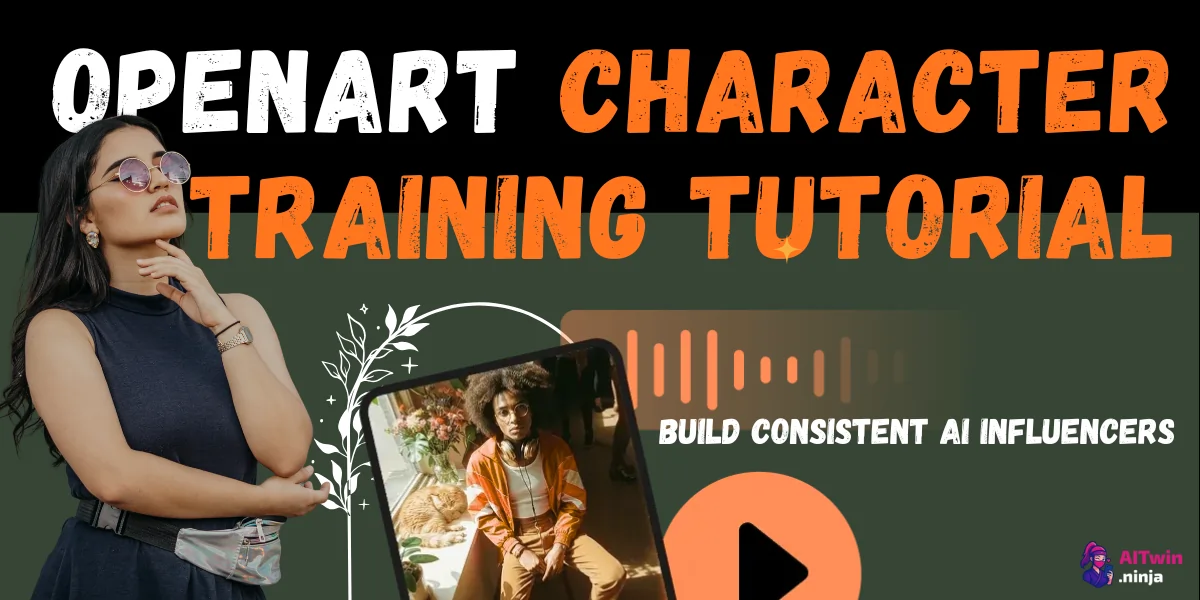
OpenArt character training tutorial solves the biggest AI influencer problem: getting the same face twice. Stop generating random twins every time you hit create.
OpenArt lets you build consistent characters from one reference image (via OpenArt Characters) or train custom LoRA models with 4–128 images for locked facial features across unlimited poses, outfits, and scenes.
Same person, different content—every single time.
💃 Why Your Influencer Keeps Shape-Shifting?
AI images look great… until your “AI Instagram model” changes jawline, eye shape, or skin texture like it’s playing dress-up with genetics. That kills your brand, your timeline, and your vibe.
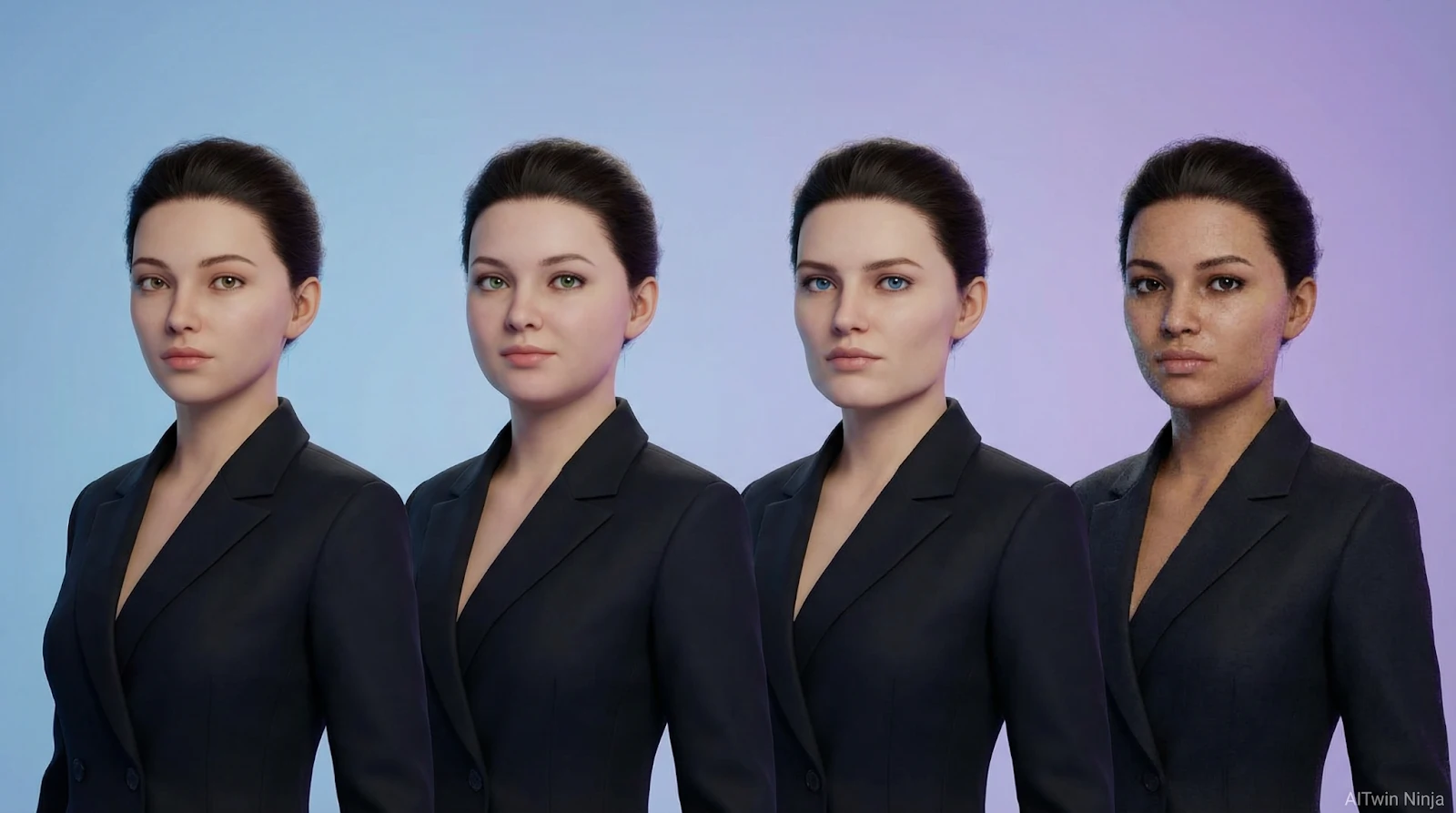
Consistency is the whole job. A virtual influencer needs the same face across:
OpenArt is built for this kind of AI influencer character consistency, mainly via:
If your end goal is “build consistent AI influencer”, stop obsessing over one perfect image. Start building a repeatable system.
✌ Two Ways to Get a Consistent AI Influencer in OpenArt
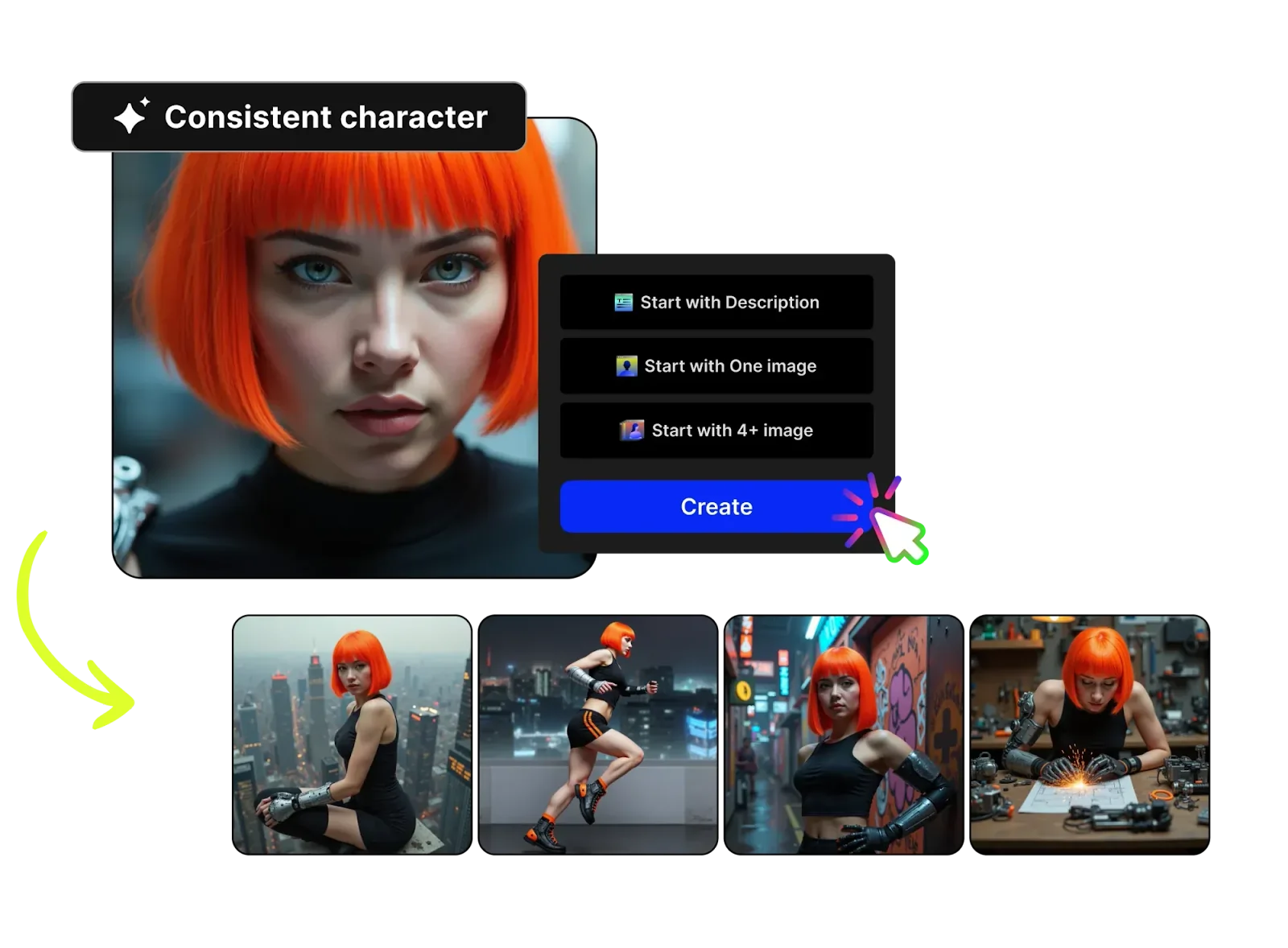
Option A: OpenArt Characters (Fast, No Fuss)
OpenArt Characters lets you create images of consistent characters from just one image or description, then pose, place, and combine them in scenes for ongoing storytelling.
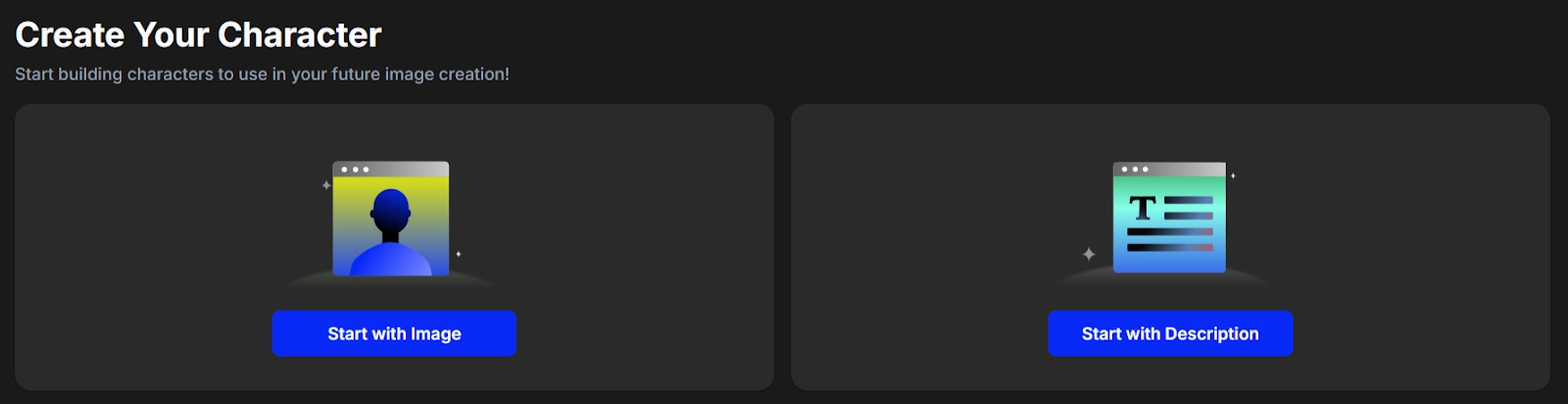
Use this when:
Mini Workflow
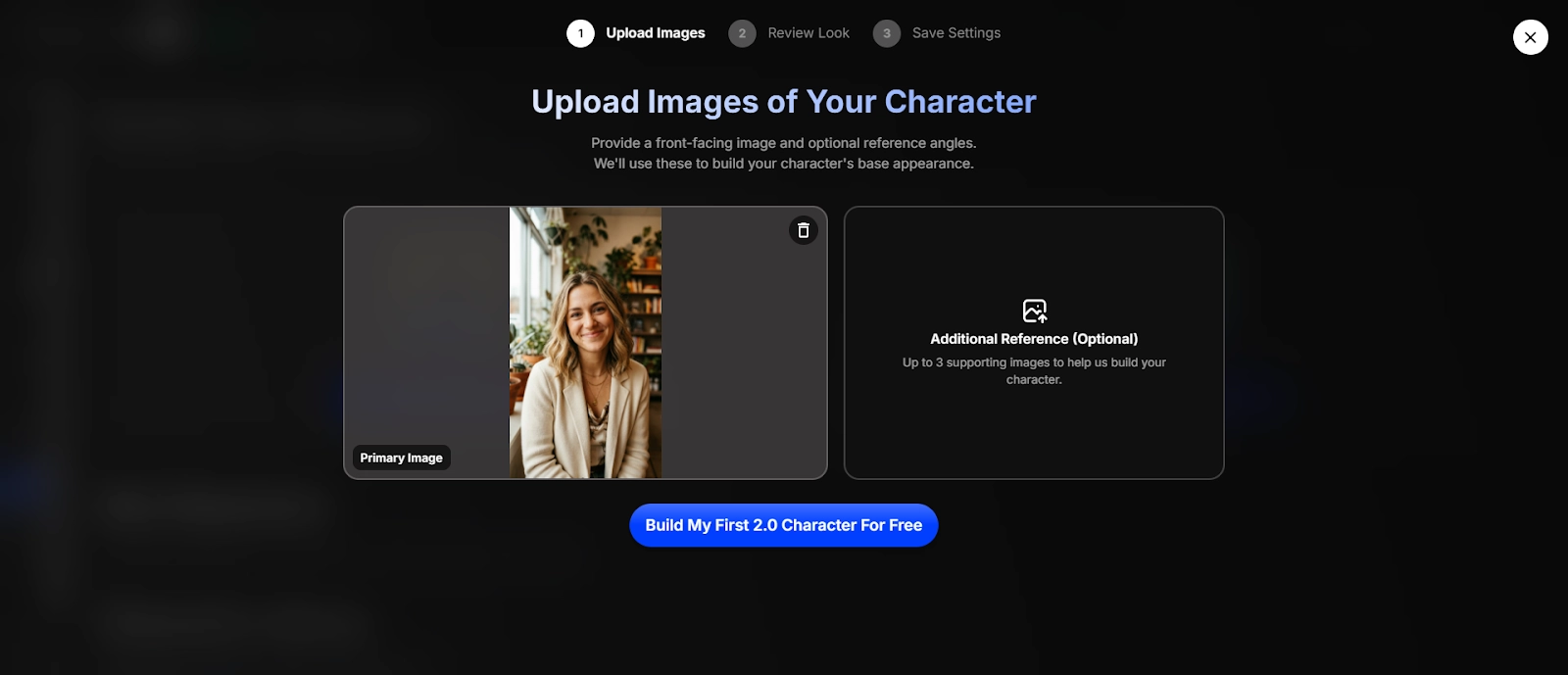
- Pick a strong reference image (clear face, clean details).
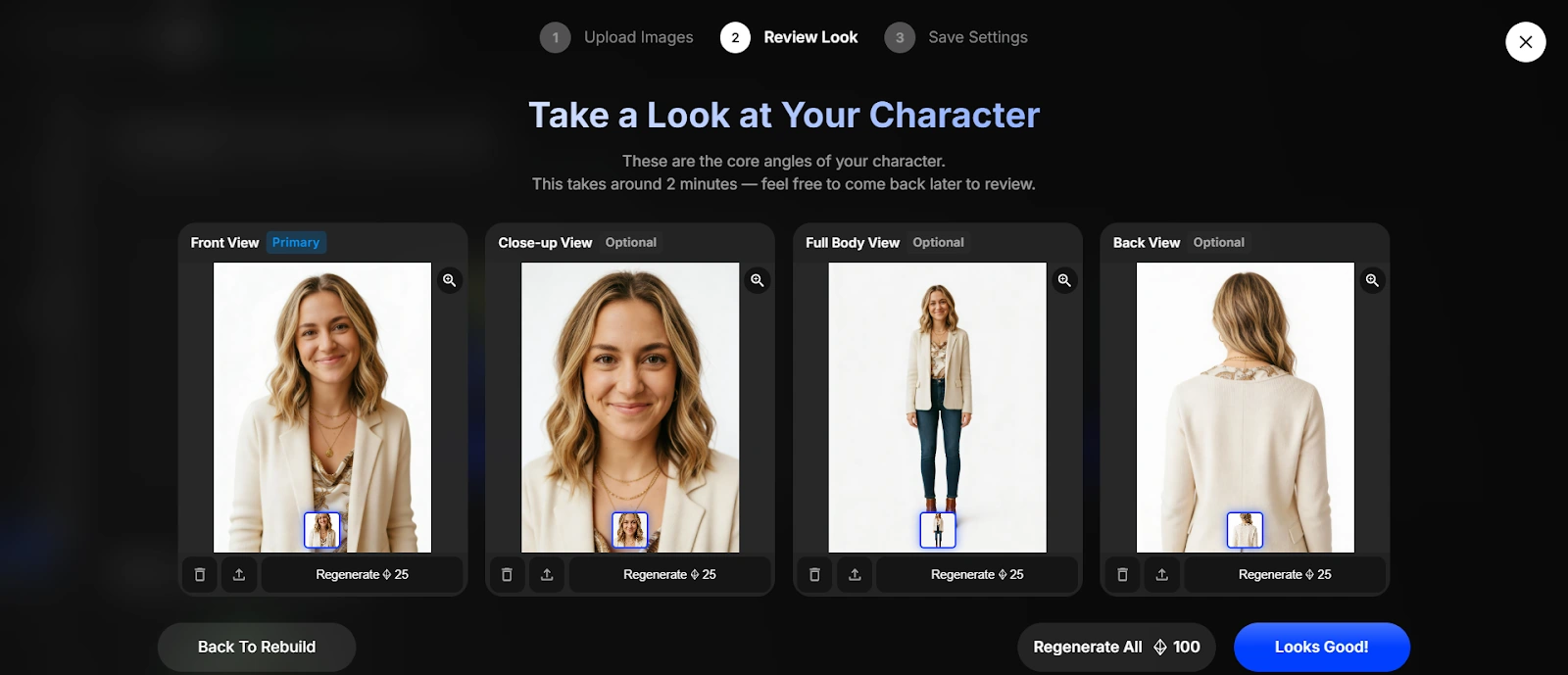
- Create your character in OpenArt Characters.
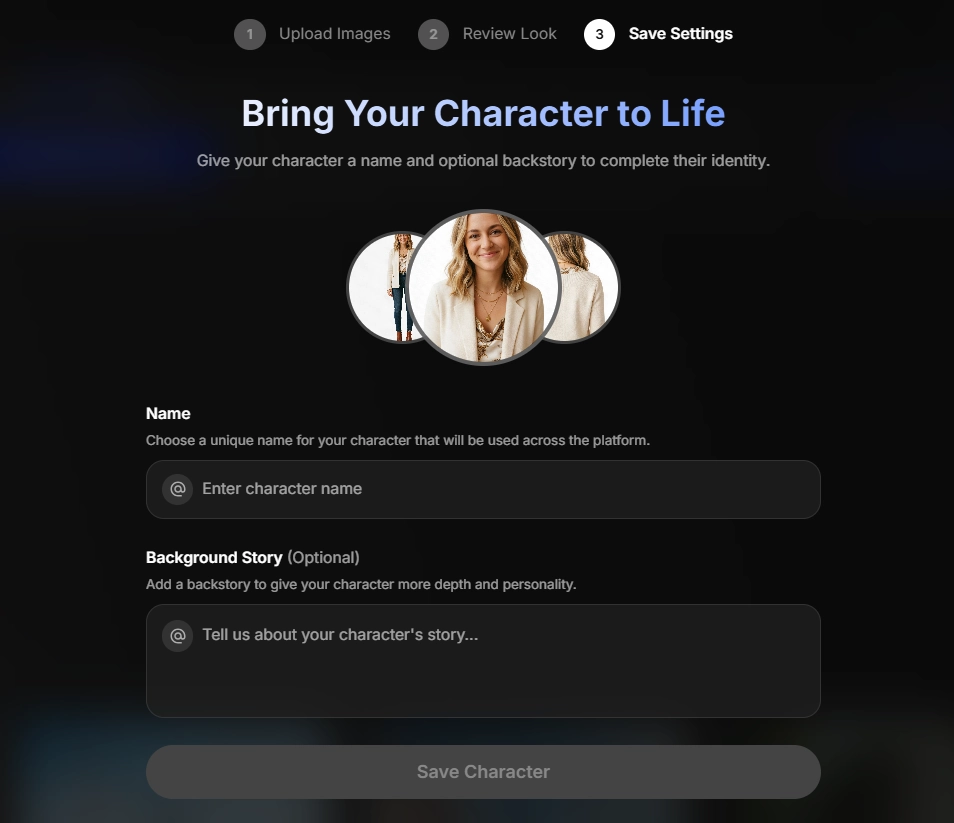
- Generate a batch: 20–40 images in one sitting (same look, new scenes).
- Save your best prompts as your “house style”.
✅ Quick prompt pattern (copy-paste style)
This route is perfect for “OpenArt Characters tutorial” style posts and quick content runs.
Option B: Custom Model Training (LoRA Training, More Control)
If you want your influencer to stay consistent even when you push wild outfits, hard poses, or strong lighting, go for OpenArt custom model training.
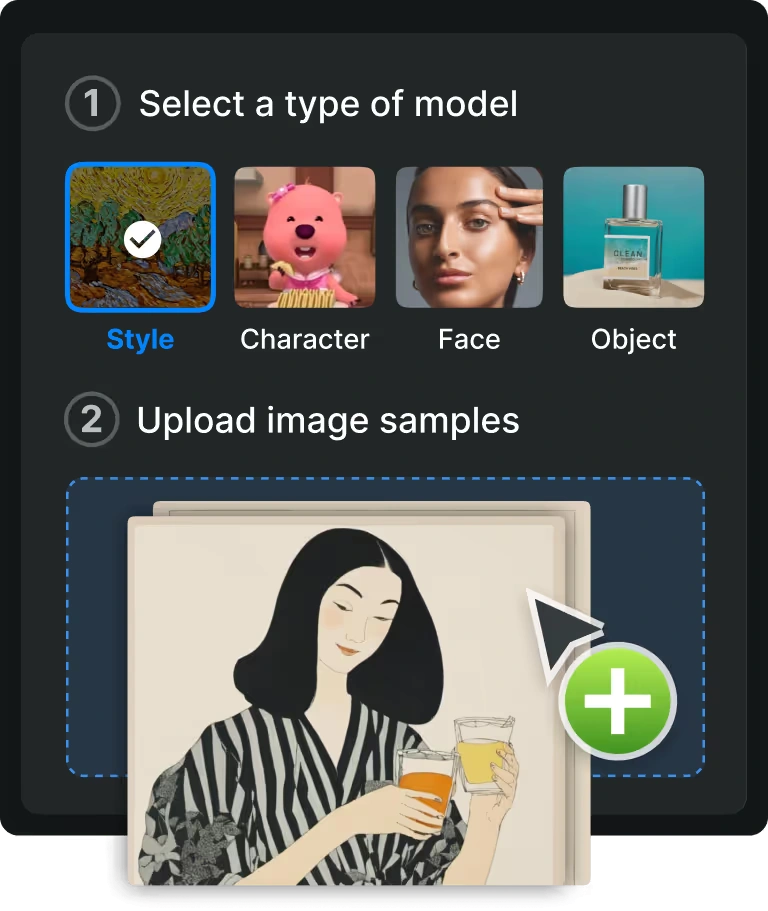
OpenArt supports training different model types such as style, character, face, or object, and it asks for 4 to 128 high-quality images.
OpenArt’s Model Training Book explains that OpenArt model training is fine-tuning, and the base model mentioned is SDXL, using LoRA (Low-Rank Adaptation) as the method.
Step 1: Build Your Character Training Dataset
Your dataset is your influencer’s “DNA folder”.
For a character model, the training book suggests variety in poses, angles, and backgrounds, and warns that missing standout details can make key traits feel “swappable“.
Dataset checklist (simple and effective):

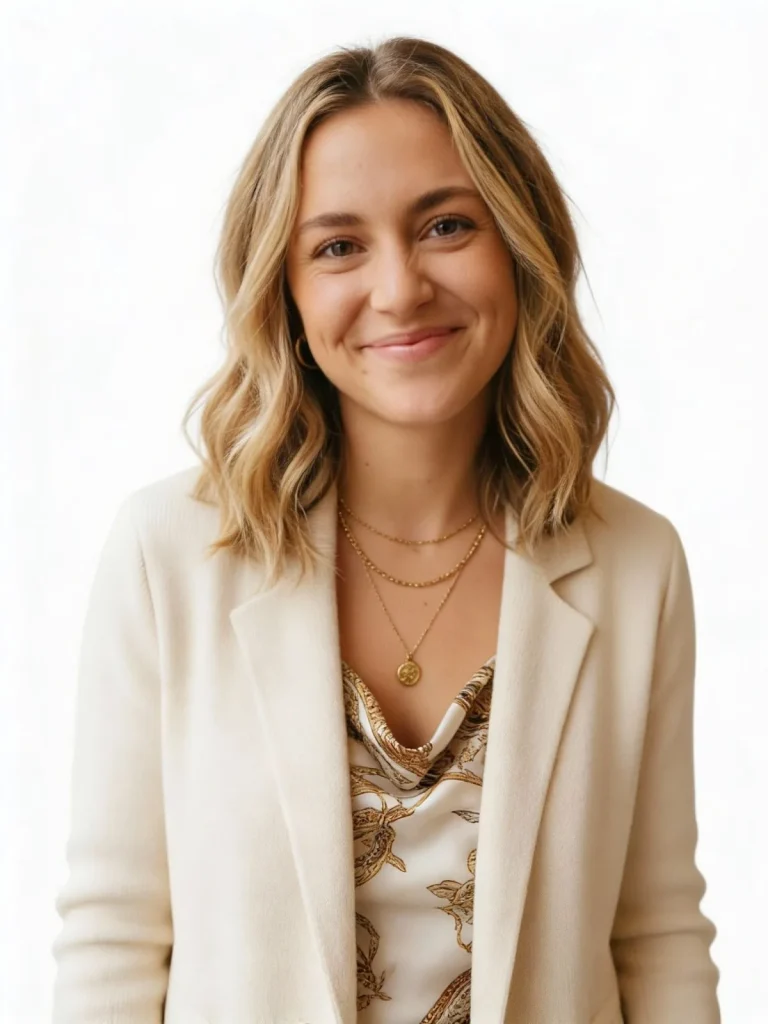

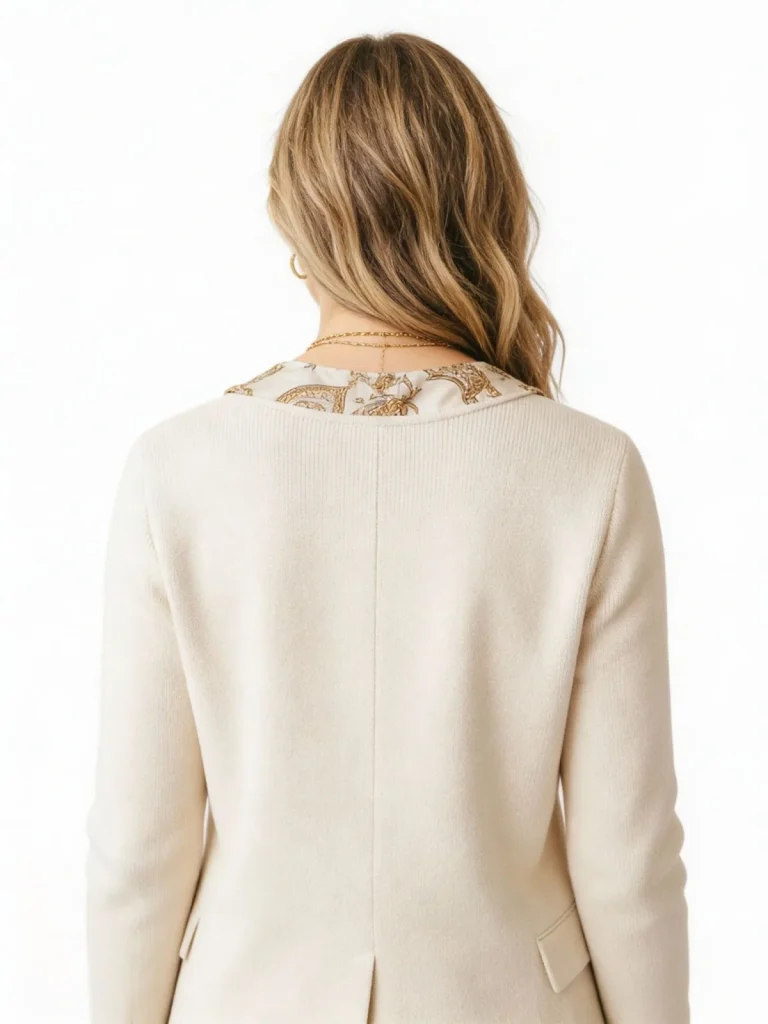
✅ Quality notes from OpenArt’s training guide:
Step 2: Train Your Model in OpenArt
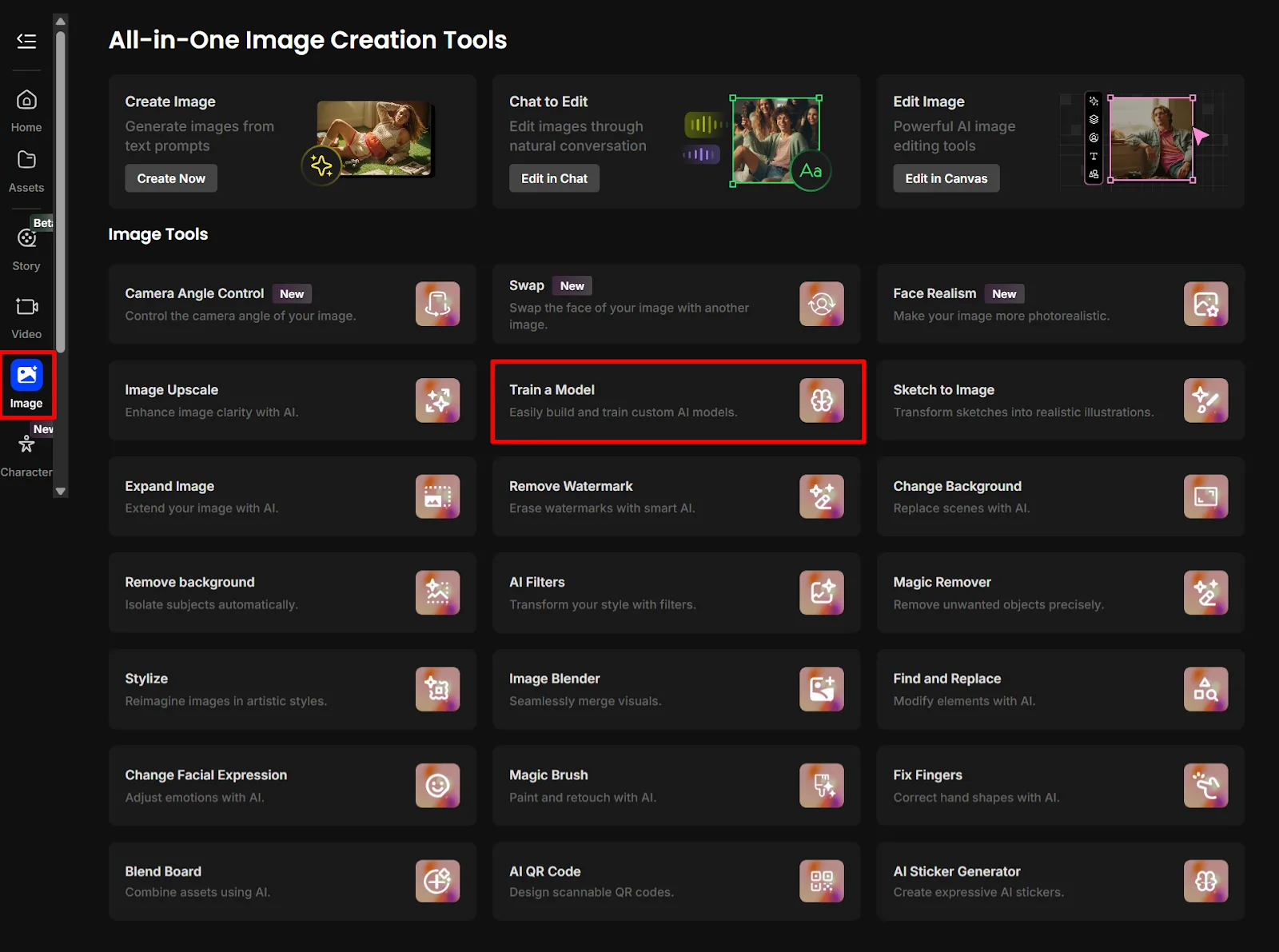
On OpenArt’s training page, you can upload your images, add a description, and generate with your custom model after training.
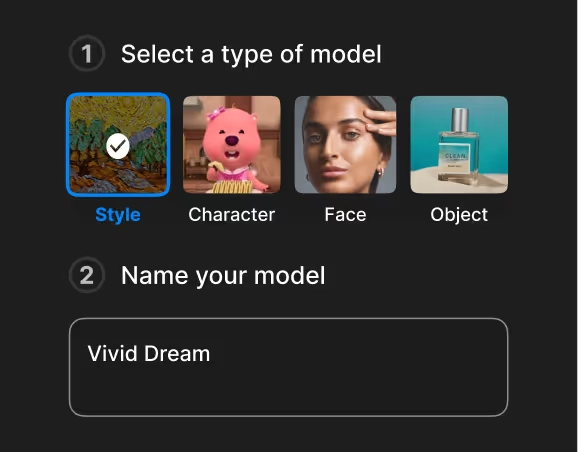
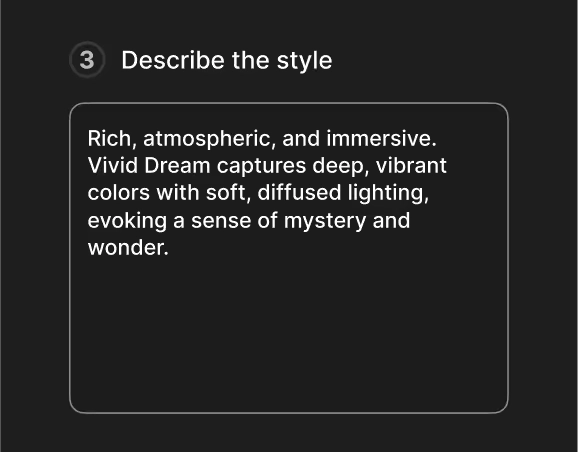
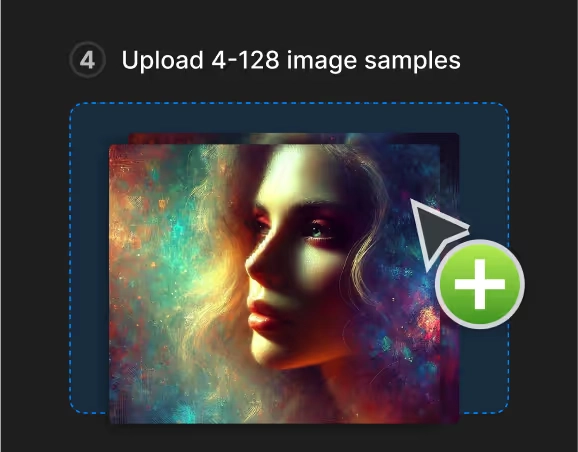
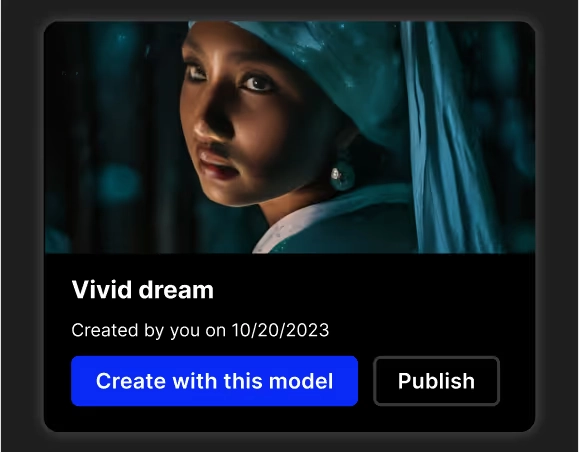
The training book describes the flow as: curate images → upload + name model → wait (it mentions 5–15 minutes) → generate using your trigger token like “<mymodel>”.
💡 Naming tip: use a unique model token (not a common word) so it triggers cleanly.
Step 3: Generate and Stress-Test (The “Same Face” Test)
This part saves your sanity.
Run these tests:
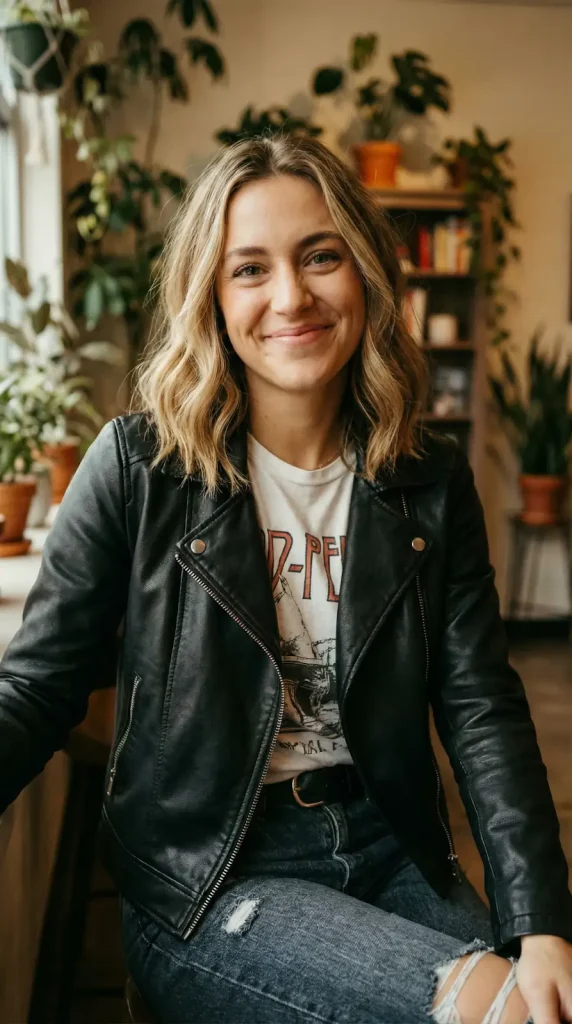
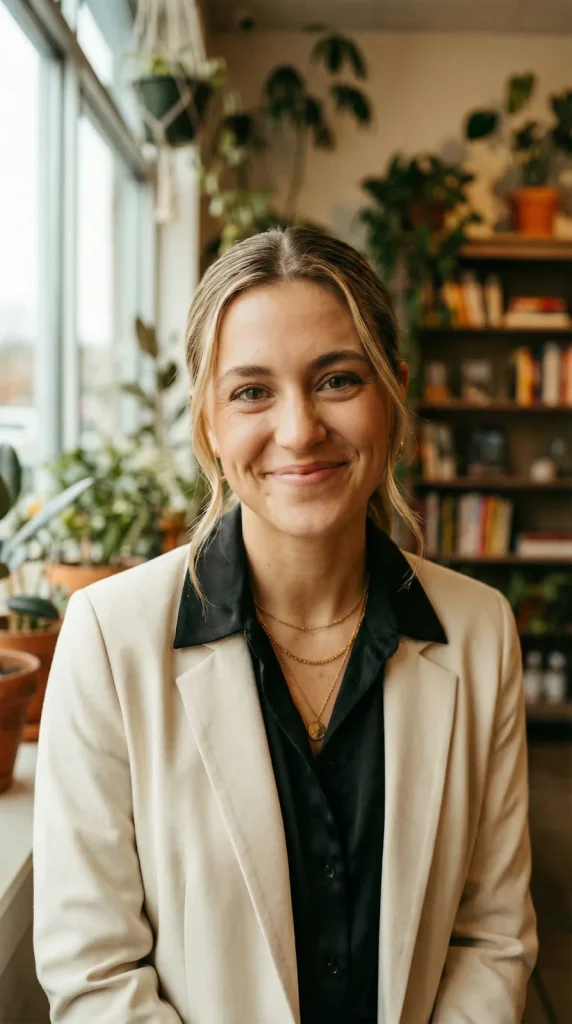
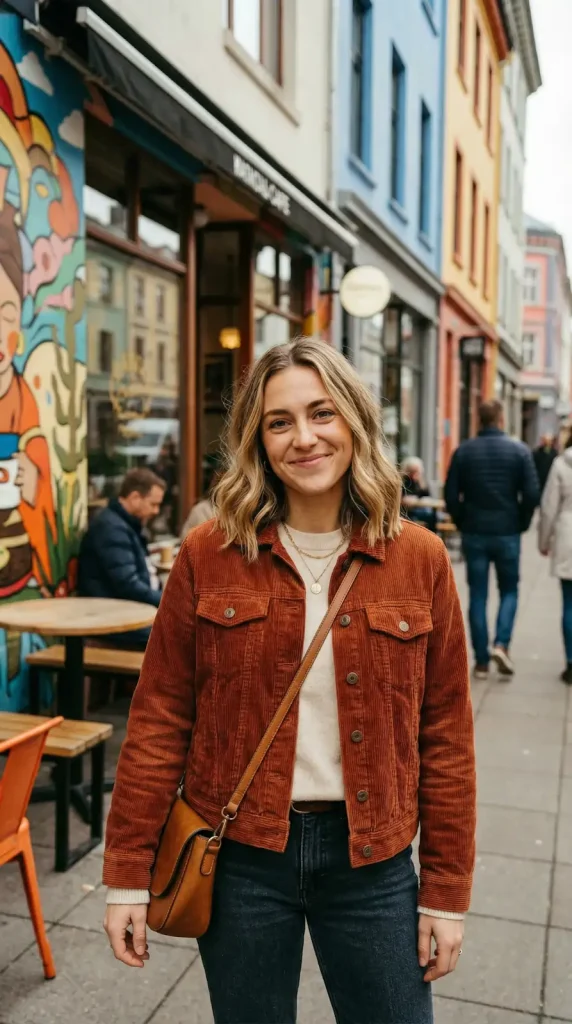
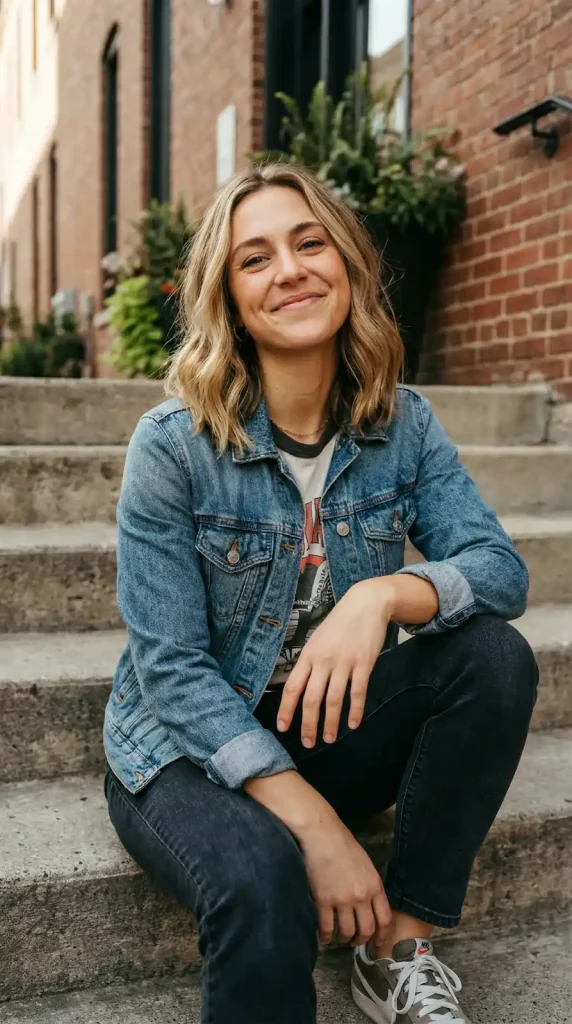
The training book even calls out “debugging” with different colours, lighting, places, actions, and poses as a good benchmark after training.
⚔ Quick Comparison: Characters vs Model Training ⚔
| Goal | Best Pick | Why It Works |
|---|---|---|
| Fast consistent avatar AI generator | OpenArt Characters | One reference image or description can keep identity stable. |
| Strong “keep same face AI generations” | Custom LoRA training | Your dataset teaches identity, not just vibes. |
| AI character sheet generator OpenArt workflow | Custom training | You can standardise looks across content pillars. |
| “Same character different outfits AI” at scale | Either | Characters is quicker; LoRA holds up better under stress. |
Content Machine + Monetisation (Yes, Even the Spicy Niche)
👉 Build an AI Character Sheet (So You Stop Winging It)
A character sheet keeps your virtual influencer brand consistent.
AI character sheet template
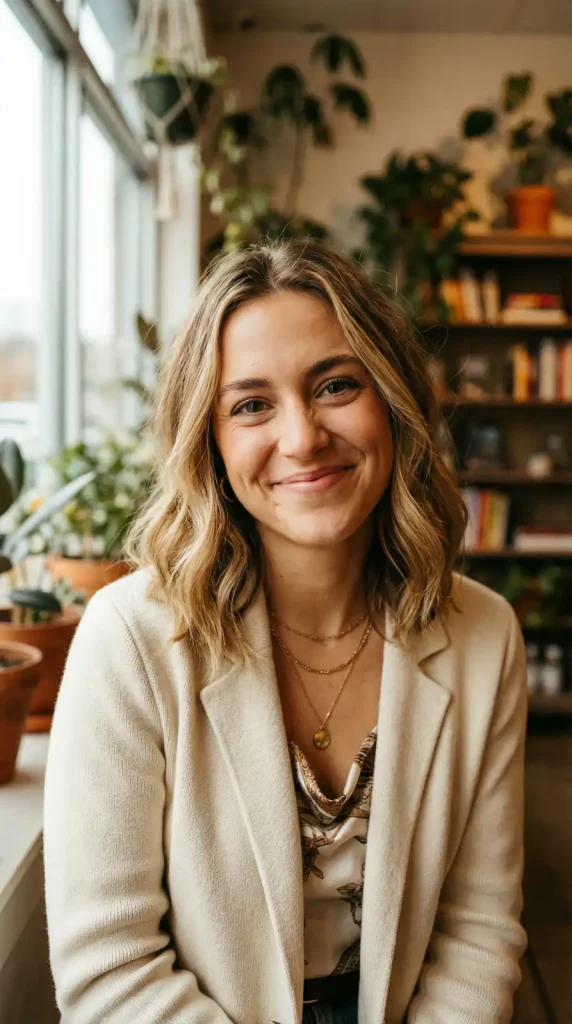
- Name + age vibe + location vibe
- Signature features (hair, brows, freckles, tattoos, style)
- Personality: playful, cold, romantic, bratty, confident
- Content pillars (pick 3):
- AI fashion influencer generator content
- Fitness / wellness
- Luxury lifestyle
- Gamer girl / e-girl aesthetic
- Soft NSFW teasing (don’t go reckless)
👉 Your Weekly Virtual Influencer Content Creation Workflow
Keep it basic and repeatable.
Batch plan
OpenArt includes AI editing tools (like inpainting and object removal) and can convert an image to video, which helps you turn static posts into reels/shorts style content.
💸 Ways to Make Money (Without Sounding Desperate)
You don’t need a fantasy. You need a funnel.
Keep your boundaries clear. “Spicy” sells. Messy drama does not.

🔥 Get 15% Discount Instantly on OpenArt!
EXCLUSIVE
Turn ideas into stunning visuals using OpenArt’s AI tools. Redeem code ALL15 now for an instant 15% saving on any subscription or credit pack.
15% Off
ALL15
🎯 Troubleshooting: Common OpenArt Character Training Issues
Try this:
That can happen with small datasets; the training book notes that with few images, outputs can bias strongly toward training images.
Fix it by adding more variety (poses, backgrounds, lighting) while keeping the same identity.
The training book advises that if backgrounds contain other characters, keep that to one or two images only.
❓ OpenArt Character Training: Questions You’re Actually Googling
How many images do I need to train a character model on OpenArt?
OpenArt accepts 4 to 100 images, but 15–40 clean, varied images give the best balance between consistency and training speed.
Can I create a consistent AI influencer from just one photo?
Yes—OpenArt Characters lets you generate consistent character images from one reference image or even a written description without training.
What’s the difference between OpenArt Characters and custom LoRA training?
Characters = instant consistency from one image (no training). Custom LoRA = you train a model on your own dataset for stronger control and identity lock.
How long does OpenArt model training take?
OpenArt’s Model Training Book mentions 5–15 minutes for training, depending on dataset size and model type.
Is OpenArt character training free?
OpenArt offers a free plan with 20 credits for basic models, plus a one-time bonus of 20 credits for new users to test premium features including model training.
Can I keep my trained AI model private on OpenArt?
Yes—OpenArt lets you share your trained model with the community or keep it private for personal/commercial use only.
🎯 Final Push: Stop Chasing Prompts, Start Building Systems
If you want a consistent AI influencer, stop chasing “perfect prompts” and start building a system: reference image → consistent character OR dataset → LoRA training → stress tests → batch content → post like you mean it.
OpenArt gives you both routes in one place, so your influencer stays recognisable, post after post.

AITwin Ninja
Affiliate Disclosure: This post may contain some affiliate links, which means we may receive a commission if you purchase something that we recommend at no additional cost for you (none whatsoever!)
Similar Posts
Author
Ralph
Ralph is a digital architect at AI Twin, exploring the intersection of AI and identity. He deconstructs how neural networks are reshaping our digital selves, one algorithm at a time. His writing simplifies complex tech into actionable insights for the future-focused individual.