Master Kling AI Product Swapping: Secret to AI Influencer Cash!
Ever wondered how top AI influencers land those juicy brand deals without reshooting a single clip? The answer is sitting right in front of you — Kling AI’s Multi-Elements feature lets you swap any product in your videos, opening up a goldmine of sponsorship opportunities. For creators building AI influencer empires, Kling AI Product Swapping…

By :
sandra
January 13, 2026
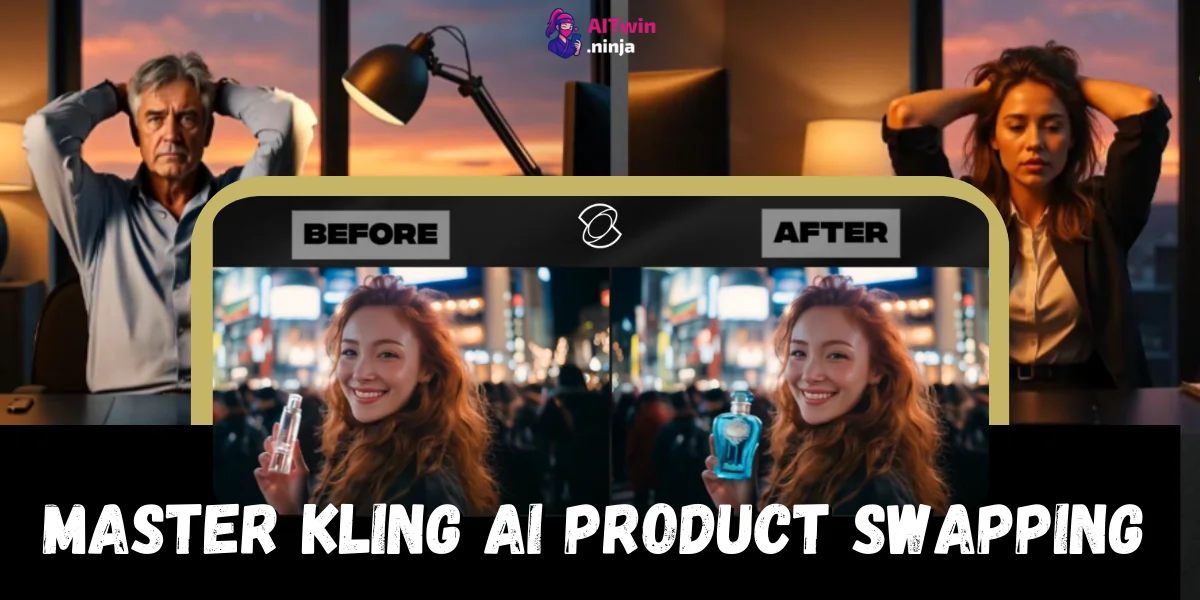
Ever wondered how top AI influencers land those juicy brand deals without reshooting a single clip?
The answer is sitting right in front of you — Kling AI’s Multi-Elements feature lets you swap any product in your videos, opening up a goldmine of sponsorship opportunities.
For creators building AI influencer empires, Kling AI Product Swapping is insanely powerful for scaling content and monetization, and this guide shows exactly how to turn that skill into real revenue.
🎭 Why Product Swapping is a Money-Making Game Changer
The AI influencer space has exploded, with top virtual creators pulling in $10,000 to $23,000+ monthly. But here’s the thing most people miss — a massive chunk of that income comes from brand collaborations and product placements.
Traditionally, scoring a brand deal meant:
Kling AI’s Multi-Elements feature flips this script entirely. You can now take your existing viral content and swap products directly within the video — meaning one piece of content becomes infinitely repurposable for multiple brand deals.
According to Forrester Research, shoppable video is becoming a cornerstone of e-commerce strategy, with AI being the key enabling technology. Smart creators are positioning themselves now to capitalise on this shift.
🎯 Getting Started with Kling AI: Account Setup 🎯
Let’s walk through the simple setup process so you can start swapping products in your videos today.
👉 Step 1: Create Your Kling AI Account
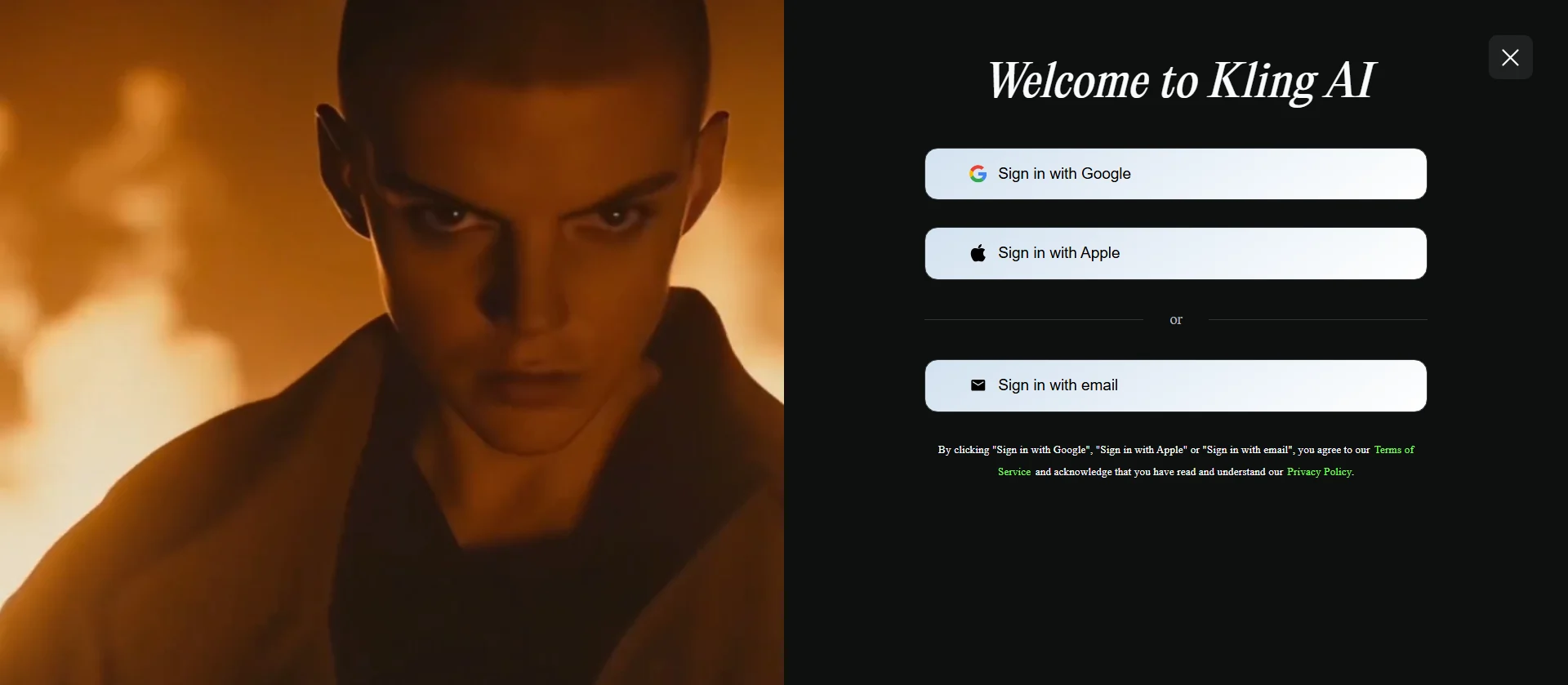
Head to klingai.com and register for a free account. New users receive approximately 66 credits upon signup — enough to test multiple video edits before committing to a paid plan.
The interface is surprisingly clean once you’re in. On the left sidebar, you’ll find options to explore other creators’ work, view your generated content, and access all AI generation tools.
👉 Step 2: Navigate to Multi-Elements
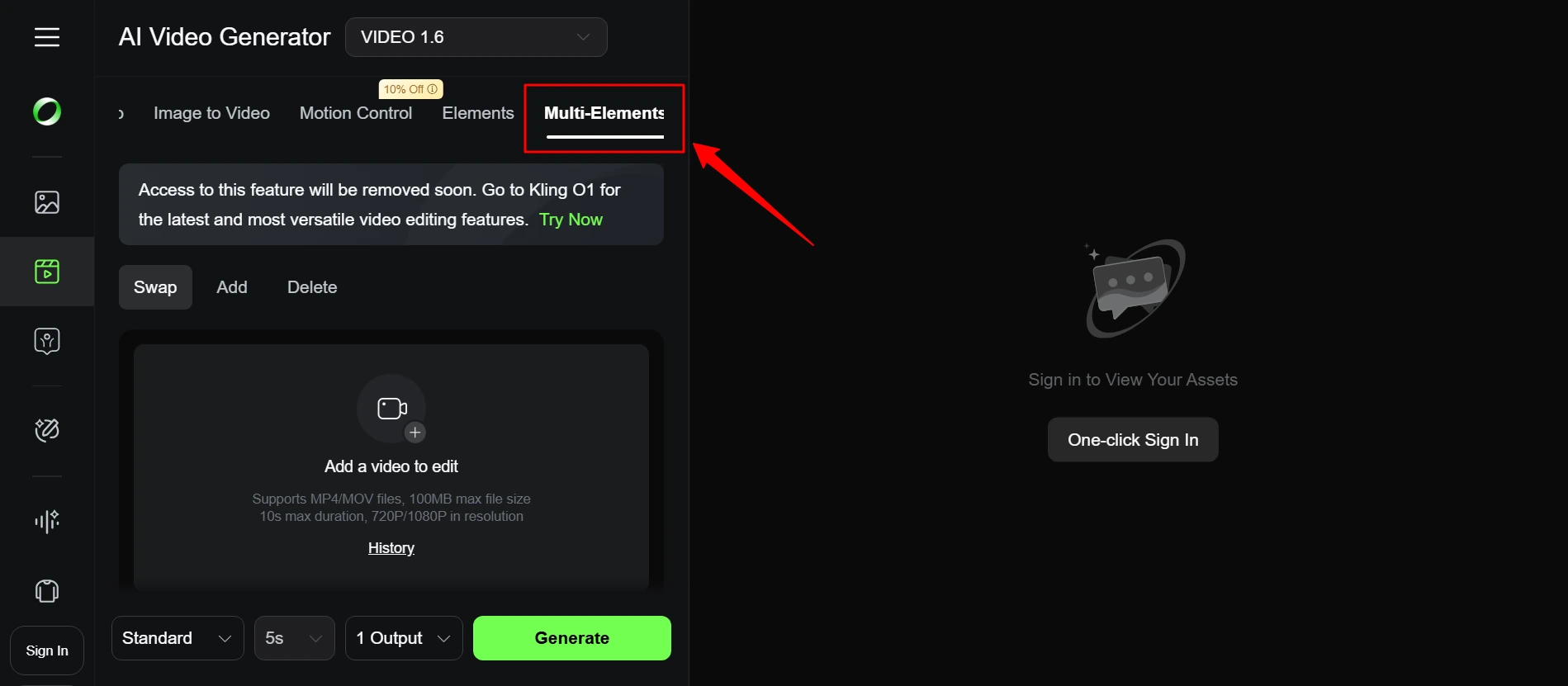
Click on Video in the main navigation menu, then select Multi-Elements from the dropdown options. This is where all the product-swapping magic happens.
The Multi-Elements tool supports three core functions:
For monetisation purposes, Swap is your bread and butter.
🔁 Kling AI Product Swapping: The Complete Workflow
Follow this workflow to replace any product in your videos with sponsored items that generate real revenue for your AI influencer business.
🎥 Preparing Your Source Video
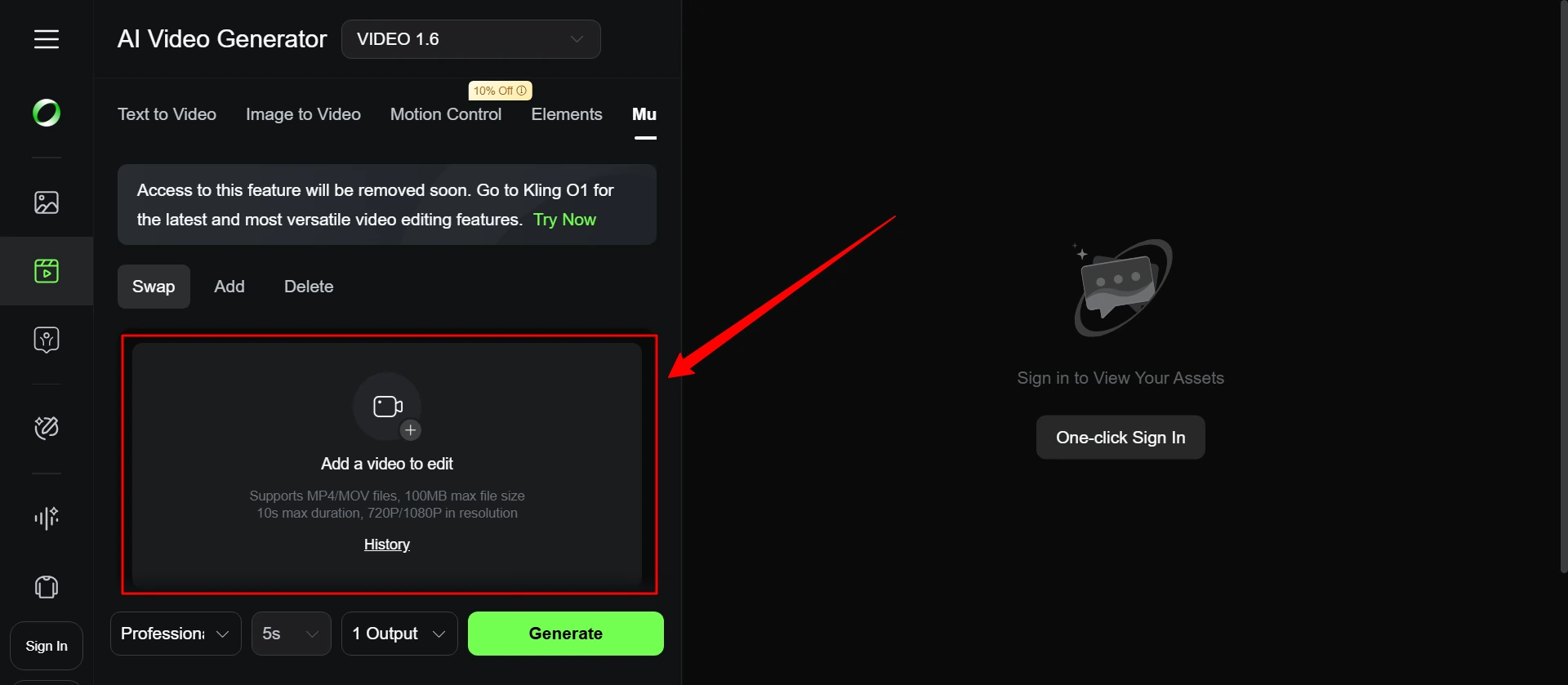
Before uploading anything, optimise your footage:
⚙ Technical Requirements:
💡 Content Optimisation Tips:
🚥 Pro strategy: Film your AI influencer content with product swapping in mind from the start. Use generic or easily replaceable items in prominent positions — this gives you maximum flexibility for future brand partnerships.
🔃 Uploading and Processing
Drag your video into the upload area. Kling AI will analyse the footage, identifying all elements and their movement patterns throughout the clip.
Once processing completes, you’ll see your video ready for element selection. The AI has already done the heavy lifting — it understands what’s moving, what’s static, and how objects relate to each other in the scene.
🎯 Selecting Your Target Product
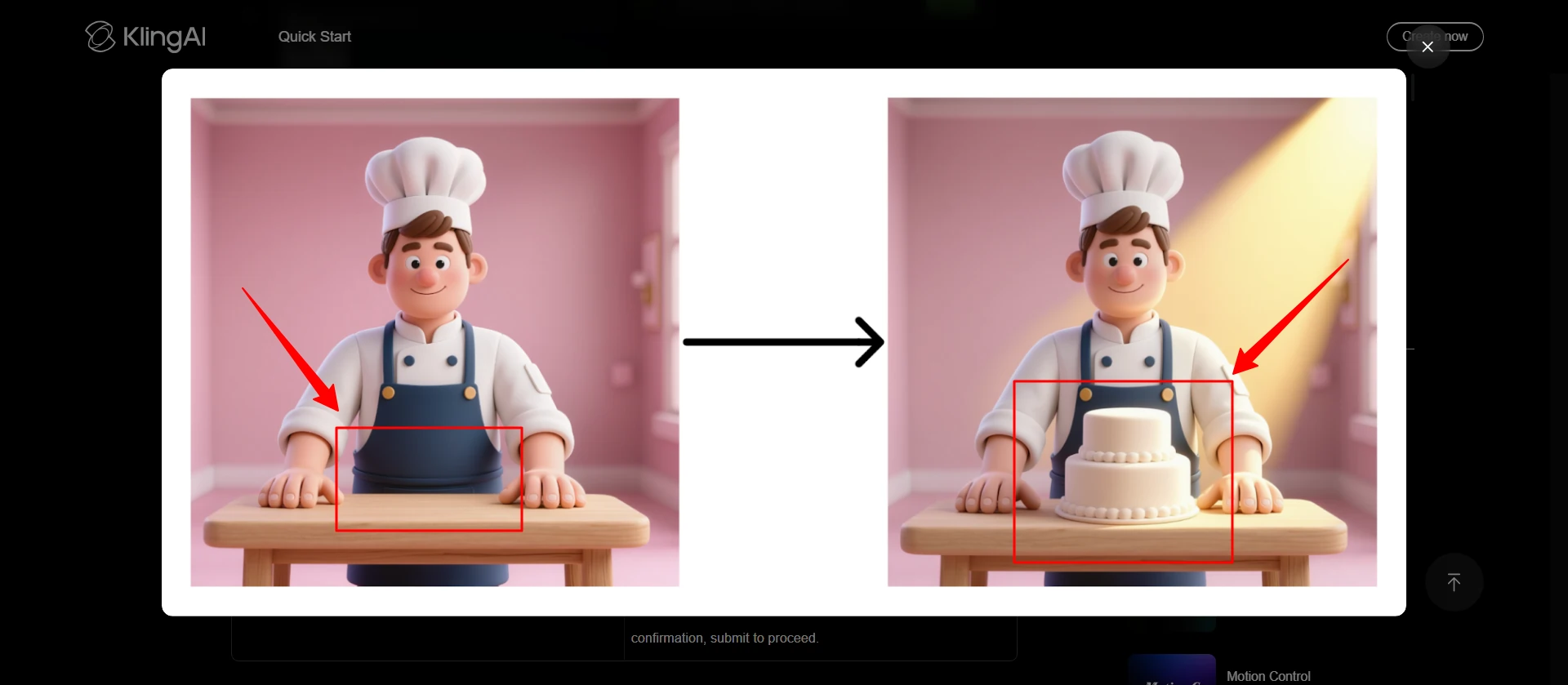
Click directly on the product you want to replace. The AI will highlight the selected area with a visual overlay.
Here’s where precision matters:
Poor selection = dodgy results. Take an extra minute here to get it right.
✅ Uploading Your Replacement Product
Now upload the image of the new product — the one you’re getting paid to feature. Image quality matters massively here:
Image Requirements:
Click Select Subject and crop your image to include only the product. This helps the AI understand exactly what needs to be inserted.
🔥 10% OFF Kling AI Subscription Plans
Super Sale
Get 10% off Kling AI’s budget-friendly plans and start creating studio-level videos at an unbeatable price.
10% OFF
💸 Crafting Money-Making Prompts
Your prompt is everything. It tells the AI how to execute the swap and maintain visual consistency.
⭐ The Golden Prompt Structure
Kling AI responds best to prompts built with four key components:
- Subject: Specific visual details of what you’re swapping
- Action: How the object should behave in the scene
- Context: Environmental elements (limit to 3-5 max)
- Style: Lighting, mood, and visual treatment

💃 Prompt Templates for AI Influencer Content
💄 For Skincare/Beauty Products:
Swap the serum bottle from [@Image] with the skincare bottle from [@Video], product catching soft ring light, matching skin tone reflections👨💻 For Tech/Gadget Reviews:
Swap the smartphone from [@Image] with the device from [@Video], screen reflecting ambient light, natural hand positioning maintained💃 For Fashion Accessories:
Swap the handbag from [@Image] with the bag from [@Video], leather texture visible, swaying naturally with arm movement🍝 For Food/Beverage Sponsorships:
Swap the energy drink can from [@Image] with the drink from [@Video], condensation on surface, matching table lighting👥 For Lifestyle/Home Products:
Swap the candle from [@Image] with the candle from [@Video], flickering flame effect, warm ambient glow📌 Advanced Prompting Techniques 📌
👉 Generating and Refining Results
Hit Generate and wait approximately 2-3 minutes for processing. The AI will work through each frame, tracking your original object and replacing it with your new product while maintaining consistent motion, lighting, and perspective.
Preview your result carefully. Look for:
Not perfect? Tweak your prompt and regenerate. Most creators hit their sweet spot within 2-3 attempts.
✅ Monetisation Strategies Using Product Swapping ✅
Strategy 1: Portfolio Building for Brand Pitches
Create a “mock portfolio” by swapping popular brand products into your best-performing content. This demonstrates to potential sponsors exactly how their product would look in your videos — without them paying a penny upfront.
👉 When pitching, you can show: “Here’s what a partnership with your brand would look like” with actual video proof.
Strategy 2: Multi-Brand Content Packages
Film one excellent piece of content, then offer it to multiple non-competing brands with their products swapped in. A single 30-second lifestyle clip could generate income from:
Same video, different products, multiple revenue streams.
Strategy 3: Regional Localisation
International brands often need localised content. Using product swapping, you can:
This positions you for global brand deals that smaller creators can’t service.
Strategy 4: A/B Testing for Clients
Offer brands multiple versions of sponsored content with slight product placement variations. They can test which performs best — and you charge a premium for the additional versions (which cost you minimal extra effort).
⚡ Top Alternatives to Kling AI for Product Replacement
Kling AI isn’t your only option. Here are competitive tools worth testing:
1. TopView AI
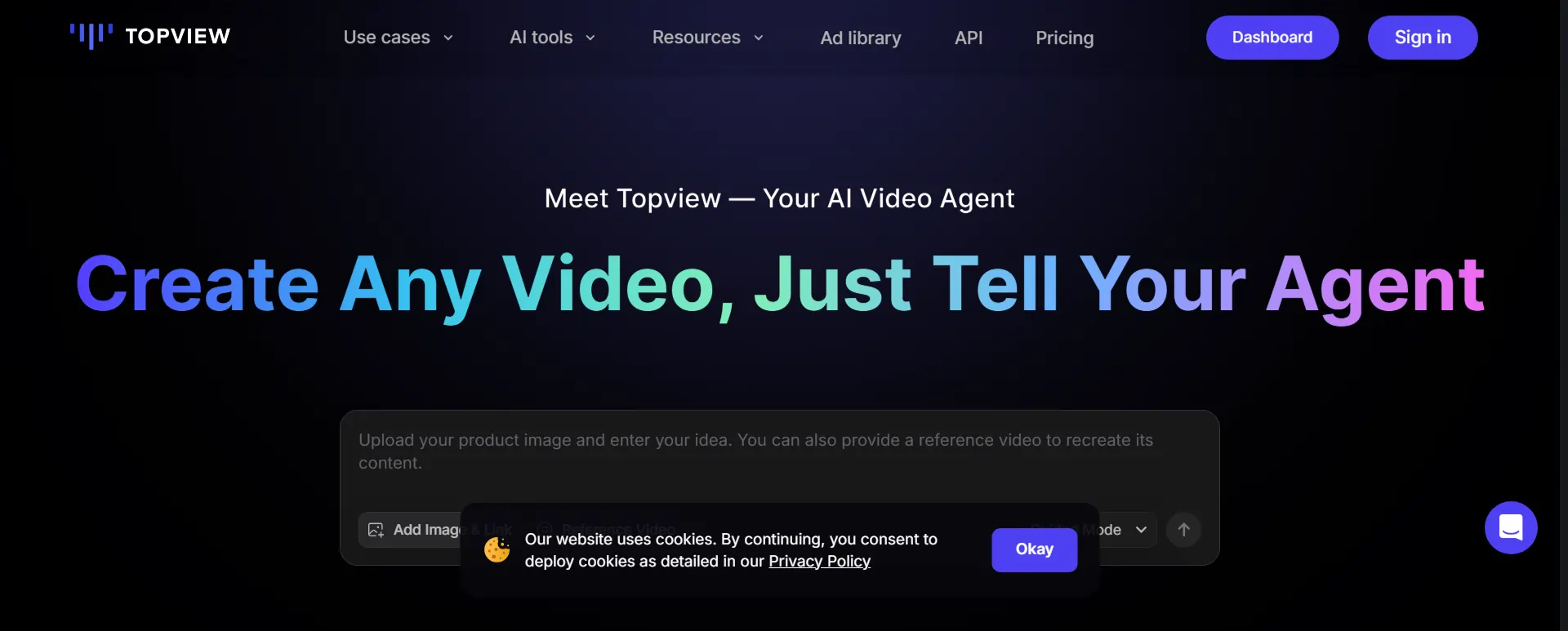
TopView AI positions itself as an “AI Marketing Video Agent” — built specifically for e-commerce and marketing content.
Standout Features:
🚥 Why Consider It 🚥
TopView supports 42 languages vs Kling’s more limited options, includes viral hooks and script generators powered by GPT-4, and offers direct TikTok/YouTube ads library integration for trend research.
👉 Best for: Creators focused heavily on e-commerce partnerships and paid advertising content.
2. HeyGen
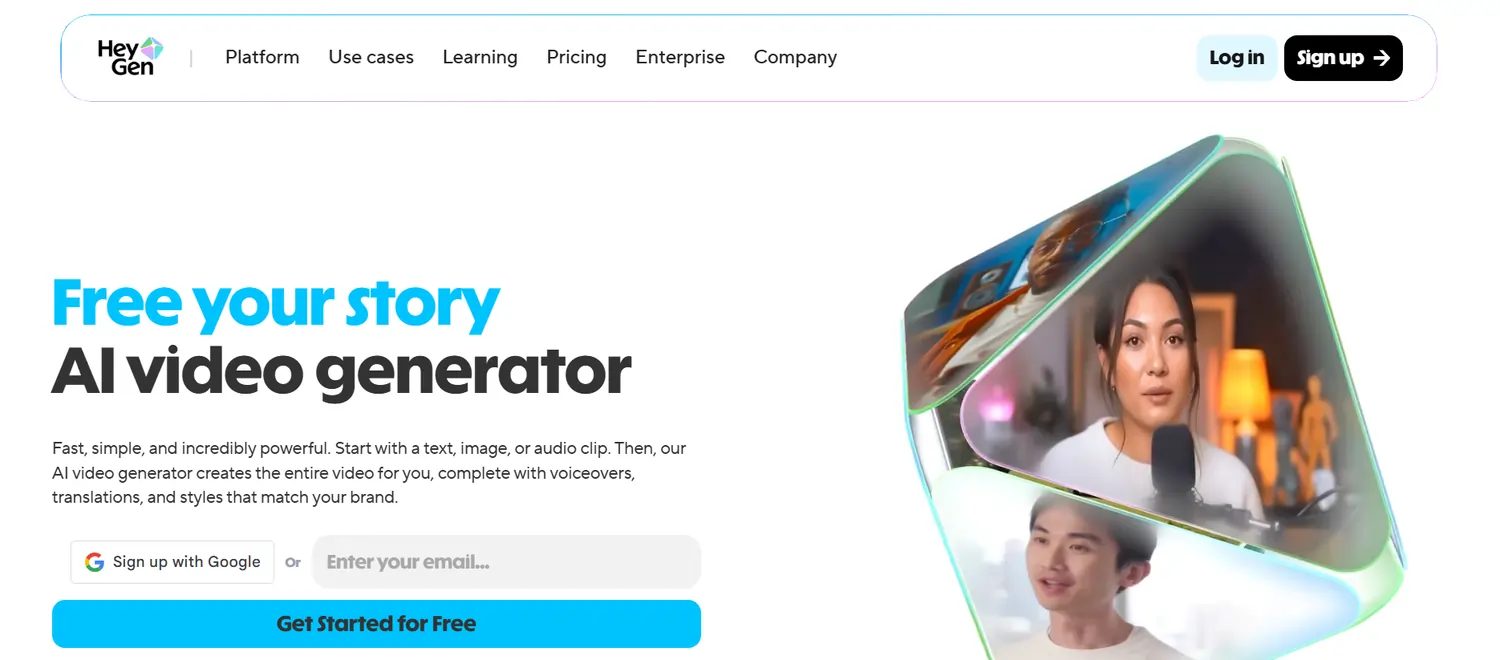
HeyGen specialises in face swapping and AI avatar creation — complementary to Kling’s product focus.
Key Capabilities:
🚥 Why Consider It 🚥
If you’re building AI influencers from scratch, HeyGen handles the human element while Kling handles product placement. Used together, they create a powerful content production pipeline.
👉 Best for: Creators needing consistent AI avatar content with professional speech integration.
3. Imagine.art Video Object Replace
Imagine.art offers the most straightforward approach to video object replacement.
Core Features:
💁♂️ How It Works:
Upload video → Write descriptive prompt → Select aspect ratio → Generate.
🚥 Why Consider It 🚥
If Kling’s manual selection process feels clunky, Imagine.art’s text-only approach might suit your workflow better. It’s also brilliant for batch processing when you’re handling multiple brand partnerships simultaneously.
👉 Best for: Creators prioritising speed and simplicity over granular control.
⚔ Quick Comparison: Which Tool Fits Your Workflow?
| Capability | Kling AI | TopView AI | HeyGen | Imagine.art |
|---|---|---|---|---|
| Product Swap | ✅ | ✅ | ❌ | ✅ |
| Face Swap | ✅ | ✅ | ✅ | ✅ |
| Object Deletion | ✅ | ❌ | ❌ | ✅ |
| AI Avatars | ❌ | ✅ | ✅ | ❌ |
| URL to Video | ❌ | ✅ | ❌ | ❌ |
| Free Tier | ✅ (66 credits) | ✅ | ✅ | ✅ |
| Best For | Granular edits | Marketing | Avatars | Speed |
❌ Common Mistakes That Kill Your Results ❌
💃 Building Your AI Influencer Empire with Product Swapping
The creators making serious money in 2026 aren’t just posting content — they’re building systems that maximise revenue per piece of content created.
Product swapping through Kling AI and its alternatives represents exactly this kind of system. One video becomes ten brand partnerships. One successful clip becomes localised content for global markets. One afternoon of filming becomes months of sponsored content potential.
Start with Kling AI’s free tier to learn the mechanics. Graduate to paid plans as your brand deal pipeline grows. And remember — the AI influencers pulling $10K+ monthly aren’t working harder than you. They’re working smarter, using tools like these to multiply their output without multiplying their effort.
Your AI influencer empire awaits. Time to start swapping.

AITwin Ninja
Affiliate Disclosure: This post may contain some affiliate links, which means we may receive a commission if you purchase something that we recommend at no additional cost for you (none whatsoever!)
Similar Posts
Author
sandra
Sandra is a tech ethicist and lead writer for AI Twin. She investigates the societal impact of AI replication technology, focusing on the ethical implications, privacy concerns, and future of human connection in an increasingly digital world.